




What’s better than using Japanese English Dictionary by Bravolol – Language Learning? Well, try it on a big screen, on your PC or Mac, with BlueStacks to see the difference.
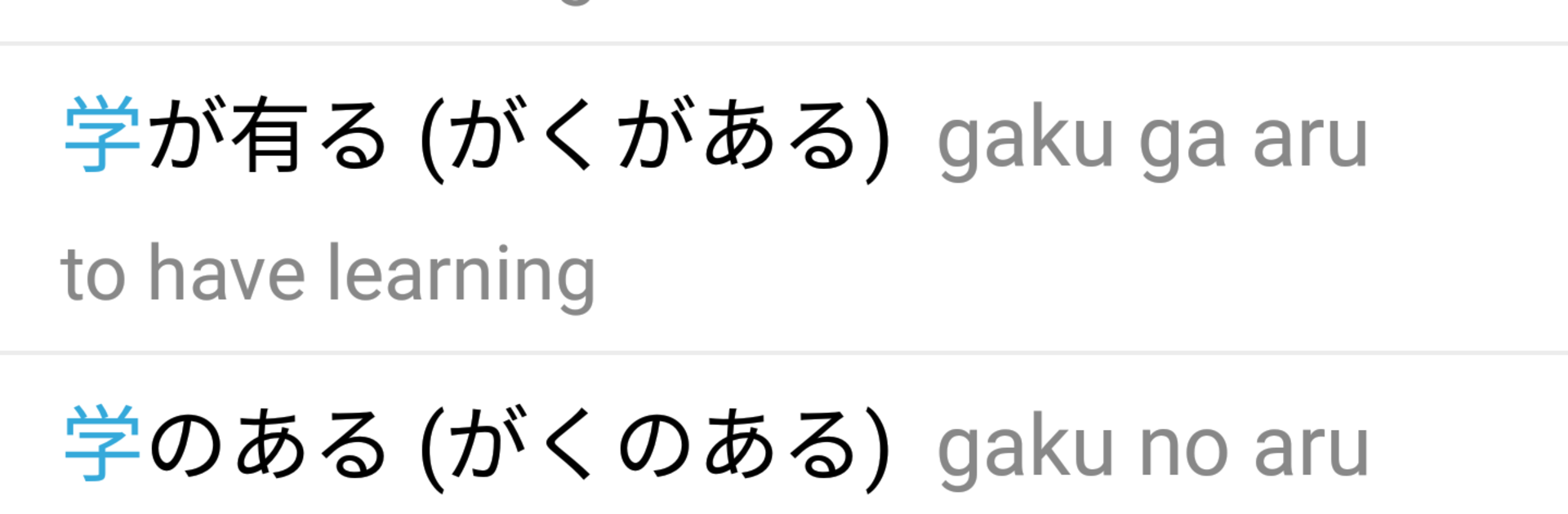
Japanese English Dictionary feels like a straight-to-the-point study buddy, not a flashy app that gets in the way. It opens fast, works without internet, and lets users look up words in either direction with clear definitions and example sentences that actually help. Typing Kanji, Kana, or just guessing with a wildcard is all fine, and the related suggestions save the day when spelling is a bit off. There is audio for Japanese plus British and American English, with phonetics, so practice does not feel like guessing. The sentence analyzer is handy when a whole line shows up and someone wants to see what each piece means, not only the whole thing.
It also has favorites, history, and simple flashcards for building a small stack of words to review. Font size can be changed, which sounds minor but makes longer reading a lot easier on the eyes. On BlueStacks, it suits a PC setup well, since typing with a keyboard is quicker and the bigger screen makes Kanji and furigana way clearer. Copying a sentence from a webpage, dropping it in, then playing the pronunciation takes seconds. Nothing feels buried behind weird menus, it is just search, read, listen, move on. For learners who want a dependable offline dictionary that doubles as a light study tool, this one keeps the focus on learning instead of tinkering.
Big screen. Bigger performance. Use BlueStacks on your PC or Mac to run your favorite apps.





