




Why limit yourself to your small screen on the phone? Run 깨비키즈, an app by 깨비키즈, best experienced on your PC or Mac with BlueStacks, the world’s #1 Android emulator.
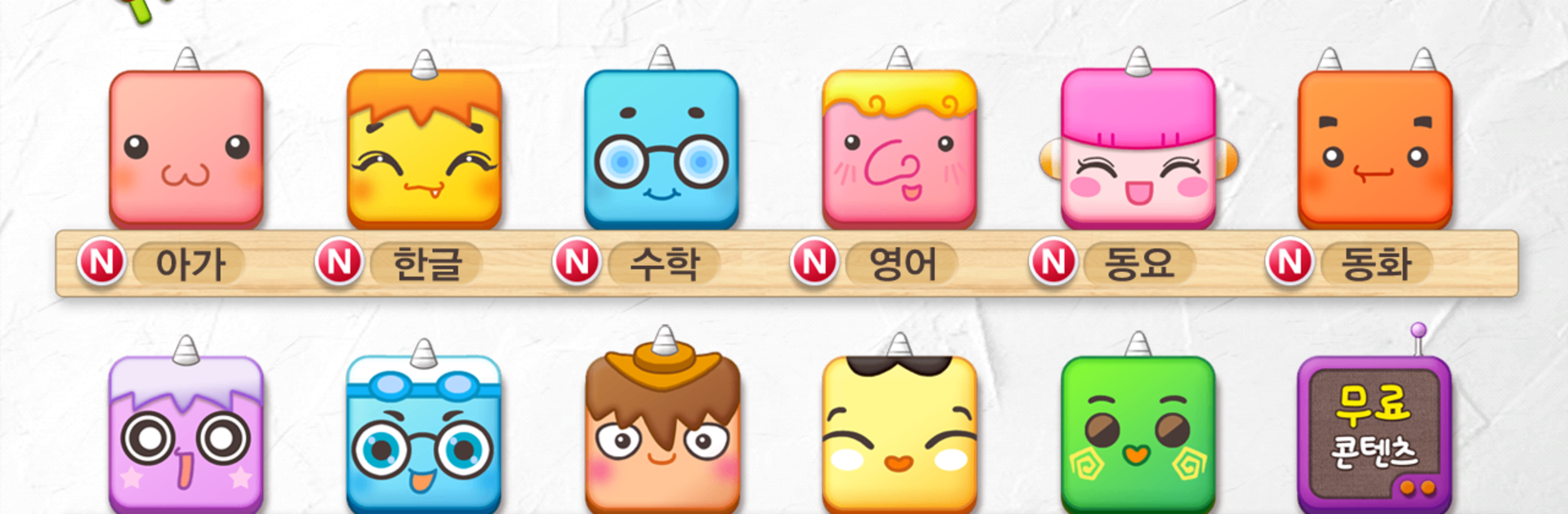
깨비키즈 feels like a big, colorful learning playground for little kids, not a stiff study app. It is split into a bunch of sections that make sense for different ages and interests: baby stuff for 0 to 40 months, Hangul with listening, speaking, reading, and writing, early math, English taught in a first-language style, science told through simple stories, creativity puzzles, warm fairy tales, a world section about culture and history, elementary school prep, and even Hanja. There is a lot to poke around in, well over hundreds of pieces, and new bits keep showing up, so it does not get stale.
Everything is short and easy to digest, with cheerful voices and bright animations. Navigation is simple enough for a child to handle, big tiles and clear thumbnails, no maze of menus. On a tablet it looks crisp, and on a PC with BlueStacks the bigger screen helps kids see the letters and numbers clearly. Fullscreen keeps distractions down, and a mouse click is fine for the tap-style games. The Shake corner adds surprise topics when attention starts to drift, which helps. It leans more gentle than flashy, which suits early learners. Older kids might move on once they outgrow basics, but for starting Hangul, first math steps, or a calm story time, it lands well. Videos can be downloaded so lessons keep running without internet, though that does use storage. Overall it feels steady, friendly, and made for everyday use rather than a one-off novelty.
Switch to BlueStacks and make the most of your apps on your PC or Mac.





