
Kids Cards in Greek
Kids Cards in Greek

Kids Cards in Greek

Education

| TORPILA

Play on PC with BlueStacks or from our cloud

  • Overview
  • How to Download

Page Modified On: December 09, 2025

Run Kids Cards in Greek on PC or Mac

Multitask effortlessly on your PC or Mac as you try out Kids Cards in Greek, a Education app by TORPILA on BlueStacks.

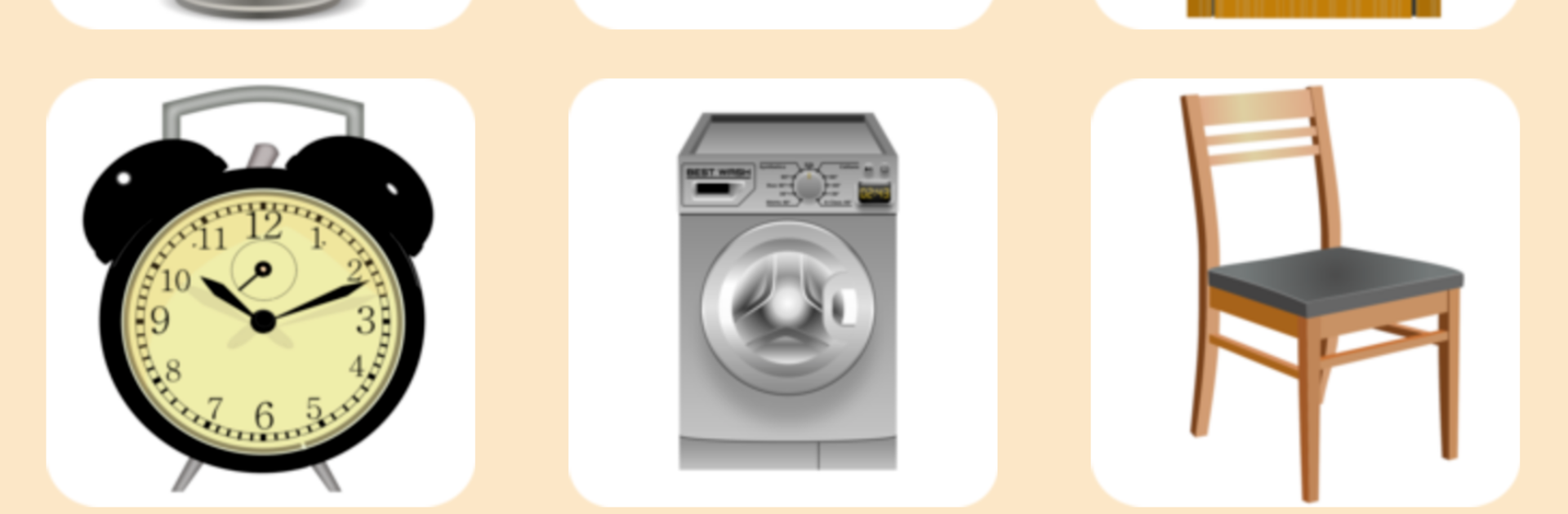
Kids Cards in Greek feels like a gentle, no-stress way for little ones to pick up their first Greek words. The whole thing is built around big, bright flashcards and a clear Greek voice that says the word, then a matching sound plays. So a dog card says the word in Greek and then barks, a bus says the word and makes that bus rumble. Categories are simple and familiar, like pets, means of transport, jungle animals, musical instruments, and home objects, so nothing confusing for toddlers, pre-school children, or kids who need a calmer pace. The layout is clean, with pictures doing most of the work, and the audio quality stands out as easy to understand.

There is a quiz mode for each category where four cards appear and only one is right. The child hears the Greek word and the sound, then taps the picture that matches to move on. It is straight to the point and keeps the focus on word recognition, not on flashy effects. No internet is required, which is great for travel or just keeping the focus on learning. On PC with BlueStacks, the cards look larger and clearer, and clicking through with a mouse feels natural. Someone who wants a simple Greek vocabulary tool for early learners, with visual and sound association, would find this very easy to use and repeat again and again.

BlueStacks brings your apps to life on a bigger screen—seamless and straightforward.

How to Download and Run Kids Cards in Greek on PC or Mac

  • Download and install BlueStacks on your PC or Mac

  • Complete Google sign-in to access the Play Store, or do it later

  • Look for Kids Cards in Greek in the search bar at the top right corner

  • Click to install Kids Cards in Greek from the search results

  • Complete Google sign-in (if you skipped step 2) to install Kids Cards in Greek

  • Click the Kids Cards in Greek icon on the home screen to start playing

video
Watch Video

Minimum System Requirements

With BlueStacks 5, you can get started on a PC that fulfills the following requirements.

  • Operating System

    Microsoft Windows 7 or above, macOS 11 (Big Sur) or above

  • Processor

    Intel, AMD or Apple Silicon Processor

  • RAM

    at least 4GB

  • HDD

    10GB Free Disk Space

Note:

* You must be an Administrator on your PC. Up to date graphics drivers from Microsoft or the chipset vendor.

Kids Cards in Greek - FAQs

  • How to Run Kids Cards in Greek on Windows PC & Mac?

    Run Kids Cards in Greek on your PC or Mac by following these simple steps.

    • Click on ‘Download Kids Cards in Greek on PC’ to download BlueStacks
    • Install it and log-in to Google Play Store
    • Launch and run the app.
  • Why is BlueStacks the fastest and safest platform to play games on PC?

    BlueStacks respects your privacy and is always safe and secure to use. It does not carry any malware, spyware, or any sort of additional software that could harm your PC.

    It is engineered to optimize speed and performance for a seamless gaming experience.

  • What are Kids Cards in Greek PC requirements?

    Minimum requirement to run Kids Cards in Greek on your PC

    • OS: Microsoft Windows 7 and above:
    • Processor: Intel or AMD Processor:
    • RAM: Your PC must have at least 2GB of RAM. (Note that having 2GB or more disk space is not a substitute for RAM):
    • HDD: 5GB Free Disk Space.
    • You must be an Administrator on your PC.




