


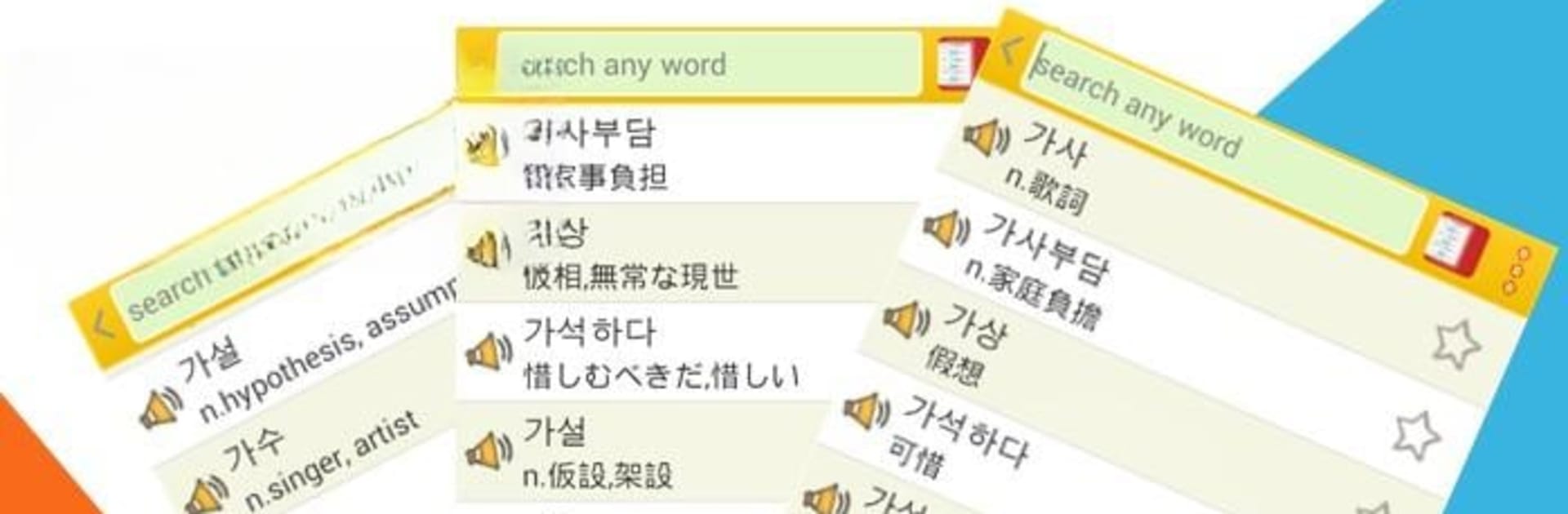


What’s better than using Korean Vocab by GreenHill? Well, try it on a big screen, on your PC or Mac, with BlueStacks to see the difference.
About the App
Curious about learning Korean or aiming to ace the TOPIK exam? Korean Vocab from GreenHill might just be your new favorite companion. With thousands of handpicked words right at your fingertips, you’ll find yourself picking up new vocabulary whether you’ve just started or have been studying for a while. Whether you’re squeezing in a quick review or doing a longer study session, this app gives you the flexibility to learn your way.
App Features
-
Extensive Word Library
Browse through a huge selection of over 8,000 Korean words used on the TOPIK exam. Great for beginners and advanced learners alike. -
Smart Favorites System
Tag your most important words with a five-star rating. You can create your own categories for easier review—handy when you’re focusing on tricky words. -
Practice Speaking
Try out Korean pronunciation with built-in voice options. Choose between network-based and text-to-speech voices for a smoother learning curve. -
Personalized Lists
Add words you come across in daily life, edit existing ones, and organize everything the way that works best for your study style. -
Flexible Display Options
Switch between Korean and English displays. Practice recalling words from memory or check the definitions as needed. -
Custom Exam Modes
Prep for the big day with exam-style quizzes. Tweak the timer, question count, or quiz type to match your study plan. -
Motivation Boosts
Earn bonus points for showing up every day or finishing study projects. It’s a simple way to keep yourself moving forward. -
Background and Font Customization
Make your study sessions more enjoyable—switch the background picture, change fonts, or adjust sounds to fit your vibe. -
Quick Dictionary Access
Each word links out to an online dictionary for fast lookups if you want to dig a little deeper. -
Study Progress Memory
Pick up right where you left off. The app saves your spot, so you don’t waste time backtracking.
You can also run Korean Vocab from GreenHill on BlueStacks if you want to practice on a bigger screen or just want a change of pace from your phone.
BlueStacks brings your apps to life on a bigger screen—seamless and straightforward.





