
Language Live
Language Live

Language Live

Education

| Content AI, LLC

Play on PC with BlueStacks or from our cloud

  • Overview
  • How to Download

Page Modified On: January 09, 2026

Run Language Live on PC or Mac

Upgrade your experience. Try Language Live, the fantastic Education app from Content AI, LLC, from the comfort of your laptop, PC, or Mac, only on BlueStacks.

About the App

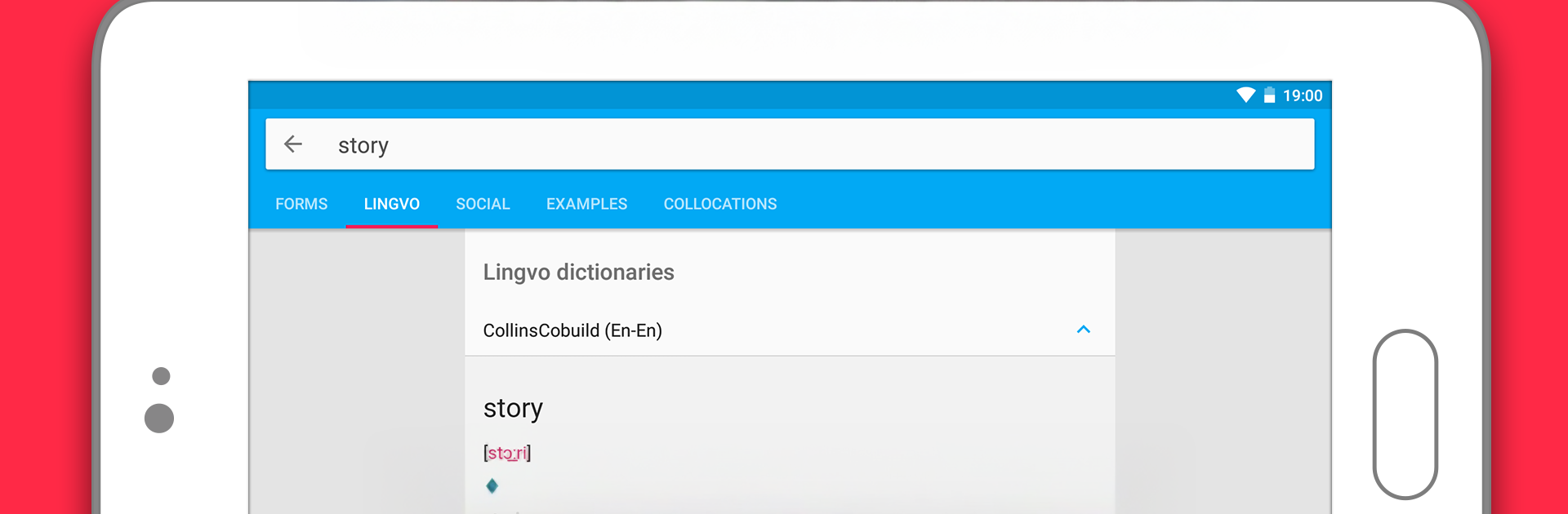
Language Live by Content AI, LLC is an Education app built for people who work with words every day—learners, translators, travelers, and the simply curious. It blends trusted dictionaries with fast text translation and a lively community, so you can get the meaning you need and see how it’s actually used. Prefer a bigger screen for long reads? You can also run Language Live on your computer with BlueStacks.

App Features

  • Big dictionary library: Browse 90+ dictionaries across 12 languages, including well-known Collins titles for reliable, up-to-date definitions.
  • Full-text translation: Drop in a sentence or a whole paragraph and get quick translations to understand context, not just single words.
  • Collins access included: Use English–English, English–Portuguese, and English–Spanish Collins dictionaries online at no cost.
  • Social Dictionary: Create your own entries with examples and notes, so you can save hard-to-remember phrases and share what you’ve learned.
  • Community help: Ask questions, get feedback from translators and learners, and compare interpretations when a word has several shades of meaning.
  • Discuss and refine: Comment on translations, talk through tricky usages, and learn from real conversations around language.
  • Everyday companion: Handy for reading books and websites in another language, sorting out phrases while traveling, or clarifying terms during meetings or negotiations.

BlueStacks brings your apps to life on a bigger screen—seamless and straightforward.

How to Download and Run Language Live on PC or Mac

  • Download and install BlueStacks on your PC or Mac

  • Complete Google sign-in to access the Play Store, or do it later

  • Look for Language Live in the search bar at the top right corner

  • Click to install Language Live from the search results

  • Complete Google sign-in (if you skipped step 2) to install Language Live

  • Click the Language Live icon on the home screen to start playing

video
Watch Video

Minimum System Requirements

With BlueStacks 5, you can get started on a PC that fulfills the following requirements.

  • Operating System

    Microsoft Windows 7 or above, macOS 11 (Big Sur) or above

  • Processor

    Intel, AMD or Apple Silicon Processor

  • RAM

    at least 4GB

  • HDD

    10GB Free Disk Space

Note:

* You must be an Administrator on your PC. Up to date graphics drivers from Microsoft or the chipset vendor.

Language Live - FAQs

  • How to Run Language Live on Windows PC & Mac?

    Run Language Live on your PC or Mac by following these simple steps.

    • Click on ‘Download Language Live on PC’ to download BlueStacks
    • Install it and log-in to Google Play Store
    • Launch and run the app.
  • Why is BlueStacks the fastest and safest platform to play games on PC?

    BlueStacks respects your privacy and is always safe and secure to use. It does not carry any malware, spyware, or any sort of additional software that could harm your PC.

    It is engineered to optimize speed and performance for a seamless gaming experience.

  • What are Language Live PC requirements?

    Minimum requirement to run Language Live on your PC

    • OS: Microsoft Windows 7 and above:
    • Processor: Intel or AMD Processor:
    • RAM: Your PC must have at least 2GB of RAM. (Note that having 2GB or more disk space is not a substitute for RAM):
    • HDD: 5GB Free Disk Space.
    • You must be an Administrator on your PC.




