
Deutsch perfekt lernen

Deutsch perfekt lernen

Education

| ZEIT SPRACHEN GmbH

Play on PC with BlueStacks or from our cloud

  • Overview
  • How to Download

Page Modified On: September 19, 2025

Run Deutsch perfekt lernen on PC or Mac

Let BlueStacks turn your PC, Mac, or laptop into the perfect home for Deutsch perfekt lernen, a fun Education app from ZEIT SPRACHEN GmbH.

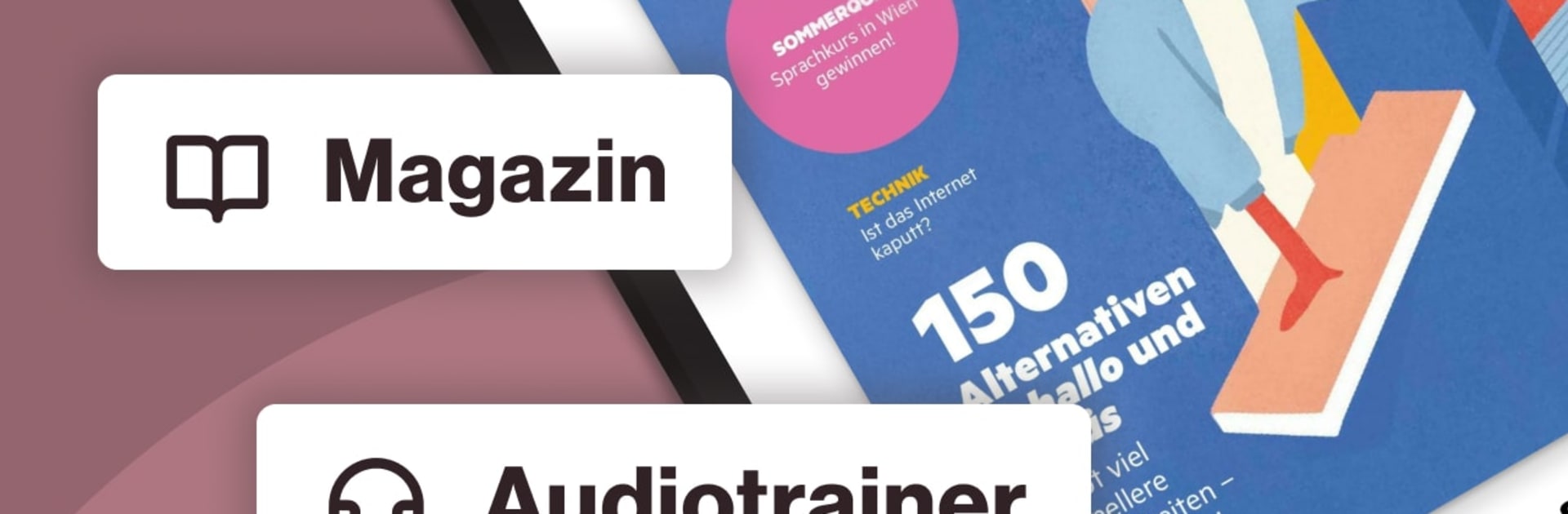
Deutsch perfekt lernen feels like a German course wrapped in a monthly magazine, with audio built into almost everything. It serves up real topics from Germany, Austria, and Switzerland, not just classroom dialogs, and the language is graded by level so learners are not lost. Each issue lands with a lot to do: roughly 70 pages of articles, grammar notes, and tasks, split across A2, B1, and B2-C2. Tapping a text plays the matching audio, so reading and listening actually line up. There is a built-in dictionary, so unknown words can be checked without leaving the page, and the font size can be bumped up if eyes get tired.

There is also a monthly audio trainer, about 60 minutes, focused on listening and vocabulary, plus a separate exercise booklet of around 24 pages for more intense practice. Pronunciation gets attention too, since the audio is clear and paced for learning. On PC with BlueStacks it feels even more like a real eMagazine: bigger pages, easier scrolling, and quick switching between text and audio with mouse clicks. Learners can park the window next to other work, listen while doing chores, then jump back to the text and check answers. Existing subscribers can just sign in and everything is there. It is steady, structured, and honestly quite practical if someone wants regular, guided practice without hunting for materials every week.

Ready to experience Deutsch perfekt lernen on a bigger screen, in all its glory? Download BlueStacks now.


How to Download and Run Deutsch perfekt lernen on PC or Mac

  • Download and install BlueStacks on your PC or Mac

  • Complete Google sign-in to access the Play Store, or do it later

  • Look for Deutsch perfekt lernen in the search bar at the top right corner

  • Click to install Deutsch perfekt lernen from the search results

  • Complete Google sign-in (if you skipped step 2) to install Deutsch perfekt lernen

  • Click the Deutsch perfekt lernen icon on the home screen to start playing

video
Watch Video

Minimum System Requirements

With BlueStacks 5, you can get started on a PC that fulfills the following requirements.

  • Operating System

    Microsoft Windows 7 or above, macOS 11 (Big Sur) or above

  • Processor

    Intel, AMD or Apple Silicon Processor

  • RAM

    at least 4GB

  • HDD

    10GB Free Disk Space

Note:

* You must be an Administrator on your PC. Up to date graphics drivers from Microsoft or the chipset vendor.

Deutsch perfekt lernen - FAQs

  • How to Run Deutsch perfekt lernen on Windows PC & Mac?

    Run Deutsch perfekt lernen on your PC or Mac by following these simple steps.

    • Click on ‘Download Deutsch perfekt lernen on PC’ to download BlueStacks
    • Install it and log-in to Google Play Store
    • Launch and run the app.
  • Why is BlueStacks the fastest and safest platform to play games on PC?

    BlueStacks respects your privacy and is always safe and secure to use. It does not carry any malware, spyware, or any sort of additional software that could harm your PC.

    It is engineered to optimize speed and performance for a seamless gaming experience.

  • What are Deutsch perfekt lernen PC requirements?

    Minimum requirement to run Deutsch perfekt lernen on your PC

    • OS: Microsoft Windows 7 and above:
    • Processor: Intel or AMD Processor:
    • RAM: Your PC must have at least 2GB of RAM. (Note that having 2GB or more disk space is not a substitute for RAM):
    • HDD: 5GB Free Disk Space.
    • You must be an Administrator on your PC.



