
Learn Korean Phrasebook

Learn Korean Phrasebook

Education

| APEXFLOW TECH SOLUTIONS LTD

Play on PC with BlueStacks or from our cloud

  • Overview
  • How to Download

Page Modified On: October 04, 2025

Run Learn Korean Phrasebook on PC or Mac

Why limit yourself to your small screen on the phone? Run Learn Korean Phrasebook, an app by APPOXIS, best experienced on your PC or Mac with BlueStacks, the world’s #1 Android emulator.

Learn Korean Phrasebook feels like a super direct, no-fuss travel buddy. It is a clean list of useful Korean words and sentences, neatly sorted into categories, with clear audio from native speakers. Tap a category, hit play, and it runs through everything so someone can listen and repeat without fiddling around. On PC with BlueStacks, it is easy to click through and let the audio play through decent speakers, which makes practicing pronunciation a bit less awkward. The tone is friendly, not textbook heavy, and the app highlights key words with little tips, so someone can catch the important parts fast.

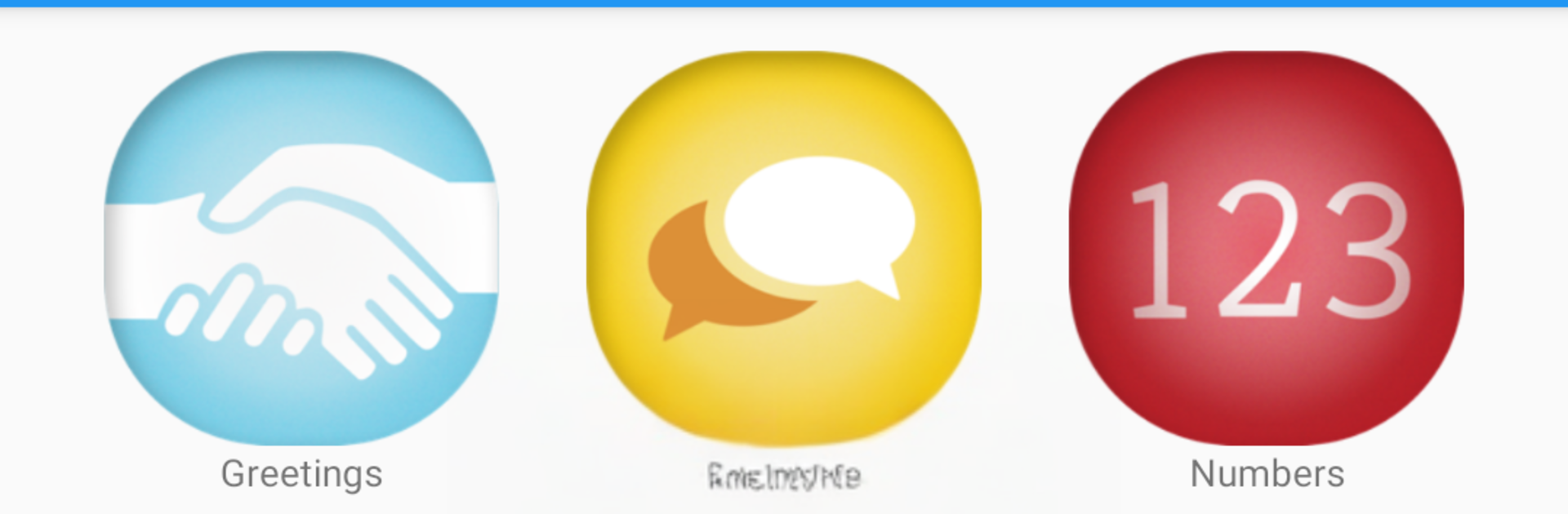
The free set covers the essentials like greetings, small talk, numbers, directions, transport, and ordering food. If they want more, the pro upgrade unlocks a bigger spread, things like time and date, shopping, places to stay, health and emergency, even tongue twisters for fun practice. Everything works offline after the first setup, though the app suggests using Wi‑Fi once to grab the audio. There is search for quick lookups, favorites for building a mini list, adjustable font size for comfy reading, and no adverts popping up. It is not a full course, more like a pocket phrasebook that talks, great for tourists or business travelers who need useful lines that sound natural. Pronunciations are slow enough to copy, and the whole thing is straightforward to the point that someone could learn on a bus or right before ordering lunch.

BlueStacks gives you the much-needed freedom to experience your favorite apps on a bigger screen. Get it now.


How to Download and Run Learn Korean Phrasebook on PC or Mac

  • Download and install BlueStacks on your PC or Mac

  • Complete Google sign-in to access the Play Store, or do it later

  • Look for Learn Korean Phrasebook in the search bar at the top right corner

  • Click to install Learn Korean Phrasebook from the search results

  • Complete Google sign-in (if you skipped step 2) to install Learn Korean Phrasebook

  • Click the Learn Korean Phrasebook icon on the home screen to start playing

video
Watch Video

Minimum System Requirements

With BlueStacks 5, you can get started on a PC that fulfills the following requirements.

  • Operating System

    Microsoft Windows 7 or above, macOS 11 (Big Sur) or above

  • Processor

    Intel, AMD or Apple Silicon Processor

  • RAM

    at least 4GB

  • HDD

    10GB Free Disk Space

Note:

* You must be an Administrator on your PC. Up to date graphics drivers from Microsoft or the chipset vendor.

Learn Korean Phrasebook - FAQs

  • How to Run Learn Korean Phrasebook on Windows PC & Mac?

    Run Learn Korean Phrasebook on your PC or Mac by following these simple steps.

    • Click on ‘Download Learn Korean Phrasebook on PC’ to download BlueStacks
    • Install it and log-in to Google Play Store
    • Launch and run the app.
  • Why is BlueStacks the fastest and safest platform to play games on PC?

    BlueStacks respects your privacy and is always safe and secure to use. It does not carry any malware, spyware, or any sort of additional software that could harm your PC.

    It is engineered to optimize speed and performance for a seamless gaming experience.

  • What are Learn Korean Phrasebook PC requirements?

    Minimum requirement to run Learn Korean Phrasebook on your PC

    • OS: Microsoft Windows 7 and above:
    • Processor: Intel or AMD Processor:
    • RAM: Your PC must have at least 2GB of RAM. (Note that having 2GB or more disk space is not a substitute for RAM):
    • HDD: 5GB Free Disk Space.
    • You must be an Administrator on your PC.



