
Learn Urdu Kids
Learn Urdu Kids

Learn Urdu Kids

Education

| MBD Group

Play on PC with BlueStacks or from our cloud

  • Overview
  • How to Download

Page Modified On: September 05, 2025

Run Learn Urdu Kids on PC or Mac

What’s better than using Learn Urdu Kids by MBD Group? Well, try it on a big screen, on your PC or Mac, with BlueStacks to see the difference.

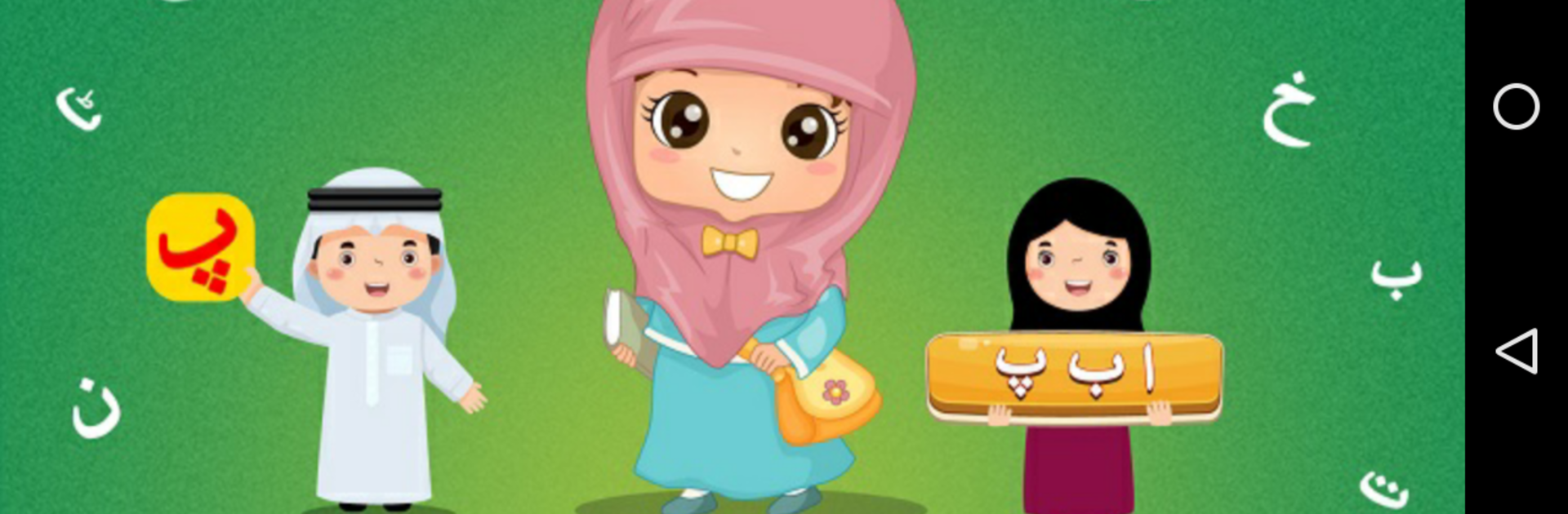
Learn Urdu Kids feels like a bright, simple starter kit for Urdu that actually guides a person through the basics without making it heavy. It begins with the Qaida, so letters and sounds come first, with big pictures and clear audio that say each character out loud. The tracing parts are handy, since a person can draw letters on screen and see if the shape looks right, which makes the writing piece less scary. Little quizzes and mini games pop up between lessons, so it does not turn into a long worksheet grind. There is grammar too, but it stays in plain language, just the stuff beginners need like gender, plurals, and simple tense patterns, with quick checks so a person knows what stuck.

The app is kid friendly, but it suits any beginner who wants an easy entry into reading and speaking. Menus are clean, the voices are clear, and the pictures keep attention without feeling noisy. It uses picture, sound, and touch together, so vocab and pronunciation grow side by side. On PC with BlueStacks, the letters and animations fill the screen nicely, and tracing with a mouse works better than expected, especially for small hands or anyone who prefers a bigger view. Someone who wants to practice a little each day will find it steady and low stress, and a parent or tutor can sit next to a learner and follow along without guesswork.

Switch to BlueStacks and make the most of your apps on your PC or Mac.

How to Download and Run Learn Urdu Kids on PC or Mac

  • Download and install BlueStacks on your PC or Mac

  • Complete Google sign-in to access the Play Store, or do it later

  • Look for Learn Urdu Kids in the search bar at the top right corner

  • Click to install Learn Urdu Kids from the search results

  • Complete Google sign-in (if you skipped step 2) to install Learn Urdu Kids

  • Click the Learn Urdu Kids icon on the home screen to start playing

video
Watch Video

Minimum System Requirements

With BlueStacks 5, you can get started on a PC that fulfills the following requirements.

  • Operating System

    Microsoft Windows 7 or above, macOS 11 (Big Sur) or above

  • Processor

    Intel, AMD or Apple Silicon Processor

  • RAM

    at least 4GB

  • HDD

    10GB Free Disk Space

Note:

* You must be an Administrator on your PC. Up to date graphics drivers from Microsoft or the chipset vendor.

Learn Urdu Kids - FAQs

  • How to Run Learn Urdu Kids on Windows PC & Mac?

    Run Learn Urdu Kids on your PC or Mac by following these simple steps.

    • Click on ‘Download Learn Urdu Kids on PC’ to download BlueStacks
    • Install it and log-in to Google Play Store
    • Launch and run the app.
  • Why is BlueStacks the fastest and safest platform to play games on PC?

    BlueStacks respects your privacy and is always safe and secure to use. It does not carry any malware, spyware, or any sort of additional software that could harm your PC.

    It is engineered to optimize speed and performance for a seamless gaming experience.

  • What are Learn Urdu Kids PC requirements?

    Minimum requirement to run Learn Urdu Kids on your PC

    • OS: Microsoft Windows 7 and above:
    • Processor: Intel or AMD Processor:
    • RAM: Your PC must have at least 2GB of RAM. (Note that having 2GB or more disk space is not a substitute for RAM):
    • HDD: 5GB Free Disk Space.
    • You must be an Administrator on your PC.




