
Learn Web Programming

Learn Web Programming

Education

| Nabil_Soft

Play on PC with BlueStacks or from our cloud

  • Overview
  • How to Download

Page Modified On: January 02, 2026

Run Learn Web Programming on PC or Mac

Upgrade your experience. Try Learn Web Programming, the fantastic Education app from Nabil_Soft, from the comfort of your laptop, PC, or Mac, only on BlueStacks.

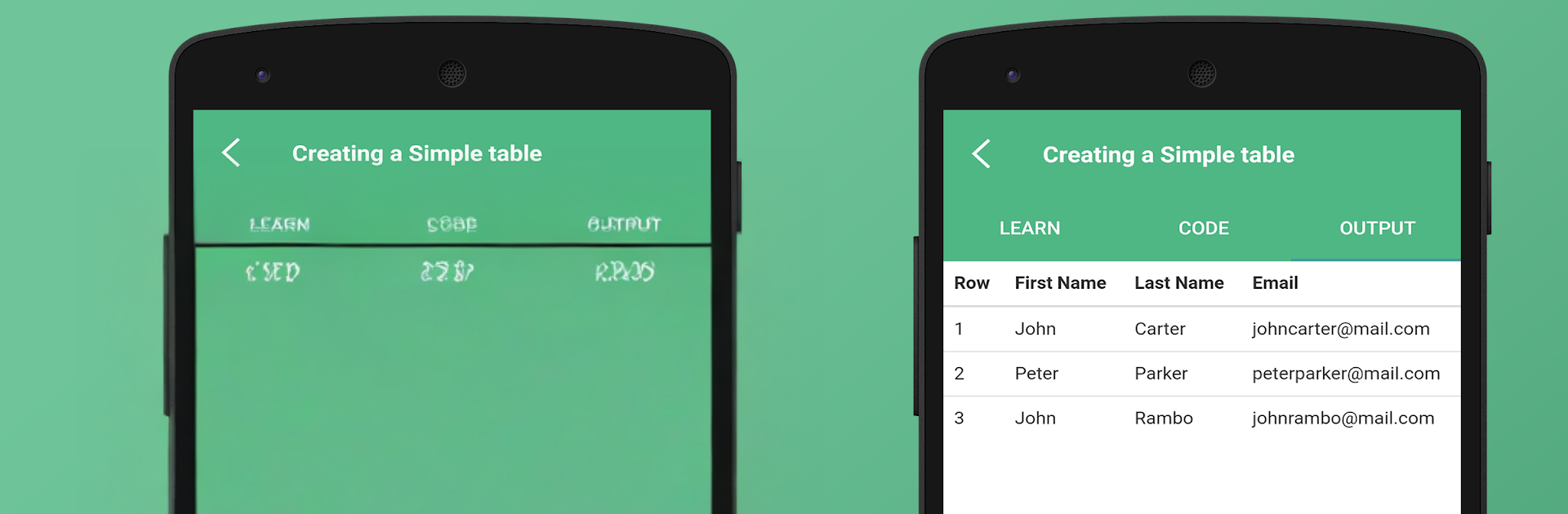
Learn Web Programming feels like a small coding lab that fits on the screen, with quick lessons and a lot of examples to poke at. It covers the usual front end stuff like HTML and CSS, plus Bootstrap for responsive layouts, then moves into JavaScript, jQuery, and old school AngularJS. Each topic has a built in editor. They tweak a snippet, hit run, and the result shows up exactly like a browser would render it, which makes the whole thing very hands on. There are a lot of samples to flip through too, hundreds of them, so it works as a mini reference when someone forgets a tag or a selector. The interface is plain in a good way and the app runs offline, so it is easy to practice without setting up a full project.

What stands out is the practice first approach. Little changes to code give instant feedback, so beginners pick up basics fast, and anyone who is rusty can refresh without reading long chapters. There are interview question sections for HTML, CSS, Bootstrap, JavaScript, jQuery, and AngularJS, which is handy before a screen. It is not about backend or databases, just front end fundamentals. Running it on BlueStacks helps if someone prefers typing with a keyboard and seeing more code and output at once. The Angular part uses AngularJS rather than modern Angular, so that is worth knowing, but the core lessons still help with UI thinking and DOM behavior.

Eager to take your app experience to the next level? Start right away by downloading BlueStacks on your PC or Mac.


How to Download and Run Learn Web Programming on PC or Mac

  • Download and install BlueStacks on your PC or Mac

  • Complete Google sign-in to access the Play Store, or do it later

  • Look for Learn Web Programming in the search bar at the top right corner

  • Click to install Learn Web Programming from the search results

  • Complete Google sign-in (if you skipped step 2) to install Learn Web Programming

  • Click the Learn Web Programming icon on the home screen to start playing

video
Watch Video

Minimum System Requirements

With BlueStacks 5, you can get started on a PC that fulfills the following requirements.

  • Operating System

    Microsoft Windows 7 or above, macOS 11 (Big Sur) or above

  • Processor

    Intel, AMD or Apple Silicon Processor

  • RAM

    at least 4GB

  • HDD

    10GB Free Disk Space

Note:

* You must be an Administrator on your PC. Up to date graphics drivers from Microsoft or the chipset vendor.

Learn Web Programming - FAQs

  • How to Run Learn Web Programming on Windows PC & Mac?

    Run Learn Web Programming on your PC or Mac by following these simple steps.

    • Click on ‘Download Learn Web Programming on PC’ to download BlueStacks
    • Install it and log-in to Google Play Store
    • Launch and run the app.
  • Why is BlueStacks the fastest and safest platform to play games on PC?

    BlueStacks respects your privacy and is always safe and secure to use. It does not carry any malware, spyware, or any sort of additional software that could harm your PC.

    It is engineered to optimize speed and performance for a seamless gaming experience.

  • What are Learn Web Programming PC requirements?

    Minimum requirement to run Learn Web Programming on your PC

    • OS: Microsoft Windows 7 and above:
    • Processor: Intel or AMD Processor:
    • RAM: Your PC must have at least 2GB of RAM. (Note that having 2GB or more disk space is not a substitute for RAM):
    • HDD: 5GB Free Disk Space.
    • You must be an Administrator on your PC.



