
Limit Cepte
Limit Cepte

Limit Cepte

Education

| FERNUS EĞİTİM TEKNOLOJİLERİ A.Ş.

Play on PC with BlueStacks or from our cloud

  • Overview
  • How to Download

Page Modified On: October 23, 2025

Run Limit Cepte on PC or Mac

Multitask effortlessly on your PC or Mac as you try out Limit Cepte, a Education app by FERNUS EĞİTİM TEKNOLOJİLERİ A.Ş. on BlueStacks.

About the App

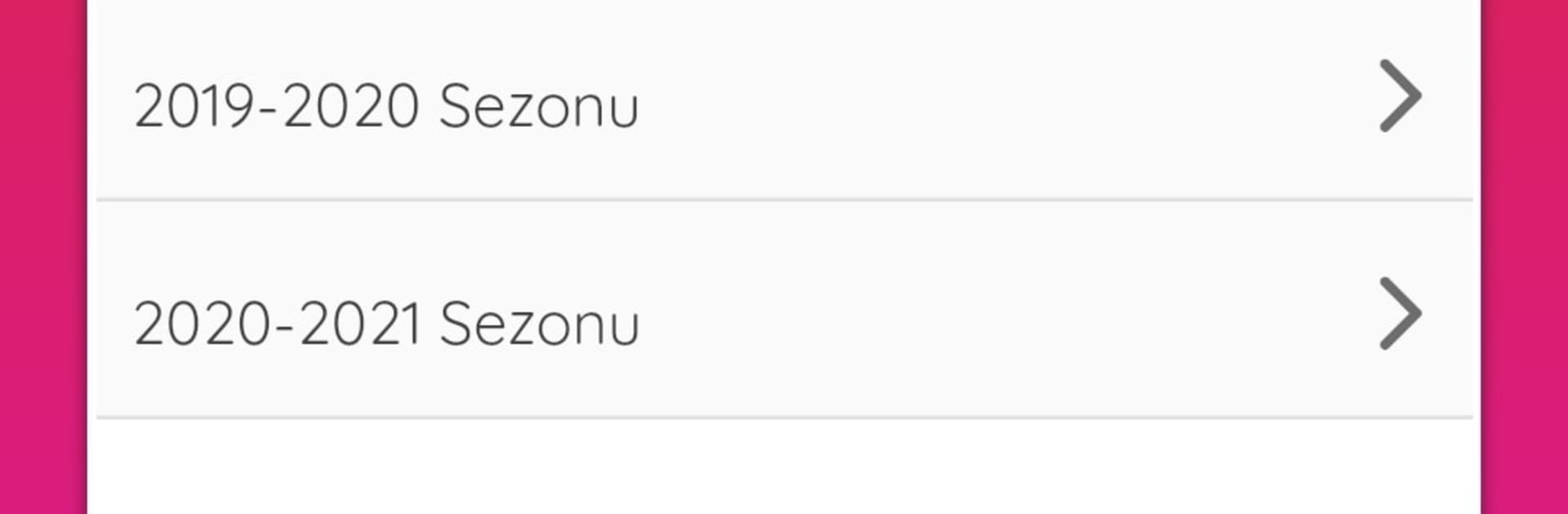
Limit Cepte is your handy companion for checking worked solutions to the questions in your book. Open it when you’re stuck, curious, or just want to double-check your approach—everything’s right there, clearly laid out. Built by FERNUS EĞİTİM TEKNOLOJİLERİ A.Ş. in the Education genre, it keeps the focus on learning without the extra noise.

App Features

  • Complete solutions: See the solutions for questions from your book so you can understand what’s going on behind each answer.
  • Always current: If a solution isn’t ready yet, it gets added later—updates show up right inside the app as they’re completed.
  • Quick find: Jump to the question you need without scrolling forever; the content is organized to make getting to the right spot simple.
  • Clear, study-ready format: Clean, readable layouts help you follow the logic and review at your own pace.
  • Built for review: Use the solutions to check your work, spot mistakes, and learn different ways to tackle tricky problems.
  • Steady improvements: Content grows over time, so you’ll keep seeing more completed solutions as they’re published.
  • Bigger-screen option: Prefer studying on a computer? You can run Limit Cepte on your PC with BlueStacks and read solutions more comfortably.

Big screen. Bigger performance. Use BlueStacks on your PC or Mac to run your favorite apps.

How to Download and Run Limit Cepte on PC or Mac

  • Download and install BlueStacks on your PC or Mac

  • Complete Google sign-in to access the Play Store, or do it later

  • Look for Limit Cepte in the search bar at the top right corner

  • Click to install Limit Cepte from the search results

  • Complete Google sign-in (if you skipped step 2) to install Limit Cepte

  • Click the Limit Cepte icon on the home screen to start playing

video
Watch Video

Minimum System Requirements

With BlueStacks 5, you can get started on a PC that fulfills the following requirements.

  • Operating System

    Microsoft Windows 7 or above, macOS 11 (Big Sur) or above

  • Processor

    Intel, AMD or Apple Silicon Processor

  • RAM

    at least 4GB

  • HDD

    10GB Free Disk Space

Note:

* You must be an Administrator on your PC. Up to date graphics drivers from Microsoft or the chipset vendor.

Limit Cepte - FAQs

  • How to Run Limit Cepte on Windows PC & Mac?

    Run Limit Cepte on your PC or Mac by following these simple steps.

    • Click on ‘Download Limit Cepte on PC’ to download BlueStacks
    • Install it and log-in to Google Play Store
    • Launch and run the app.
  • Why is BlueStacks the fastest and safest platform to play games on PC?

    BlueStacks respects your privacy and is always safe and secure to use. It does not carry any malware, spyware, or any sort of additional software that could harm your PC.

    It is engineered to optimize speed and performance for a seamless gaming experience.

  • What are Limit Cepte PC requirements?

    Minimum requirement to run Limit Cepte on your PC

    • OS: Microsoft Windows 7 and above:
    • Processor: Intel or AMD Processor:
    • RAM: Your PC must have at least 2GB of RAM. (Note that having 2GB or more disk space is not a substitute for RAM):
    • HDD: 5GB Free Disk Space.
    • You must be an Administrator on your PC.




