

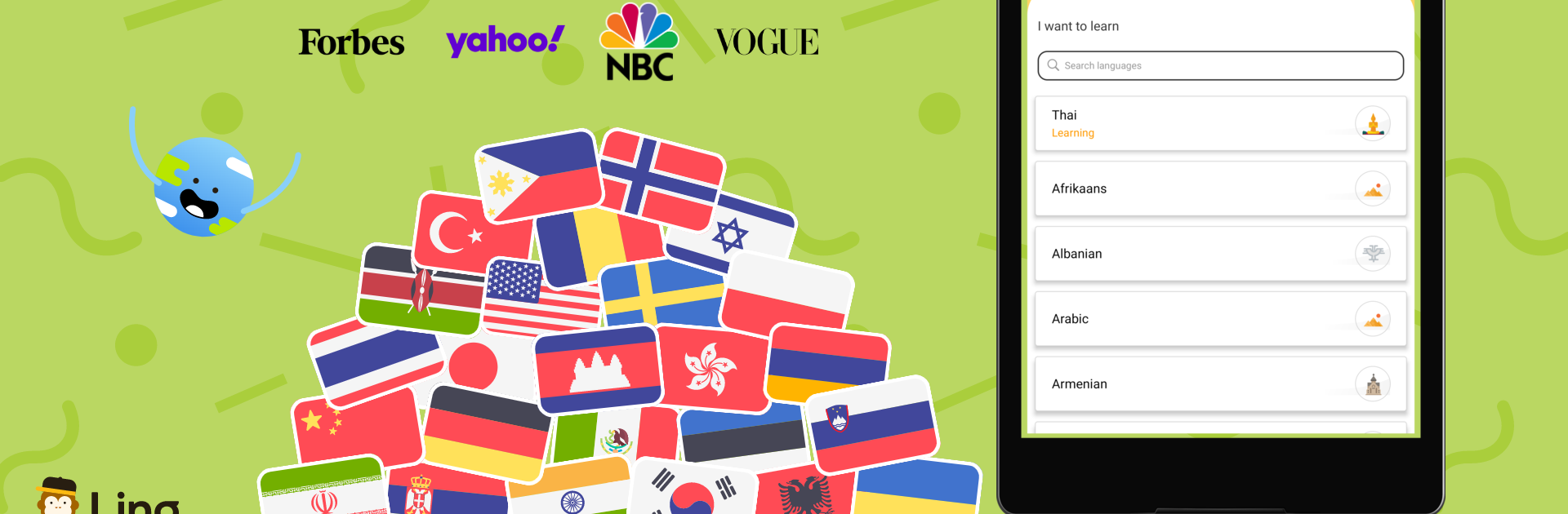


Multitask effortlessly on your PC or Mac as you try out Ling: Learn Turkish Language, a Education app by Ling Learn Languages on BlueStacks.
Ling: Learn Turkish Language feels like a tidy little course that fits into spare minutes, but still teaches real stuff. Lessons are short and focused, with native speaker audio, so the words land how they should. A typical session mixes listen and repeat, quick matching, a bit of typing, and short dialogues that sound like things a person would actually say in Turkey. The speech check is built in, so it nudges pronunciation without making it a big drama. There are cultural notes sprinkled around, which makes the phrases make sense instead of feeling random. Offline download exists, so lessons can be saved for a train ride or spotty Wi‑Fi.
On PC with BlueStacks, it is nicer than squinting at a phone. The bigger screen makes the alphabet and longer phrases easier to read, the mic on a laptop works fine for the speaking bits, and typing answers with a keyboard speeds things up. Content starts at the basics and moves toward travel and everyday conversations, with some business friendly units too. It does not flood the user with grammar walls, but it still points out important patterns, so the structure sinks in. The app keeps circling back to earlier words so they stick, not just a one and done quiz.
It suits someone who wants steady progress without stress, especially beginners or rusty learners. Most of the course sits behind a subscription, with a free taste to see if the style clicks. If the goal is to read menus, talk to locals, or message a Turkish partner without auto-translate, this feels practical. Not perfect, the voice checker can be fussy on certain sounds, but overall it is friendly, clean, and easy to keep using day after day. And if Turkish is just a start, Ling has a bunch of other languages tucked inside the same layout, so switching later would be simple.
Big screen. Bigger performance. Use BlueStacks on your PC or Mac to run your favorite apps.





