
MahaVISTAAR-AI
MahaVISTAAR-AI

MahaVISTAAR-AI

Education

| PoCRA

Play on PC with BlueStacks or from our cloud

  • Overview
  • How to Download

Page Modified On: December 26, 2025

Run MahaVISTAAR-AI on PC or Mac

Multitask effortlessly on your PC or Mac as you try out MahaVISTAAR-AI, a Education app by PoCRA on BlueStacks.

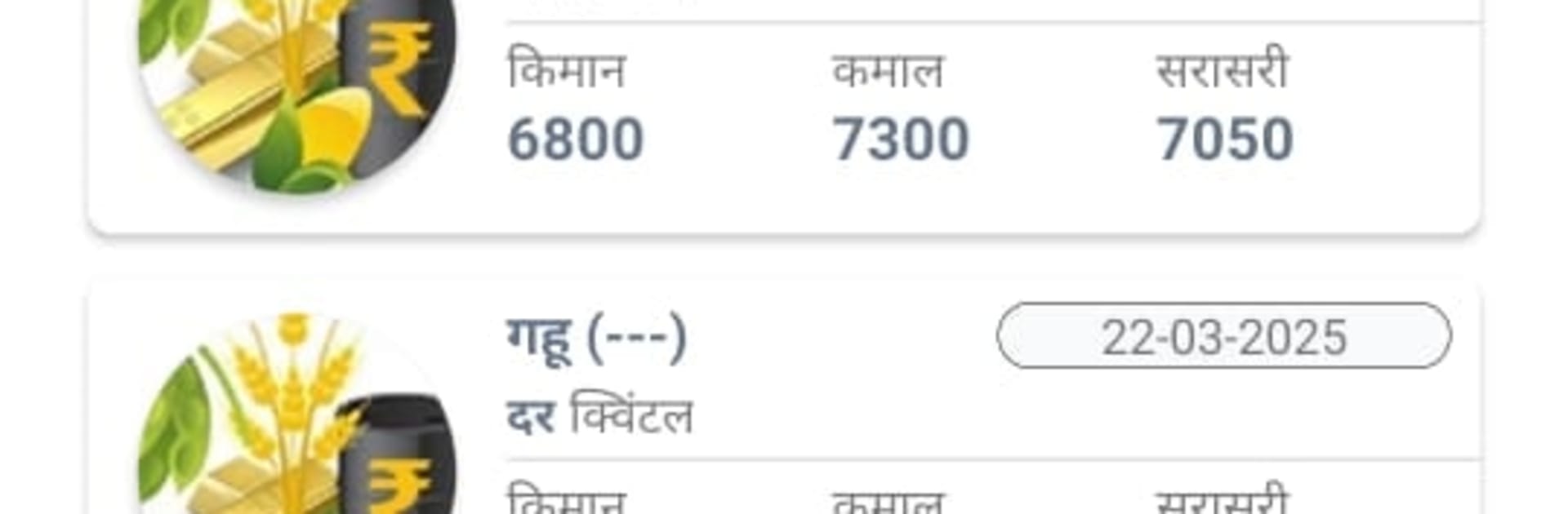
MahaVISTAAR-AI feels like a straight up toolkit for farming, not a flashy showcase. It comes from the state agriculture department in Maharashtra, so the info feels grounded and practical. The app pulls together the things a farmer keeps checking all day anyway, like local weather that updates in real time, daily market prices for crops, and those agro-meteorology tips that say what to do this week, not just theory. There is a section for pest identification with clear pictures and control steps, which stands out because it is simple and not buried in jargon. Warehouses and CHC locations are listed so equipment and storage are easier to plan. There is also a way to reach experts and get guidance, plus a space to connect with other farmers so it does not feel like working alone.

On a PC with BlueStacks, the layout breathes a bit more. Charts, photos, and maps are easier to read, and switching between prices, weather, and advisories with a mouse is quick. The app keeps nudging toward climate smart choices, so the advice is not just about yields but also about staying safe during odd weather. It is all focused on making decisions in time, whether someone is watching for pests after rain or checking which mandi is worth the trip. Nothing feels hidden behind menus, and the tone is more do this next than long lecture, which is refreshing.

Ready to experience MahaVISTAAR-AI on a bigger screen, in all its glory? Download BlueStacks now.


How to Download and Run MahaVISTAAR-AI on PC or Mac

  • Download and install BlueStacks on your PC or Mac

  • Complete Google sign-in to access the Play Store, or do it later

  • Look for MahaVISTAAR-AI in the search bar at the top right corner

  • Click to install MahaVISTAAR-AI from the search results

  • Complete Google sign-in (if you skipped step 2) to install MahaVISTAAR-AI

  • Click the MahaVISTAAR-AI icon on the home screen to start playing

video
Watch Video

Minimum System Requirements

With BlueStacks 5, you can get started on a PC that fulfills the following requirements.

  • Operating System

    Microsoft Windows 7 or above, macOS 11 (Big Sur) or above

  • Processor

    Intel, AMD or Apple Silicon Processor

  • RAM

    at least 4GB

  • HDD

    10GB Free Disk Space

Note:

* You must be an Administrator on your PC. Up to date graphics drivers from Microsoft or the chipset vendor.

MahaVISTAAR-AI - FAQs

  • How to Run MahaVISTAAR-AI on Windows PC & Mac?

    Run MahaVISTAAR-AI on your PC or Mac by following these simple steps.

    • Click on ‘Download MahaVISTAAR-AI on PC’ to download BlueStacks
    • Install it and log-in to Google Play Store
    • Launch and run the app.
  • Why is BlueStacks the fastest and safest platform to play games on PC?

    BlueStacks respects your privacy and is always safe and secure to use. It does not carry any malware, spyware, or any sort of additional software that could harm your PC.

    It is engineered to optimize speed and performance for a seamless gaming experience.

  • What are MahaVISTAAR-AI PC requirements?

    Minimum requirement to run MahaVISTAAR-AI on your PC

    • OS: Microsoft Windows 7 and above:
    • Processor: Intel or AMD Processor:
    • RAM: Your PC must have at least 2GB of RAM. (Note that having 2GB or more disk space is not a substitute for RAM):
    • HDD: 5GB Free Disk Space.
    • You must be an Administrator on your PC.



