
Math for Kids - Fun Learning

Math for Kids - Fun Learning

Education

| Henry Borenson

Play on PC with BlueStacks or from our cloud

  • Overview
  • How to Download

Page Modified On: December 08, 2025

Run Math for Kids - Fun Learning on PC or Mac

Multitask effortlessly on your PC or Mac as you try out Math for Kids – Fun Learning, a Education app by Henry Borenson on BlueStacks.

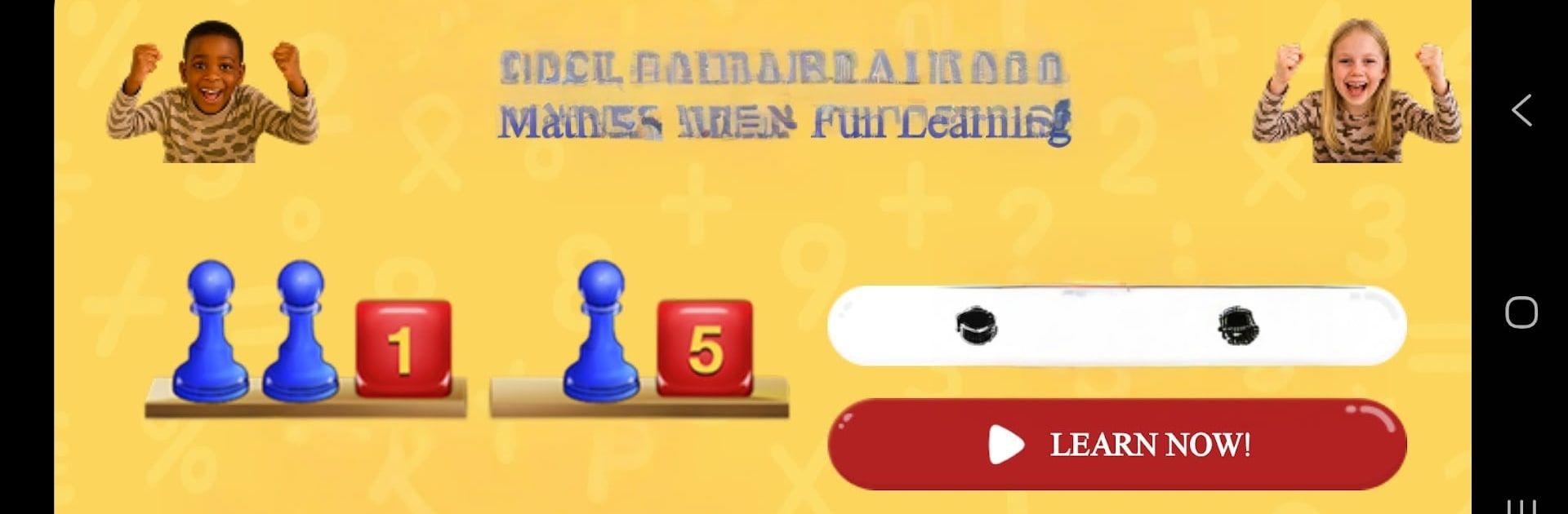
Math for Kids – Fun Learning feels more like a puzzle toy than a lesson. It starts with short, calm videos from Dr. Henry Borenson that show the idea in plain steps, then hands over a simple workspace with a balance scale, a pawn for the unknown, and number cubes for the constants. Kids move the pieces around to make both sides match, so algebra stops being abstract and becomes something the eyes and hands get right away. It is paced well too. Practice problems come first, then the next set of exercises unlocks once the basics are solid, so no one gets tossed into the deep end.

On a PC with BlueStacks, the drag and drop feels smooth with a mouse, and the bigger screen makes the balance scale clearer, which helps when the equations get longer. There is a check button that shows if a move worked, and it nudges toward fixing mistakes without turning it into a scold. Everything works offline, so lessons and practice are there on car rides or when Wi‑Fi is spotty. It suits a wide age range, from upper elementary students trying pre‑algebra to adults brushing up after years away from x and y, and it fits neatly as a tool for parents or teachers who want a Montessori‑style, self paced helper rather than another noisy game.

BlueStacks gives you the much-needed freedom to experience your favorite apps on a bigger screen. Get it now.


How to Download and Run Math for Kids - Fun Learning on PC or Mac

  • Download and install BlueStacks on your PC or Mac

  • Complete Google sign-in to access the Play Store, or do it later

  • Look for Math for Kids - Fun Learning in the search bar at the top right corner

  • Click to install Math for Kids - Fun Learning from the search results

  • Complete Google sign-in (if you skipped step 2) to install Math for Kids - Fun Learning

  • Click the Math for Kids - Fun Learning icon on the home screen to start playing

video
Watch Video

Minimum System Requirements

With BlueStacks 5, you can get started on a PC that fulfills the following requirements.

  • Operating System

    Microsoft Windows 7 or above, macOS 11 (Big Sur) or above

  • Processor

    Intel, AMD or Apple Silicon Processor

  • RAM

    at least 4GB

  • HDD

    10GB Free Disk Space

Note:

* You must be an Administrator on your PC. Up to date graphics drivers from Microsoft or the chipset vendor.

Math for Kids - Fun Learning - FAQs

  • How to Run Math for Kids - Fun Learning on Windows PC & Mac?

    Run Math for Kids - Fun Learning on your PC or Mac by following these simple steps.

    • Click on ‘Download Math for Kids - Fun Learning on PC’ to download BlueStacks
    • Install it and log-in to Google Play Store
    • Launch and run the app.
  • Why is BlueStacks the fastest and safest platform to play games on PC?

    BlueStacks respects your privacy and is always safe and secure to use. It does not carry any malware, spyware, or any sort of additional software that could harm your PC.

    It is engineered to optimize speed and performance for a seamless gaming experience.

  • What are Math for Kids - Fun Learning PC requirements?

    Minimum requirement to run Math for Kids - Fun Learning on your PC

    • OS: Microsoft Windows 7 and above:
    • Processor: Intel or AMD Processor:
    • RAM: Your PC must have at least 2GB of RAM. (Note that having 2GB or more disk space is not a substitute for RAM):
    • HDD: 5GB Free Disk Space.
    • You must be an Administrator on your PC.



