
Mentor DDP by eDriving℠

Mentor DDP by eDriving℠

Education

| eDriving, LLC

Play on PC with BlueStacks or from our cloud

  • Overview
  • How to Download

Page Modified On: November 28, 2025

Run Mentor DDP by eDriving℠ on PC or Mac

Get freedom from your phone’s obvious limitations. Use Mentor DDP by eDriving℠, made by eDriving, LLC, a Education app on your PC or Mac with BlueStacks, and level up your experience.

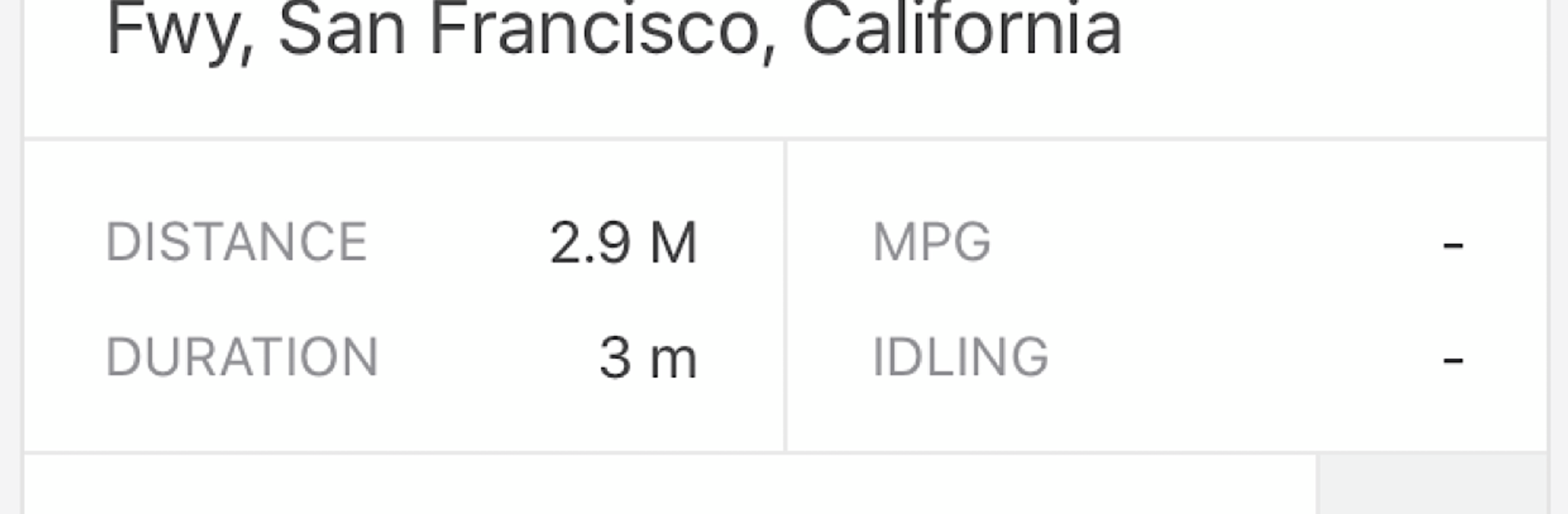
Mentor DDP feels like a quiet driving coach for delivery and distribution drivers, the kind that rides along without talking much, then gives clear feedback when the trip ends. It watches for the usual risky stuff like hard braking, harsh acceleration, tight cornering, speeding, and phone distraction, then turns that into a simple score that updates over a rolling seven days. After each drive, the app breaks down what happened and where habits slip, so it is less “gotcha” and more small nudges to clean things up on the next run. On a PC with BlueStacks, the bigger screen makes the trip details and maps easier to read, and those quick training clips are nicer to do with a mouse than poking around on a phone.

The coaching pieces are short, about three to five minutes, and they match whatever the app notices someone struggling with. There is a trend graph to see progress, plus a light bit of competition by comparing the FICO Safe Driving Score with other similar drivers inside and outside the company. A weekly email rounds up the numbers and a few tips, and drivers can knock out DVCRs in the same place, which is handy. It is not flashy, but it is steady and practical. People who like data and clear goals will probably enjoy the rhythm, while anyone who hates being graded may need a week to warm up to it. The focus on distraction and speed control stands out, since that is where a lot of mistakes really start.

Big screen. Bigger performance. Use BlueStacks on your PC or Mac to run your favorite apps.

How to Download and Run Mentor DDP by eDriving℠ on PC or Mac

  • Download and install BlueStacks on your PC or Mac

  • Complete Google sign-in to access the Play Store, or do it later

  • Look for Mentor DDP by eDriving℠ in the search bar at the top right corner

  • Click to install Mentor DDP by eDriving℠ from the search results

  • Complete Google sign-in (if you skipped step 2) to install Mentor DDP by eDriving℠

  • Click the Mentor DDP by eDriving℠ icon on the home screen to start playing

video
Watch Video

Minimum System Requirements

With BlueStacks 5, you can get started on a PC that fulfills the following requirements.

  • Operating System

    Microsoft Windows 7 or above, macOS 11 (Big Sur) or above

  • Processor

    Intel, AMD or Apple Silicon Processor

  • RAM

    at least 4GB

  • HDD

    10GB Free Disk Space

Note:

* You must be an Administrator on your PC. Up to date graphics drivers from Microsoft or the chipset vendor.

Mentor DDP by eDriving℠ - FAQs

  • How to Run Mentor DDP by eDriving℠ on Windows PC & Mac?

    Run Mentor DDP by eDriving℠ on your PC or Mac by following these simple steps.

    • Click on ‘Download Mentor DDP by eDriving℠ on PC’ to download BlueStacks
    • Install it and log-in to Google Play Store
    • Launch and run the app.
  • Why is BlueStacks the fastest and safest platform to play games on PC?

    BlueStacks respects your privacy and is always safe and secure to use. It does not carry any malware, spyware, or any sort of additional software that could harm your PC.

    It is engineered to optimize speed and performance for a seamless gaming experience.

  • What are Mentor DDP by eDriving℠ PC requirements?

    Minimum requirement to run Mentor DDP by eDriving℠ on your PC

    • OS: Microsoft Windows 7 and above:
    • Processor: Intel or AMD Processor:
    • RAM: Your PC must have at least 2GB of RAM. (Note that having 2GB or more disk space is not a substitute for RAM):
    • HDD: 5GB Free Disk Space.
    • You must be an Administrator on your PC.




