


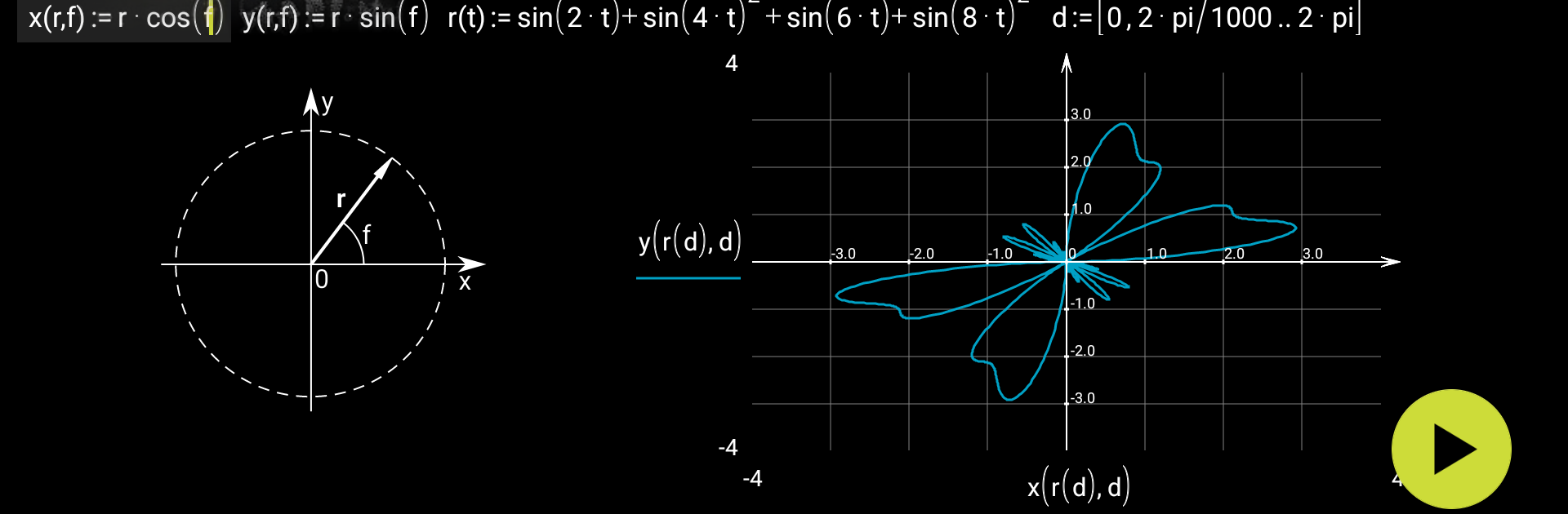


What’s better than using micro Mathematics by Mikhail Kulesh? Well, try it on a big screen, on your PC or Mac, with BlueStacks to see the difference.
micro Mathematics feels less like a calculator and more like a math notebook that actually does the math. You type formulas in a clean, readable way, then tweak numbers and the results update right there. Plots pop in fast, and the whole thing encourages building a little worksheet where formulas, results, and notes live together. It has an undo button that saves mistakes, and editing with touch is simple, not fiddly. Someone who deals with homework, quick checks at work, or just enjoys maths will get the idea in a minute.
What stands out is how calm it is to use. No ads, no nagging, no odd permissions. Everything sits in documents that can be saved, reopened, and exported to images or LaTeX when something needs to be shared. It covers the usual operations and graphing well, and there is a help page with examples that actually help. If heavier tools are needed like several plots at once, 3D stuff, calculus operators, or units, that is in the paid tier, but the base app already handles a lot.
Running it on BlueStacks gives it a bigger desk. A keyboard makes entering formulas quicker, the mouse is nice for dragging around plots, and the larger screen keeps longer worksheets readable without pinching around. It works in portrait or landscape, files can live on storage, and it even supports text and SVG images inside the same math doc. English, Russian, and German are available, and it is open source, which is neat for anyone who cares about that.
Ready to experience micro Mathematics on a bigger screen, in all its glory? Download BlueStacks now.





