




What’s better than using My First English by Lingoany Inc.? Well, try it on a big screen, on your PC or Mac, with BlueStacks to see the difference.
About the App
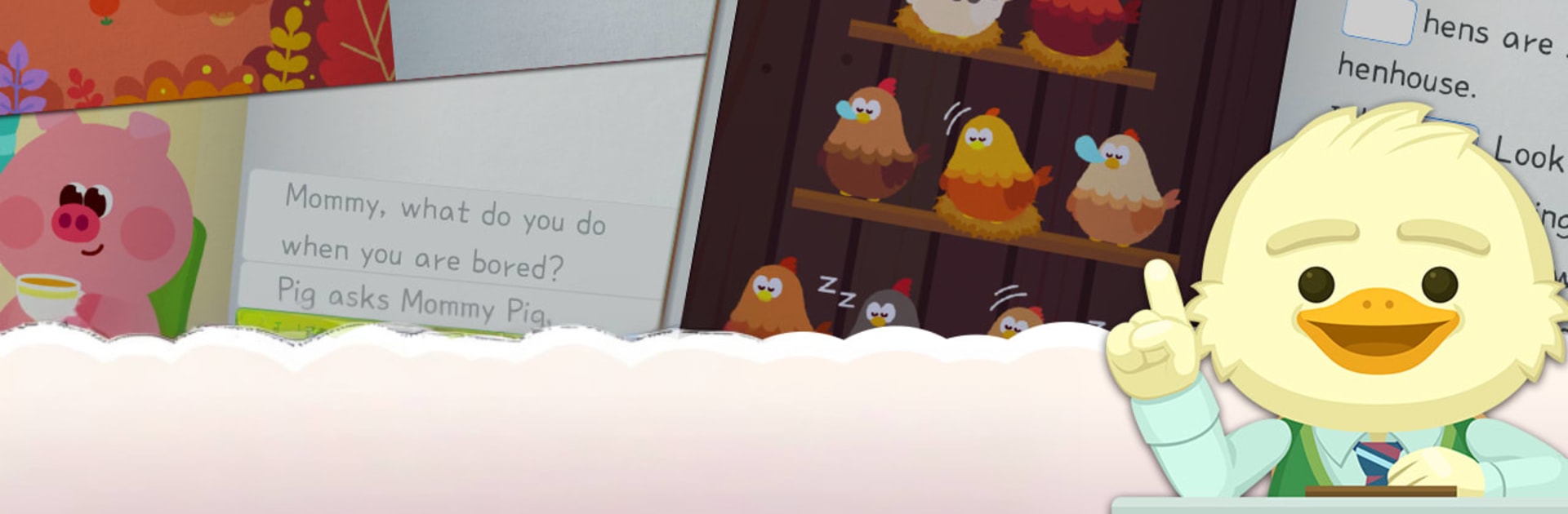
My First English makes early English learning feel like playtime. Designed for kids 5–10, it blends stories, games, and lively animal characters so practice feels more like watching a favorite show than “doing lessons.” Built by Lingoany Inc. in the Education genre, it’s organized into short daily sessions that steadily build skills. Prefer a bigger screen for the mini-games and storybooks? You can run it on BlueStacks, too.
App Features
- Friendly learning coach: Corey tracks progress, spots tricky words, and brings them back at just the right time so kids truly remember.
- Story-based listening: Narrated storybooks tune young ears to consonant and vowel sounds while keeping them engaged with fun plots.
- Sound awareness training: Audio-led activities group letters by sound patterns (think nature-like sounds and other cues) to make phonics click.
- Handwriting and spelling: Trace letters and build words to strengthen memory and fine motor skills—useful in and out of the app.
- Tap-to-match practice: Tap images and words across three difficulty levels to connect meaning, sound, and spelling without pressure.
- Puzzle boosters: Picture puzzles at beginner, intermediate, and advanced levels revisit vocabulary in a playful way.
- Aim-and-shoot word game: Launch a “spelling ball” toward the matching image for fast recall and instant feedback.
- Brick-break phonics: Bounce a ball to break letter bricks while matching sounds—classic arcade vibes meet phonics practice.
- Build-the-word challenge: Drag letters into place to complete the spoken word and lock in pronunciation-to-spelling links.
- Regular checkpoints: Short quizzes every few lessons confirm that words, sounds, and spellings are sticking.
- American and British English: Learn with both accents and vocabulary sets to broaden listening and speaking skills.
- Kid-sized routine: A full year of step-by-step content designed for quick daily sessions that fit family schedules.
- Family-friendly setup: Play-based learning with clear guidance and optional in-app purchases if you want more content.
BlueStacks brings your apps to life on a bigger screen—seamless and straightforward.





