

Upgrade your experience. Try My First English, the fantastic Education app from Lingoany Inc., from the comfort of your laptop, PC, or Mac, only on BlueStacks.
About the App
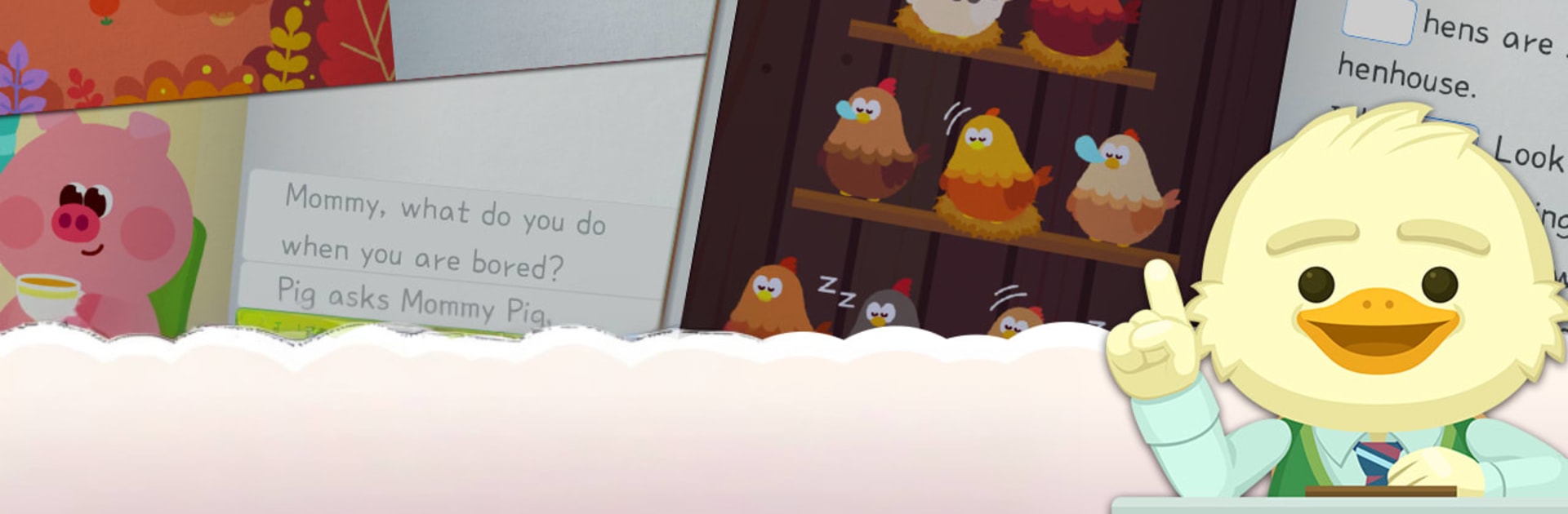
My First English turns early English learning into something kids actually want to do. Built by Lingoany Inc. and designed for ages 5–10, this Education app mixes stories, games, and lively animal characters so practice feels like play. Kids get short, focused sessions with lots of variety—listening, reading, writing, and word play—guided by a friendly in‑app coach. Prefer a bigger screen for those mini lessons and games? You can also use it on PC or Mac with BlueStacks.
App Features
- Guided progress coach: Corey keeps an eye on what sticks and what doesn’t, bringing tricky words back until they click—no nagging required.
- Quick daily plan: A clear, year‑long pathway with bite‑size sessions (about 20 minutes a day) that builds skills step by step from A to Z.
- American or British English: Choose the accent and vocabulary set that fits your child’s needs.
- Storybook listening: Engaging read‑aloud stories help kids tune their ears to consonant and vowel sounds while following along with visuals.
- Sound awareness training: Audiobook‑style activities group letters by how they sound—think nature sounds and other categories—so patterns are easy to notice.
- Handwriting and spelling: Practice letter formation and build words to sharpen memory and fine‑motor skills.
- Tap‑and‑match play: Match images to words across three levels (beginner, intermediate, advanced) to connect spelling with meaning.
- Puzzles that review words: Picture puzzles at graduated difficulty keep new vocabulary fresh without feeling like homework.
- Aim‑and‑shoot word game: Launch the right letter ball toward the picture to reinforce spelling in a surprisingly satisfying way.
- Brick‑breaker phonics: Bounce a ball to break letter bricks and link sounds to spellings while reviewing learned words.
- Build‑the‑word challenge: Drag and combine letters to complete the target word using sound cues and images.
- Smart quizzes: After every few chapters, short quizzes check image, sound, and spelling knowledge, then adapt by revisiting what needs more practice.
- Kid‑friendly and flexible: Playful animations, animal friends, and a free‑to‑start experience keep motivation high; optional purchases are available.
BlueStacks brings your apps to life on a bigger screen—seamless and straightforward.