
واجباتي - حلول المناهج الدراسية

واجباتي - حلول المناهج الدراسية

Education

| Kunava Studio

Play on PC with BlueStacks or from our cloud

  • Overview
  • How to Download

Page Modified On: August 29, 2025

Run واجباتي - حلول المناهج الدراسية on PC or Mac

Get freedom from your phone’s obvious limitations. Use واجباتي – حلول المناهج الدراسية, made by Kunava Studio, a Education app on your PC or Mac with BlueStacks, and level up your experience.

About the App

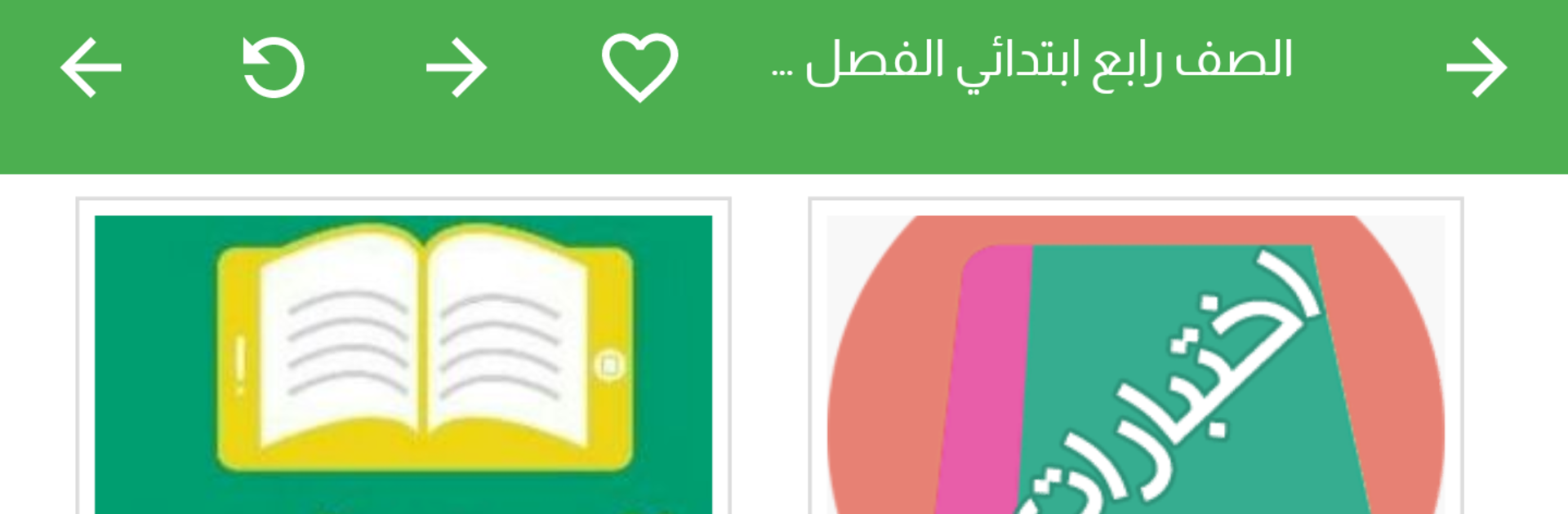
واجباتي – حلول المناهج الدراسية brings Saudi curriculum textbooks and their solutions together in one clean, easy place. It’s built for quick studying, fast lookups, and stress-free review before quizzes or exams. This Education app from Kunava Studio is lightweight and simple, so you can get to the page you need without digging around.

App Features

  • All-in-one study hub: Browse official Saudi textbooks alongside clear, organized solutions right when you need them—no extra downloads.
  • Simple grade and term picker: Choose your stage (primary, middle, or secondary), then select the semester or track to jump straight to the right content.
  • Real textbook pages: View content page by page so it matches what you see in class, making it easier to follow along and find your spot.
  • Covers major study tracks: Supports both credit-based (Maqarrat) and term-based (Fasli) systems in high school, so you’re always looking at the right version.
  • Fast and lightweight: Small app size that loads content online, keeping your phone storage free while staying quick to navigate.
  • Study anywhere: Check solutions and textbooks on Wi‑Fi or data, at home or on the go—handy for last-minute reviews.
  • Organized and clear: Straightforward menus and labels help you move from subject to chapter to page without getting lost.
  • Great on bigger screens: Prefer reading with more space? Open it on your PC using BlueStacks for a comfortable, desktop-style view.

Ready to experience واجباتي – حلول المناهج الدراسية on a bigger screen, in all its glory? Download BlueStacks now.


How to Download and Run واجباتي - حلول المناهج الدراسية on PC or Mac

  • Download and install BlueStacks on your PC or Mac

  • Complete Google sign-in to access the Play Store, or do it later

  • Look for واجباتي - حلول المناهج الدراسية in the search bar at the top right corner

  • Click to install واجباتي - حلول المناهج الدراسية from the search results

  • Complete Google sign-in (if you skipped step 2) to install واجباتي - حلول المناهج الدراسية

  • Click the واجباتي - حلول المناهج الدراسية icon on the home screen to start playing

video
Watch Video

Minimum System Requirements

With BlueStacks 5, you can get started on a PC that fulfills the following requirements.

  • Operating System

    Microsoft Windows 7 or above, macOS 11 (Big Sur) or above

  • Processor

    Intel, AMD or Apple Silicon Processor

  • RAM

    at least 4GB

  • HDD

    10GB Free Disk Space

Note:

* You must be an Administrator on your PC. Up to date graphics drivers from Microsoft or the chipset vendor.

واجباتي - حلول المناهج الدراسية - FAQs

  • How to Run واجباتي - حلول المناهج الدراسية on Windows PC & Mac?

    Run واجباتي - حلول المناهج الدراسية on your PC or Mac by following these simple steps.

    • Click on ‘Download واجباتي - حلول المناهج الدراسية on PC’ to download BlueStacks
    • Install it and log-in to Google Play Store
    • Launch and run the app.
  • Why is BlueStacks the fastest and safest platform to play games on PC?

    BlueStacks respects your privacy and is always safe and secure to use. It does not carry any malware, spyware, or any sort of additional software that could harm your PC.

    It is engineered to optimize speed and performance for a seamless gaming experience.

  • What are واجباتي - حلول المناهج الدراسية PC requirements?

    Minimum requirement to run واجباتي - حلول المناهج الدراسية on your PC

    • OS: Microsoft Windows 7 and above:
    • Processor: Intel or AMD Processor:
    • RAM: Your PC must have at least 2GB of RAM. (Note that having 2GB or more disk space is not a substitute for RAM):
    • HDD: 5GB Free Disk Space.
    • You must be an Administrator on your PC.



