
mDoğa
mDoğa

mDoğa

Education

| Doğa Koleji

Play on PC with BlueStacks or from our cloud

  • Overview
  • How to Download

Page Modified On: January 02, 2026

Run mDoğa on PC or Mac

Multitask effortlessly on your PC or Mac as you try out mDoğa, a Education app by Doğa Koleji on BlueStacks.

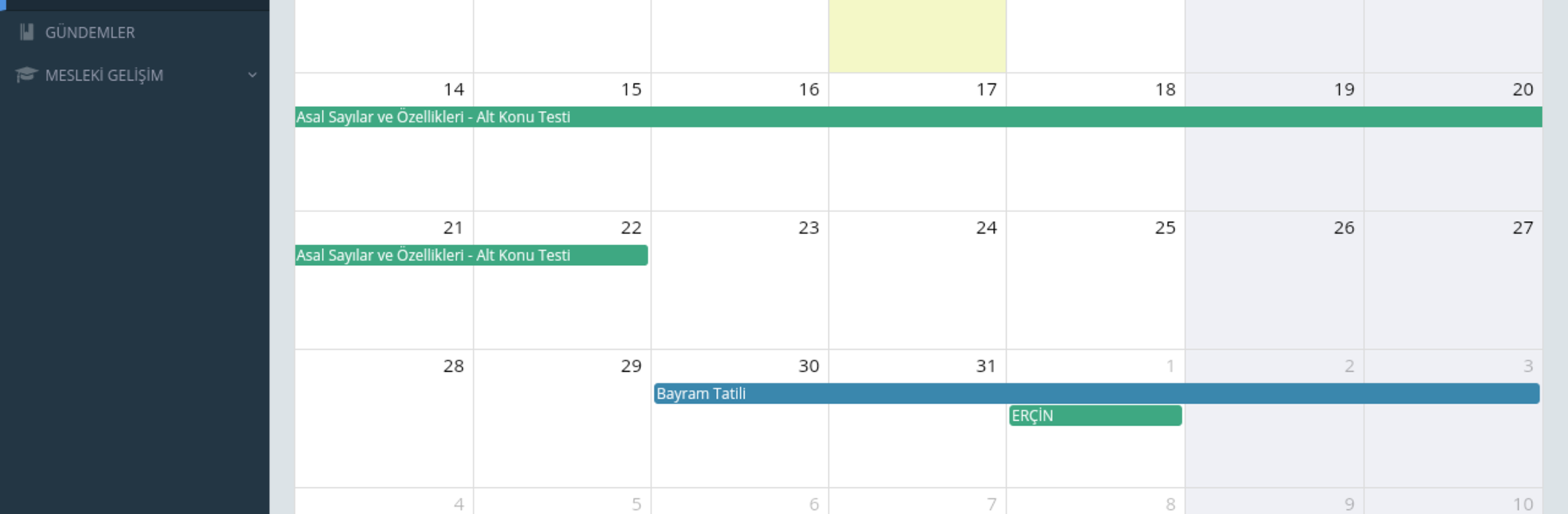
mDoğa feels like the central hub for Doğa Koleji, not just a classroom app but the place where teaching, admin work, and day to day school processes get tied together in one system. The standout bit is how it keeps learning going beyond the school building, so students and teachers get continuity instead of hard stops at the bell. Everything is organized around a shared academic backbone, which sounds fancy, but in practice it means less bouncing between tools and more seeing the same picture. Each student gets a tailored space that shifts to match their needs, and there is a strong data layer under it that helps teachers and managers decide what to focus on. That mix makes performance tracking feel purposeful rather than busywork, and it nudges both students and staff toward better results without extra noise.

On a PC with BlueStacks, the layout breathes more, charts and progress views are easier to read, and moving between sections with a mouse feels quicker than tapping through small menus. The design leans practical over glossy, which suits a system that is meant to run an actual school, it aims for clarity. It is free to install but sign in requires a Doğa Koleji membership, so it is clearly built for that community. For anyone inside that setup, it works like a single control panel for classes, decisions, and ongoing learning, all in one place.

Big screen. Bigger performance. Use BlueStacks on your PC or Mac to run your favorite apps.

How to Download and Run mDoğa on PC or Mac

  • Download and install BlueStacks on your PC or Mac

  • Complete Google sign-in to access the Play Store, or do it later

  • Look for mDoğa in the search bar at the top right corner

  • Click to install mDoğa from the search results

  • Complete Google sign-in (if you skipped step 2) to install mDoğa

  • Click the mDoğa icon on the home screen to start playing

video
Watch Video

Minimum System Requirements

With BlueStacks 5, you can get started on a PC that fulfills the following requirements.

  • Operating System

    Microsoft Windows 7 or above, macOS 11 (Big Sur) or above

  • Processor

    Intel, AMD or Apple Silicon Processor

  • RAM

    at least 4GB

  • HDD

    10GB Free Disk Space

Note:

* You must be an Administrator on your PC. Up to date graphics drivers from Microsoft or the chipset vendor.

mDoğa - FAQs

  • How to Run mDoğa on Windows PC & Mac?

    Run mDoğa on your PC or Mac by following these simple steps.

    • Click on ‘Download mDoğa on PC’ to download BlueStacks
    • Install it and log-in to Google Play Store
    • Launch and run the app.
  • Why is BlueStacks the fastest and safest platform to play games on PC?

    BlueStacks respects your privacy and is always safe and secure to use. It does not carry any malware, spyware, or any sort of additional software that could harm your PC.

    It is engineered to optimize speed and performance for a seamless gaming experience.

  • What are mDoğa PC requirements?

    Minimum requirement to run mDoğa on your PC

    • OS: Microsoft Windows 7 and above:
    • Processor: Intel or AMD Processor:
    • RAM: Your PC must have at least 2GB of RAM. (Note that having 2GB or more disk space is not a substitute for RAM):
    • HDD: 5GB Free Disk Space.
    • You must be an Administrator on your PC.




