




What’s better than using NetSupport School Tutor by NetSupport Ltd? Well, try it on a big screen, on your PC or Mac, with BlueStacks to see the difference.
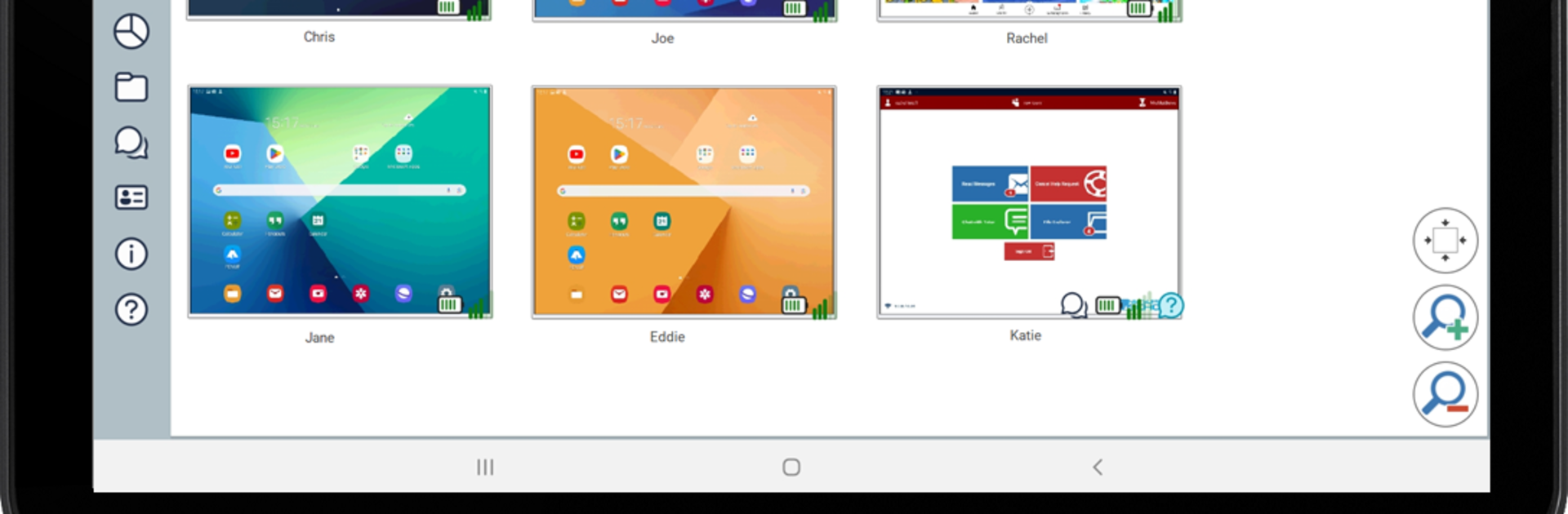
NetSupport School Tutor feels less like an app and more like a teacher’s control deck. On PC with BlueStacks it is super handy, since the bigger screen makes that wall of student thumbnails easy to scan. The main draw is seeing every student device at once, then popping open any screen for a closer look without making a scene. It is built for live lessons, so there is a Q and A mode where the teacher throws out a question, picks students at random or first to answer, even runs team rounds and keeps simple scores. Quick surveys are baked in too, so a teacher can check understanding and show results to everyone right away.
It also handles the dull stuff without fuss. There is a register to collect names or custom info at the start, lesson objectives that appear on each device so students know the plan, and a quiet “request help” button students can tap when they are stuck. Chat and broadcast messages work for one, a group, or the whole class. The teacher can launch a website on all tablets, send files to everyone in one go, hand out small rewards for good work, and if attention slips, lock or blank the screens. Little touches help, like seeing each tablet’s Wi‑Fi and battery. Connection is simple, using rooms set up ahead of time, and students just join the right room. It does expect the student app on their devices, but once that is in place, the whole class runs smoothly.
BlueStacks gives you the much-needed freedom to experience your favorite apps on a bigger screen. Get it now.





