
Notenapp by Design.
Notenapp by Design.

Notenapp by Design.

Education

| Christian Schaffrath

Play on PC with BlueStacks or from our cloud

  • Overview
  • How to Download

Page Modified On: November 10, 2025

Run Notenapp by Design. on PC or Mac

Let BlueStacks turn your PC, Mac, or laptop into the perfect home for Notenapp by Design., a fun Education app from Christian Schaffrath.

About the App

Notenapp by Design. is a clean, no-nonsense way to keep your school life on track. Whether you’re juggling lectures, labs, and study sessions or helping a kid stay organized, it brings everything into one simple view. It’s an Education app by Christian Schaffrath that makes planning feel easy, not overwhelming. Prefer typing on a keyboard? You can even use it on your computer with BlueStacks.

App Features

  • Timetable you’ll actually use: Build your weekly schedule in minutes. Add subjects or lectures, pick the teacher or professor, and mark whether it’s a practice session or not. See what’s up next—and where you need to be.

  • Flexible time editing: Class times don’t line up perfectly? No problem. Adjust start and end times to match your school’s real schedule.

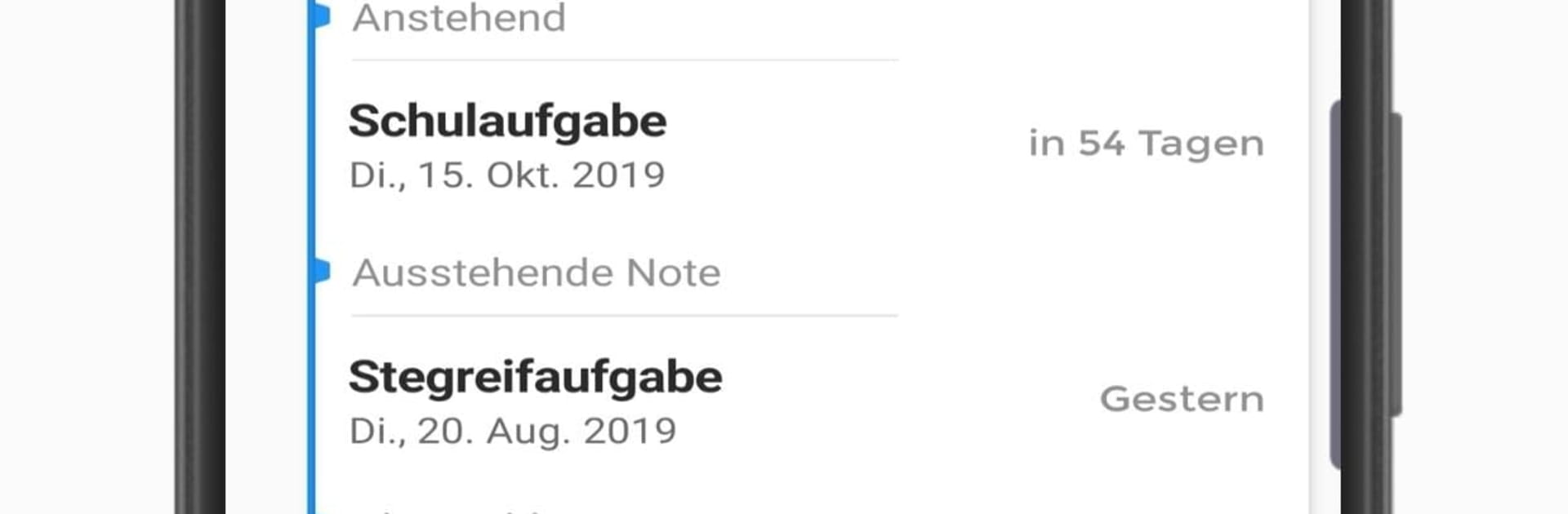
  • Tasks and homework: Log assignments the moment they’re announced so you’re not scrambling later. Due dates, quick notes, and reminders help you stay ahead without texting classmates for details.

  • Exams with study reminders: Add upcoming exams and get gentle nudges when it’s a good time to start preparing. No last‑minute panic required.

  • Multiple sessions (profiles): Keep separate schedules for different semesters—or set up profiles for each child if you’re a parent tracking more than one student.

  • What’s next, at a glance: Open the app and see your next class and location immediately. It’s the kind of quick clarity that saves you from rushing to the wrong building.

  • Simple, focused, and free: Clean design, straightforward controls, and no paywall blocking the essentials.

Switch to BlueStacks and make the most of your apps on your PC or Mac.

How to Download and Run Notenapp by Design. on PC or Mac

  • Download and install BlueStacks on your PC or Mac

  • Complete Google sign-in to access the Play Store, or do it later

  • Look for Notenapp by Design. in the search bar at the top right corner

  • Click to install Notenapp by Design. from the search results

  • Complete Google sign-in (if you skipped step 2) to install Notenapp by Design.

  • Click the Notenapp by Design. icon on the home screen to start playing

video
Watch Video

Minimum System Requirements

With BlueStacks 5, you can get started on a PC that fulfills the following requirements.

  • Operating System

    Microsoft Windows 7 or above, macOS 11 (Big Sur) or above

  • Processor

    Intel, AMD or Apple Silicon Processor

  • RAM

    at least 4GB

  • HDD

    10GB Free Disk Space

Note:

* You must be an Administrator on your PC. Up to date graphics drivers from Microsoft or the chipset vendor.

Notenapp by Design. - FAQs

  • How to Run Notenapp by Design. on Windows PC & Mac?

    Run Notenapp by Design. on your PC or Mac by following these simple steps.

    • Click on ‘Download Notenapp by Design. on PC’ to download BlueStacks
    • Install it and log-in to Google Play Store
    • Launch and run the app.
  • Why is BlueStacks the fastest and safest platform to play games on PC?

    BlueStacks respects your privacy and is always safe and secure to use. It does not carry any malware, spyware, or any sort of additional software that could harm your PC.

    It is engineered to optimize speed and performance for a seamless gaming experience.

  • What are Notenapp by Design. PC requirements?

    Minimum requirement to run Notenapp by Design. on your PC

    • OS: Microsoft Windows 7 and above:
    • Processor: Intel or AMD Processor:
    • RAM: Your PC must have at least 2GB of RAM. (Note that having 2GB or more disk space is not a substitute for RAM):
    • HDD: 5GB Free Disk Space.
    • You must be an Administrator on your PC.




