
Pearson+ | Study help & eTexts

Pearson+ | Study help & eTexts

Education

| Pearson Education, Inc.

Play on PC with BlueStacks or from our cloud

  • Overview
  • How to Download

Page Modified On: December 15, 2025

Run Pearson+ | Study help & eTexts on PC or Mac

Let BlueStacks turn your PC, Mac, or laptop into the perfect home for Pearson+ | Study help & eTexts, a fun Education app from Pearson Education, Inc..

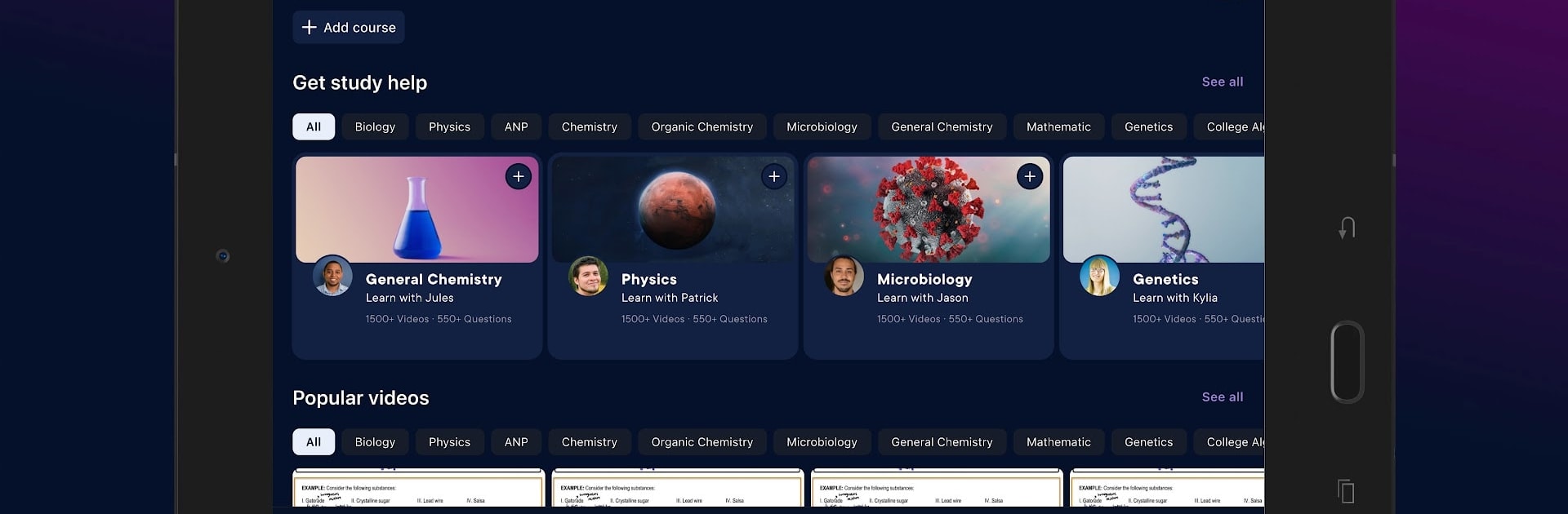
Pearson+ feels like a tidy study hub that keeps all those Pearson eTextbooks in one place, without a lot of clutter. Someone logs in with the same account from the web and everything is there right away. The reader is straightforward, pages turn fast, and the search actually pulls up the exact paragraph needed, which is huge when a professor mentions one term and the book hides it on page 432. The short videos are the standout piece, quick explanations that make the tougher concepts click. There is an audiobook option for most books too, so a chapter can be played while doing chores or just giving the eyes a break.

Notes and highlights are easy to make and skim later, and the app lets users switch fonts, tweak size, and adjust the background so long readings do not feel like a chore. Flashcards are built in, with the choice to make custom sets or use ones already made. On a PC with BlueStacks, the bigger screen helps with charts and problem sets, plus typing notes with a keyboard is faster than tapping. It is not flashy, just practical, and that is the point. Open the book, watch a quick video if something is confusing, jump to a definition, then move on. For midterms and finals, that kind of flow saves time and stress.

BlueStacks gives you the much-needed freedom to experience your favorite apps on a bigger screen. Get it now.


How to Download and Run Pearson+ | Study help & eTexts on PC or Mac

  • Download and install BlueStacks on your PC or Mac

  • Complete Google sign-in to access the Play Store, or do it later

  • Look for Pearson+ | Study help & eTexts in the search bar at the top right corner

  • Click to install Pearson+ | Study help & eTexts from the search results

  • Complete Google sign-in (if you skipped step 2) to install Pearson+ | Study help & eTexts

  • Click the Pearson+ | Study help & eTexts icon on the home screen to start playing

video
Watch Video

Minimum System Requirements

With BlueStacks 5, you can get started on a PC that fulfills the following requirements.

  • Operating System

    Microsoft Windows 7 or above, macOS 11 (Big Sur) or above

  • Processor

    Intel, AMD or Apple Silicon Processor

  • RAM

    at least 4GB

  • HDD

    10GB Free Disk Space

Note:

* You must be an Administrator on your PC. Up to date graphics drivers from Microsoft or the chipset vendor.

Pearson+ | Study help & eTexts - FAQs

  • How to Run Pearson+ | Study help & eTexts on Windows PC & Mac?

    Run Pearson+ | Study help & eTexts on your PC or Mac by following these simple steps.

    • Click on ‘Download Pearson+ | Study help & eTexts on PC’ to download BlueStacks
    • Install it and log-in to Google Play Store
    • Launch and run the app.
  • Why is BlueStacks the fastest and safest platform to play games on PC?

    BlueStacks respects your privacy and is always safe and secure to use. It does not carry any malware, spyware, or any sort of additional software that could harm your PC.

    It is engineered to optimize speed and performance for a seamless gaming experience.

  • What are Pearson+ | Study help & eTexts PC requirements?

    Minimum requirement to run Pearson+ | Study help & eTexts on your PC

    • OS: Microsoft Windows 7 and above:
    • Processor: Intel or AMD Processor:
    • RAM: Your PC must have at least 2GB of RAM. (Note that having 2GB or more disk space is not a substitute for RAM):
    • HDD: 5GB Free Disk Space.
    • You must be an Administrator on your PC.



