
Periodic Table Pro - Chemistry

Periodic Table Pro - Chemistry

Education

| Gigantic Apps

Play on PC with BlueStacks or from our cloud

  • Overview
  • How to Download

Page Modified On: January 02, 2026

Run Periodic Table Pro - Chemistry on PC or Mac

Why limit yourself to your small screen on the phone? Run Periodic Table Pro – Chemistry, an app by Gigantic Apps, best experienced on your PC or Mac with BlueStacks, the world’s #1 Android emulator.

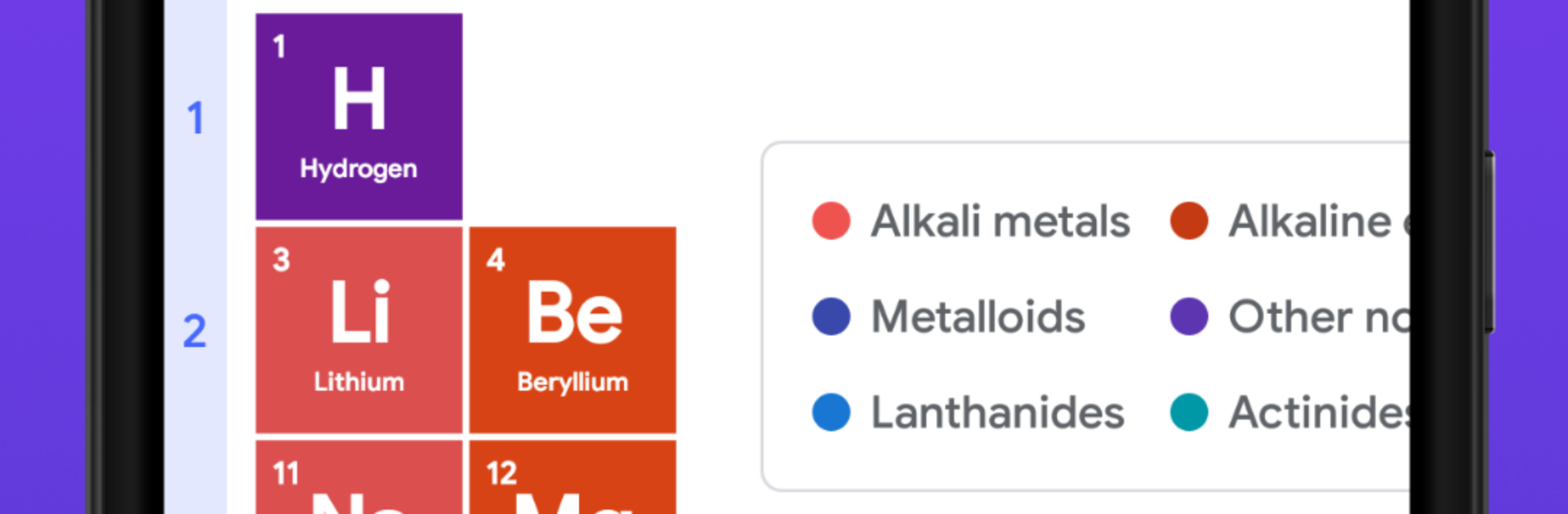
Periodic Table Pro – Chemistry feels like a clean, no-nonsense reference that actually makes the periodic table easier to live with. On a PC through BlueStacks, the grid opens wide so groups and periods are easy to follow, and clicking an element pops up loads of info without getting lost in menus. Each tile has a crisp look with categories labeled, and images give a quick visual clue. The search is fast, and those filters help narrow things by category when someone only needs metals, noble gases, or whatever the homework is about. It pulls in all the usual data like atomic number, mass, electron configuration, shells, oxidation states, plus the deeper stuff many apps skip, things like thermodynamic and electromagnetic properties, density, melting and boiling points, reactivity, and even nuclear bits. Isotopes are there too, not hidden behind extra taps.

Two tools stand out in daily use. The molar mass calculator saves time so there is no scribbling on a pad, and the solubility chart is handy for quick checks. There are links out to Wikipedia and Google if a longer explanation is needed. The dark theme looks good late at night and the layout stays readable. It suits a wide range of people, from someone brushing up before a quiz to a lab user who needs numbers fast. Simple idea, tons of detail, and it behaves well on BlueStacks with mouse and keyboard.

Ready to experience Periodic Table Pro – Chemistry on a bigger screen, in all its glory? Download BlueStacks now.


How to Download and Run Periodic Table Pro - Chemistry on PC or Mac

  • Download and install BlueStacks on your PC or Mac

  • Complete Google sign-in to access the Play Store, or do it later

  • Look for Periodic Table Pro - Chemistry in the search bar at the top right corner

  • Click to install Periodic Table Pro - Chemistry from the search results

  • Complete Google sign-in (if you skipped step 2) to install Periodic Table Pro - Chemistry

  • Click the Periodic Table Pro - Chemistry icon on the home screen to start playing

video
Watch Video

Minimum System Requirements

With BlueStacks 5, you can get started on a PC that fulfills the following requirements.

  • Operating System

    Microsoft Windows 7 or above, macOS 11 (Big Sur) or above

  • Processor

    Intel, AMD or Apple Silicon Processor

  • RAM

    at least 4GB

  • HDD

    10GB Free Disk Space

Note:

* You must be an Administrator on your PC. Up to date graphics drivers from Microsoft or the chipset vendor.

Periodic Table Pro - Chemistry - FAQs

  • How to Run Periodic Table Pro - Chemistry on Windows PC & Mac?

    Run Periodic Table Pro - Chemistry on your PC or Mac by following these simple steps.

    • Click on ‘Download Periodic Table Pro - Chemistry on PC’ to download BlueStacks
    • Install it and log-in to Google Play Store
    • Launch and run the app.
  • Why is BlueStacks the fastest and safest platform to play games on PC?

    BlueStacks respects your privacy and is always safe and secure to use. It does not carry any malware, spyware, or any sort of additional software that could harm your PC.

    It is engineered to optimize speed and performance for a seamless gaming experience.

  • What are Periodic Table Pro - Chemistry PC requirements?

    Minimum requirement to run Periodic Table Pro - Chemistry on your PC

    • OS: Microsoft Windows 7 and above:
    • Processor: Intel or AMD Processor:
    • RAM: Your PC must have at least 2GB of RAM. (Note that having 2GB or more disk space is not a substitute for RAM):
    • HDD: 5GB Free Disk Space.
    • You must be an Administrator on your PC.



