
Portuguese Verb Conjugator

Portuguese Verb Conjugator

Education

| Ian Tipton

Play on PC with BlueStacks or from our cloud

  • Overview
  • How to Download

Page Modified On: June 26, 2025

Run Portuguese Verb Conjugator on PC or Mac

What’s better than using Portuguese Verb Conjugator by Ian Tipton? Well, try it on a big screen, on your PC or Mac, with BlueStacks to see the difference.

About the App

Learning Portuguese verb conjugations can be pretty overwhelming, right? Portuguese Verb Conjugator by Ian Tipton makes it a whole lot easier, giving you super quick access to verb forms whenever you need them. Whether you’re brushing up before a trip, prepping for a test, or just want to finally keep your verbs straight, this Education genre app brings tools to help you learn in a way that fits your style.

App Features

  • Extensive Verb Coverage: Get access to over 1,000 Portuguese verbs, each shown across 18 different tenses. That’s a lot of grammar help all in one spot.
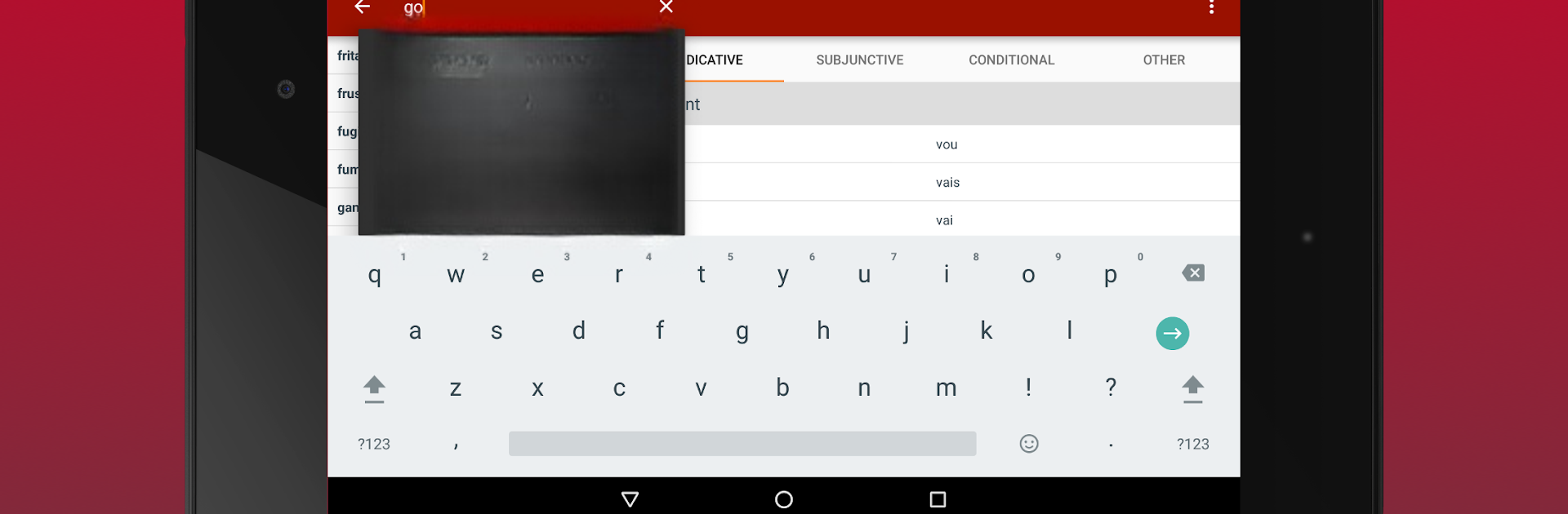
  • Simple Search & Navigation: Search for any verb in a flash. If you don’t know the full spelling, the built-in search will help you out. No more flipping through giant lists or getting lost in the app.
  • Audio Pronunciation: Not sure how a verb should sound? Just tap the audio button next to any conjugation, and you’ll hear it out loud. (Heads up: you’ll need an Internet connection for the audio feature.)
  • Favorites List: Save verbs you use all the time, or ones that you always mix up, to a special favorites list. No more hunting around each time you open the app.
  • Recent Verb Tracking: Quickly jump back to verbs you’ve just looked up. Super handy when you keep forgetting that tricky past tense.
  • Easy Sharing: Copy any conjugation, or send them by email or SMS straight from the app. Perfect for swapping notes with friends or reviewing on the go.
  • Smooth Experience on BlueStacks: The app runs great if you’re using BlueStacks, so you can practice those verbs on a bigger screen without any trouble.

Ready to experience Portuguese Verb Conjugator on a bigger screen, in all its glory? Download BlueStacks now.


How to Download and Run Portuguese Verb Conjugator on PC or Mac

  • Download and install BlueStacks on your PC or Mac

  • Complete Google sign-in to access the Play Store, or do it later

  • Look for Portuguese Verb Conjugator in the search bar at the top right corner

  • Click to install Portuguese Verb Conjugator from the search results

  • Complete Google sign-in (if you skipped step 2) to install Portuguese Verb Conjugator

  • Click the Portuguese Verb Conjugator icon on the home screen to start playing

video
Watch Video

Minimum System Requirements

With BlueStacks 5, you can get started on a PC that fulfills the following requirements.

  • Operating System

    Microsoft Windows 7 or above, macOS 11 (Big Sur) or above

  • Processor

    Intel, AMD or Apple Silicon Processor

  • RAM

    at least 4GB

  • HDD

    10GB Free Disk Space

Note:

* You must be an Administrator on your PC. Up to date graphics drivers from Microsoft or the chipset vendor.

Portuguese Verb Conjugator - FAQs

  • How to Run Portuguese Verb Conjugator on Windows PC & Mac?

    Run Portuguese Verb Conjugator on your PC or Mac by following these simple steps.

    • Click on ‘Download Portuguese Verb Conjugator on PC’ to download BlueStacks
    • Install it and log-in to Google Play Store
    • Launch and run the app.
  • Why is BlueStacks the fastest and safest platform to play games on PC?

    BlueStacks respects your privacy and is always safe and secure to use. It does not carry any malware, spyware, or any sort of additional software that could harm your PC.

    It is engineered to optimize speed and performance for a seamless gaming experience.

  • What are Portuguese Verb Conjugator PC requirements?

    Minimum requirement to run Portuguese Verb Conjugator on your PC

    • OS: Microsoft Windows 7 and above:
    • Processor: Intel or AMD Processor:
    • RAM: Your PC must have at least 2GB of RAM. (Note that having 2GB or more disk space is not a substitute for RAM):
    • HDD: 5GB Free Disk Space.
    • You must be an Administrator on your PC.



