
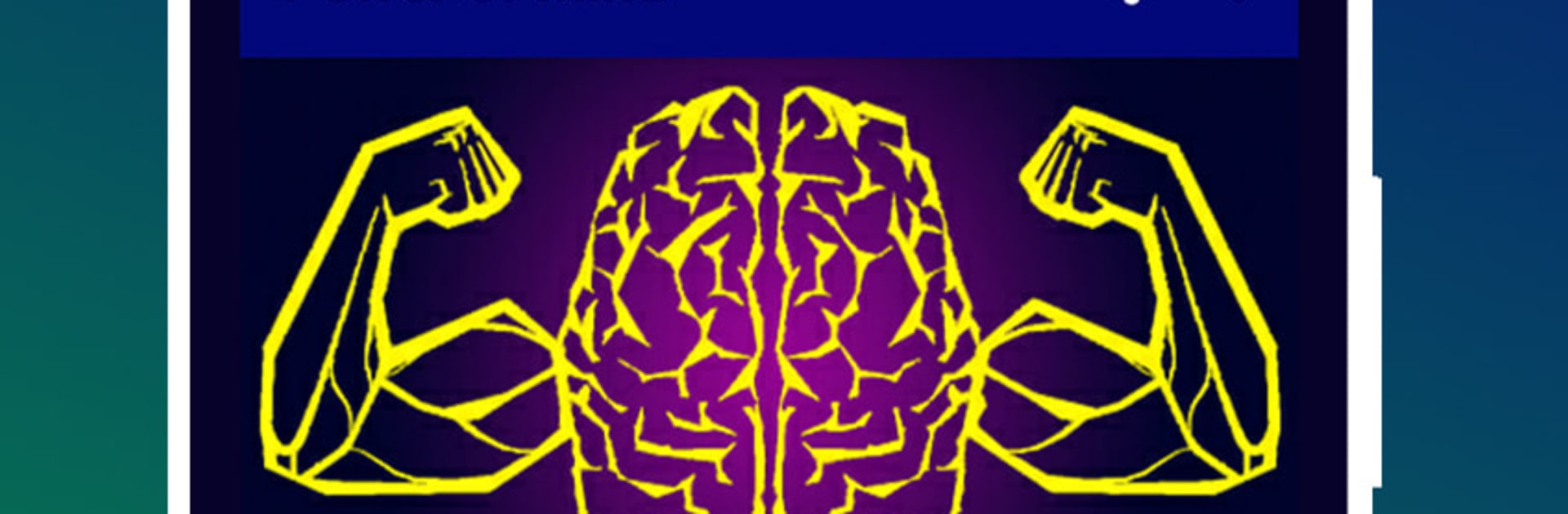
Power of Subconscious Mind

Power of Subconscious Mind

Education

| TrmApps Dev

Play on PC with BlueStacks or from our cloud

  • Overview
  • How to Download

Page Modified On: January 06, 2026

Run Power of Subconscious Mind on PC or Mac

What’s better than using Power of Subconscious Mind by TrmApps Dev? Well, try it on a big screen, on your PC or Mac, with BlueStacks to see the difference.

Power of Subconscious Mind feels like a pocket guide for training the inner voice, more reading and simple exercises than anything flashy. It walks through bite sized chapters on focus, habit, self‑discipline, love, knowledge, and how thoughts sink in when repeated. The big theme keeps coming up that once the subconscious accepts an idea, it goes to work on it, good or bad, so the app nudges users to plant better ones with practice. There is a mind power test, some hypnosis themed sections, and a bedtime angle for winding down with suggestions that are meant to sink in while sleeping. Nothing complicated to learn, just scroll, read, try a prompt, see what sticks.

On a PC with BlueStacks it is easier to sit with the longer sections, no pinching or tiny text, and flipping between chapters with keyboard feels smooth. The layout is plain in a good way, so attention stays on the content. Offline reading is there, which helps when someone wants a quiet session without data. It pulls ideas from classic self help style thinking, so it suits anyone who likes affirmations and simple mental drills rather than heavy science or therapy talk. The tone is straightforward and a bit repetitive by design, because that is kind of the point, to repeat the idea until the brain accepts it and runs with it.

Switch to BlueStacks and make the most of your apps on your PC or Mac.

How to Download and Run Power of Subconscious Mind on PC or Mac

  • Download and install BlueStacks on your PC or Mac

  • Complete Google sign-in to access the Play Store, or do it later

  • Look for Power of Subconscious Mind in the search bar at the top right corner

  • Click to install Power of Subconscious Mind from the search results

  • Complete Google sign-in (if you skipped step 2) to install Power of Subconscious Mind

  • Click the Power of Subconscious Mind icon on the home screen to start playing

video
Watch Video

Minimum System Requirements

With BlueStacks 5, you can get started on a PC that fulfills the following requirements.

  • Operating System

    Microsoft Windows 7 or above, macOS 11 (Big Sur) or above

  • Processor

    Intel, AMD or Apple Silicon Processor

  • RAM

    at least 4GB

  • HDD

    10GB Free Disk Space

Note:

* You must be an Administrator on your PC. Up to date graphics drivers from Microsoft or the chipset vendor.

Power of Subconscious Mind - FAQs

  • How to Run Power of Subconscious Mind on Windows PC & Mac?

    Run Power of Subconscious Mind on your PC or Mac by following these simple steps.

    • Click on ‘Download Power of Subconscious Mind on PC’ to download BlueStacks
    • Install it and log-in to Google Play Store
    • Launch and run the app.
  • Why is BlueStacks the fastest and safest platform to play games on PC?

    BlueStacks respects your privacy and is always safe and secure to use. It does not carry any malware, spyware, or any sort of additional software that could harm your PC.

    It is engineered to optimize speed and performance for a seamless gaming experience.

  • What are Power of Subconscious Mind PC requirements?

    Minimum requirement to run Power of Subconscious Mind on your PC

    • OS: Microsoft Windows 7 and above:
    • Processor: Intel or AMD Processor:
    • RAM: Your PC must have at least 2GB of RAM. (Note that having 2GB or more disk space is not a substitute for RAM):
    • HDD: 5GB Free Disk Space.
    • You must be an Administrator on your PC.




