
PSLab
PSLab

PSLab

Education

| FOSSASIA

Play on PC with BlueStacks or from our cloud

  • Overview
  • How to Download

Page Modified On: January 05, 2026

Run PSLab on PC or Mac

Get freedom from your phone’s obvious limitations. Use PSLab, made by FOSSASIA, a Education app on your PC or Mac with BlueStacks, and level up your experience.

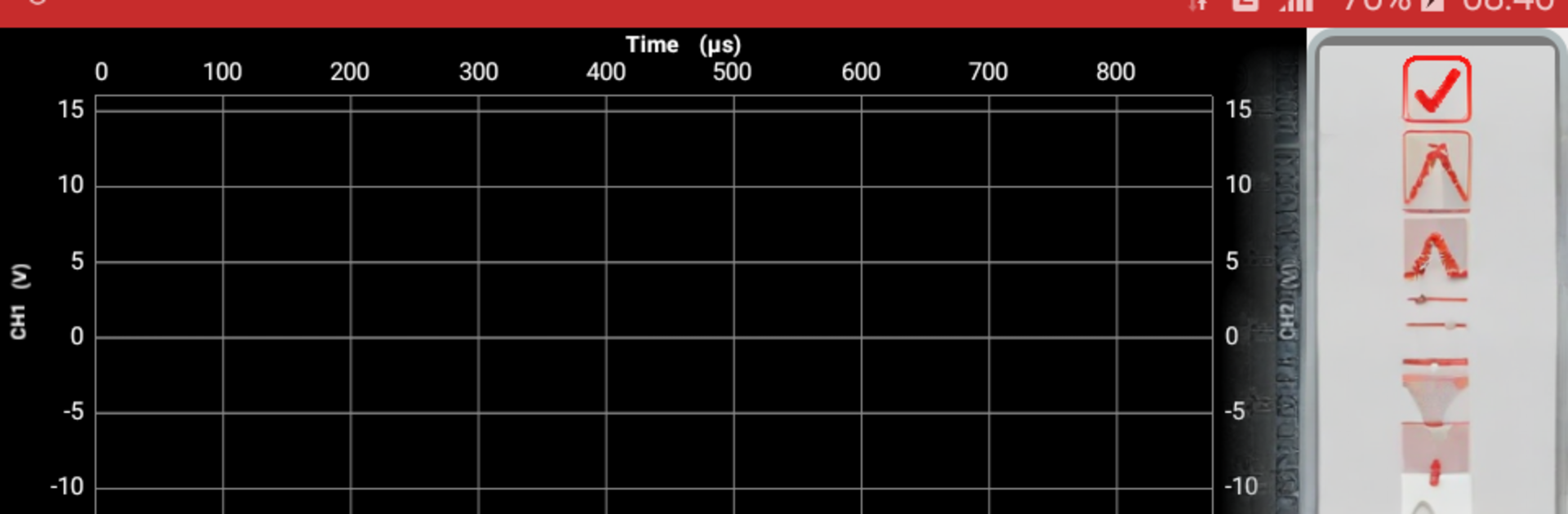
PSLab feels like a pocket lab bench that moved onto a desktop. There is a proper oscilloscope for looking at signals, a multimeter readout for quick checks, a waveform maker to send test tones, and a frequency counter when timing matters. It also has programmable power outputs, so voltage or current can be set precisely for trying out small circuits. Beyond the wired stuff, it uses phone sensors for things like light and air pressure, so a quick lux or barometer reading is simple. Pairing with the PSLab hardware add-on brings a bunch of instruments into one plug, but the app alone already covers a lot. No coding is required, the screens walk through most tasks, and runs can be saved, exported, and even placed on a map when location adds context. It is built by an open community, which gives it a straight, privacy-respecting feel and a sense that support will not vanish next year.

On BlueStacks it benefits from a larger screen, so waveforms and controls are easier to read, and using a mouse to drag cursors or tweak values is less fiddly than on a small touch display. What stands out is how fast an idea turns into a graph without setting up different tools. It leans more toward practical measuring than flash, which suits students, hobby tinkerers, or anyone who enjoys poking at the real world to see what the numbers say.

Big screen. Bigger performance. Use BlueStacks on your PC or Mac to run your favorite apps.

How to Download and Run PSLab on PC or Mac

  • Download and install BlueStacks on your PC or Mac

  • Complete Google sign-in to access the Play Store, or do it later

  • Look for PSLab in the search bar at the top right corner

  • Click to install PSLab from the search results

  • Complete Google sign-in (if you skipped step 2) to install PSLab

  • Click the PSLab icon on the home screen to start playing

video
Watch Video

Minimum System Requirements

With BlueStacks 5, you can get started on a PC that fulfills the following requirements.

  • Operating System

    Microsoft Windows 7 or above, macOS 11 (Big Sur) or above

  • Processor

    Intel, AMD or Apple Silicon Processor

  • RAM

    at least 4GB

  • HDD

    10GB Free Disk Space

Note:

* You must be an Administrator on your PC. Up to date graphics drivers from Microsoft or the chipset vendor.

PSLab - FAQs

  • How to Run PSLab on Windows PC & Mac?

    Run PSLab on your PC or Mac by following these simple steps.

    • Click on ‘Download PSLab on PC’ to download BlueStacks
    • Install it and log-in to Google Play Store
    • Launch and run the app.
  • Why is BlueStacks the fastest and safest platform to play games on PC?

    BlueStacks respects your privacy and is always safe and secure to use. It does not carry any malware, spyware, or any sort of additional software that could harm your PC.

    It is engineered to optimize speed and performance for a seamless gaming experience.

  • What are PSLab PC requirements?

    Minimum requirement to run PSLab on your PC

    • OS: Microsoft Windows 7 and above:
    • Processor: Intel or AMD Processor:
    • RAM: Your PC must have at least 2GB of RAM. (Note that having 2GB or more disk space is not a substitute for RAM):
    • HDD: 5GB Free Disk Space.
    • You must be an Administrator on your PC.




