
Quick Pronunciation
Quick Pronunciation

Quick Pronunciation

Education

| Tiago English Tutor

Play on PC with BlueStacks or from our cloud

  • Overview
  • How to Download

Page Modified On: October 04, 2025

Run Quick Pronunciation on PC or Mac

Why limit yourself to your small screen on the phone? Run Quick Pronunciation, an app by Tiago English Tutor, best experienced on your PC or Mac with BlueStacks, the world’s #1 Android emulator.

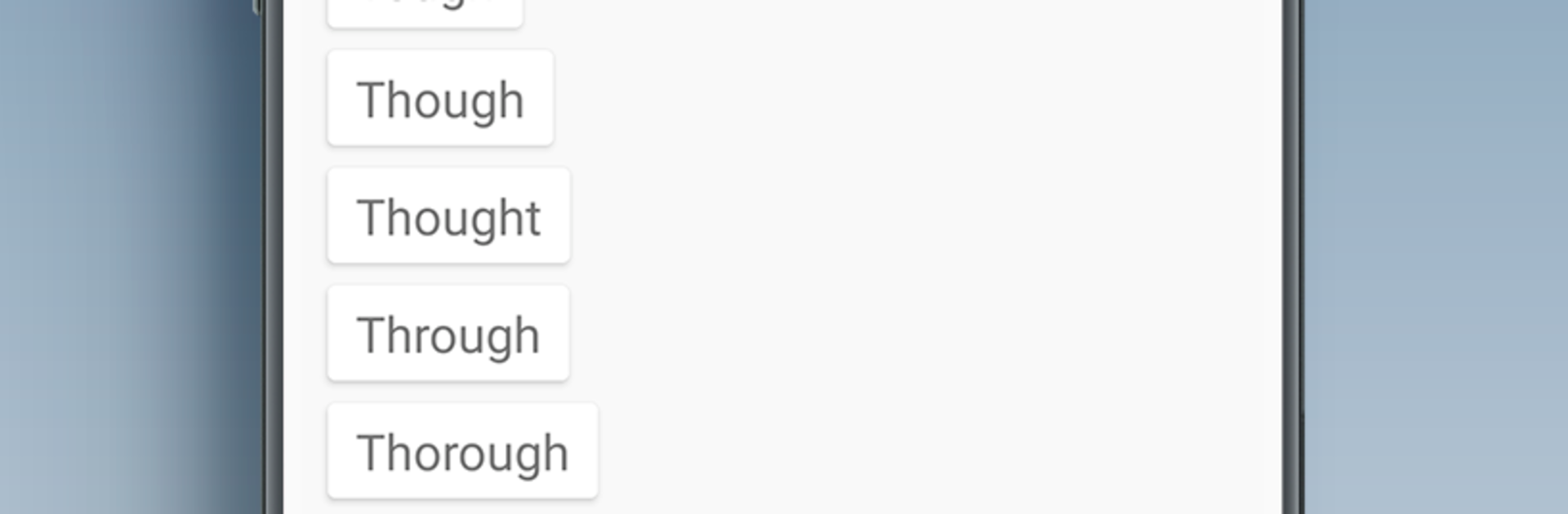
Quick Pronunciation feels like a tiny pronunciation remote on the desktop. Type a word, press the button, and it speaks it out loud almost immediately. No clutter, no sign ups, no rabbit holes to click through. On BlueStacks it sits nicely next to a document or a lesson, so copying long words with a keyboard and pasting them in is quick, and the little window can stay open while reading or prepping notes. The app keeps a short list of recent words, and bringing up the full history takes one tap, so going back to the tricky ones is painless.

What stands out is how direct it is. It uses the device text to speech, so it works without internet and barely touches battery. There are no ads. Dark and light themes are there if eyes need a break at night. Switching languages is simple, long press the flag and pick one. English US or UK, Spanish, Italian, German, French, Japanese, Russian, Hindi, Portuguese, Korean, Greek, all in there. It even handles those scary medical terms, biblical names, plant species, and huge numbers without throwing a fit. It does not try to teach with lessons or phonetic breakdowns, it just speaks what is typed, which is perfect for a quick check before a meeting, a class, or a trip. The whole thing feels small, fast, and strangely satisfying.

BlueStacks brings your apps to life on a bigger screen—seamless and straightforward.

How to Download and Run Quick Pronunciation on PC or Mac

  • Download and install BlueStacks on your PC or Mac

  • Complete Google sign-in to access the Play Store, or do it later

  • Look for Quick Pronunciation in the search bar at the top right corner

  • Click to install Quick Pronunciation from the search results

  • Complete Google sign-in (if you skipped step 2) to install Quick Pronunciation

  • Click the Quick Pronunciation icon on the home screen to start playing

video
Watch Video

Minimum System Requirements

With BlueStacks 5, you can get started on a PC that fulfills the following requirements.

  • Operating System

    Microsoft Windows 7 or above, macOS 11 (Big Sur) or above

  • Processor

    Intel, AMD or Apple Silicon Processor

  • RAM

    at least 4GB

  • HDD

    10GB Free Disk Space

Note:

* You must be an Administrator on your PC. Up to date graphics drivers from Microsoft or the chipset vendor.

Quick Pronunciation - FAQs

  • How to Run Quick Pronunciation on Windows PC & Mac?

    Run Quick Pronunciation on your PC or Mac by following these simple steps.

    • Click on ‘Download Quick Pronunciation on PC’ to download BlueStacks
    • Install it and log-in to Google Play Store
    • Launch and run the app.
  • Why is BlueStacks the fastest and safest platform to play games on PC?

    BlueStacks respects your privacy and is always safe and secure to use. It does not carry any malware, spyware, or any sort of additional software that could harm your PC.

    It is engineered to optimize speed and performance for a seamless gaming experience.

  • What are Quick Pronunciation PC requirements?

    Minimum requirement to run Quick Pronunciation on your PC

    • OS: Microsoft Windows 7 and above:
    • Processor: Intel or AMD Processor:
    • RAM: Your PC must have at least 2GB of RAM. (Note that having 2GB or more disk space is not a substitute for RAM):
    • HDD: 5GB Free Disk Space.
    • You must be an Administrator on your PC.




