
R Discovery: Academic Research

R Discovery: Academic Research

Education

| Cactus Communications Pvt. Ltd.

Play on PC with BlueStacks or from our cloud

  • Overview
  • How to Download

Page Modified On: January 09, 2026

Run R Discovery: Academic Research on PC or Mac

Get freedom from your phone’s obvious limitations. Use R Discovery: Academic Research, made by Cactus Communications Pvt. Ltd., a Education app on your PC or Mac with BlueStacks, and level up your experience.

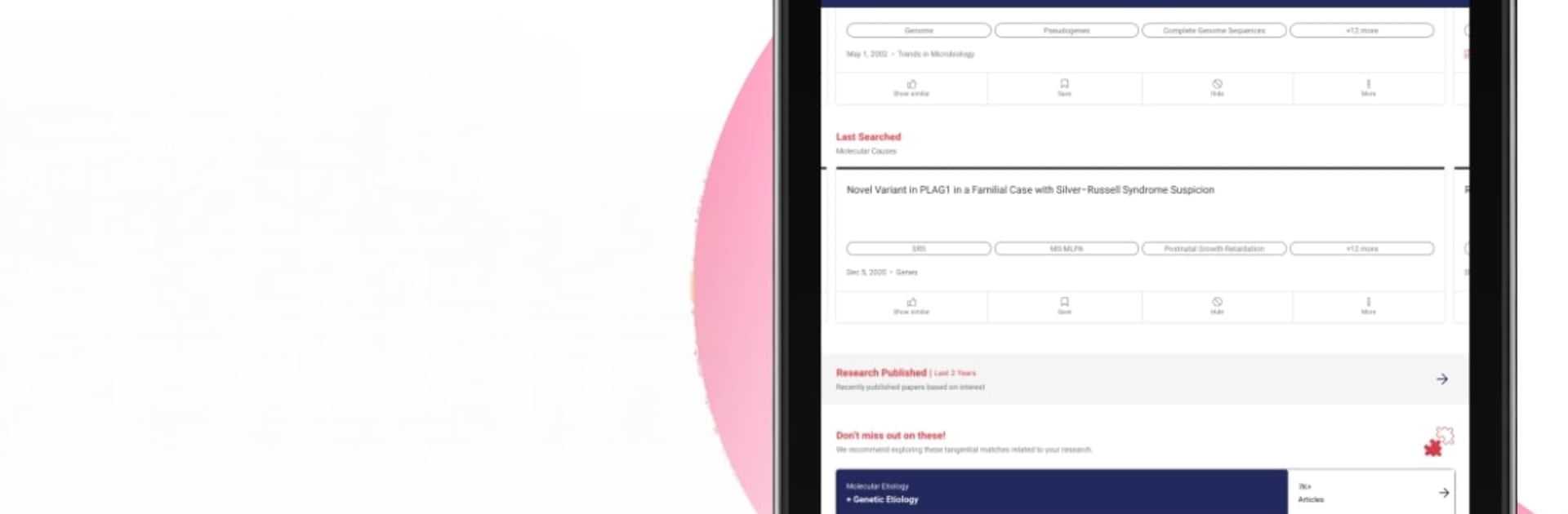
R Discovery feels like a research feed that actually knows what someone wants to read, not another giant search box. Set a few topics and it starts dropping a small set of daily picks that match those interests, plus a few related areas so there is a chance to catch useful side tracks without getting lost. The best part is the quick summaries before opening a paper, so skimming does not eat the whole day. On BlueStacks, the bigger screen and keyboard make that skimming and searching feel smoother, and PDFs are easier on the eyes.

It pulls from a ton of journals and subjects, from medicine and biology to engineering, social sciences, and arts. Big names show up often, but it does not feel stuck in one publisher bubble. If the institution has access, full text opens up through their GetFTR link, and if not, there is still enough detail to decide whether it is worth hunting down. Bookmarks are one tap, reading history is tracked, and there is an option to import stuff from Mendeley, Zotero, or ORCID so past libraries do not go to waste. Alerts and notifications keep new papers rolling in without constant checking, and the search filters are simple enough that they get used.

There is talk of multiple feeds and deeper ORCID tie ins, plus more sources like CrossRef and the common preprint servers, which would make the stream even wider. As a daily reading companion for researchers or students trying to keep up, it is focused, fast, and not heavy.

BlueStacks gives you the much-needed freedom to experience your favorite apps on a bigger screen. Get it now.


How to Download and Run R Discovery: Academic Research on PC or Mac

  • Download and install BlueStacks on your PC or Mac

  • Complete Google sign-in to access the Play Store, or do it later

  • Look for R Discovery: Academic Research in the search bar at the top right corner

  • Click to install R Discovery: Academic Research from the search results

  • Complete Google sign-in (if you skipped step 2) to install R Discovery: Academic Research

  • Click the R Discovery: Academic Research icon on the home screen to start playing

video
Watch Video

Minimum System Requirements

With BlueStacks 5, you can get started on a PC that fulfills the following requirements.

  • Operating System

    Microsoft Windows 7 or above, macOS 11 (Big Sur) or above

  • Processor

    Intel, AMD or Apple Silicon Processor

  • RAM

    at least 4GB

  • HDD

    10GB Free Disk Space

Note:

* You must be an Administrator on your PC. Up to date graphics drivers from Microsoft or the chipset vendor.

R Discovery: Academic Research - FAQs

  • How to Run R Discovery: Academic Research on Windows PC & Mac?

    Run R Discovery: Academic Research on your PC or Mac by following these simple steps.

    • Click on ‘Download R Discovery: Academic Research on PC’ to download BlueStacks
    • Install it and log-in to Google Play Store
    • Launch and run the app.
  • Why is BlueStacks the fastest and safest platform to play games on PC?

    BlueStacks respects your privacy and is always safe and secure to use. It does not carry any malware, spyware, or any sort of additional software that could harm your PC.

    It is engineered to optimize speed and performance for a seamless gaming experience.

  • What are R Discovery: Academic Research PC requirements?

    Minimum requirement to run R Discovery: Academic Research on your PC

    • OS: Microsoft Windows 7 and above:
    • Processor: Intel or AMD Processor:
    • RAM: Your PC must have at least 2GB of RAM. (Note that having 2GB or more disk space is not a substitute for RAM):
    • HDD: 5GB Free Disk Space.
    • You must be an Administrator on your PC.



