



What’s better than using Romanian – English by eflasoft? Well, try it on a big screen, on your PC or Mac, with BlueStacks to see the difference.
Romanian – English feels less like a single dictionary and more like a bundle of study tools that someone can actually use every day. The offline dictionary is fast, with a big word bank in both directions, and it starts suggesting entries as soon as a user begins typing. Definitions show up with usage frequency percentages, example sentences, and audio, so the word does not just sit there, it gets context. There is also an online translator with voice input and saved history when a quick full sentence translation is needed.
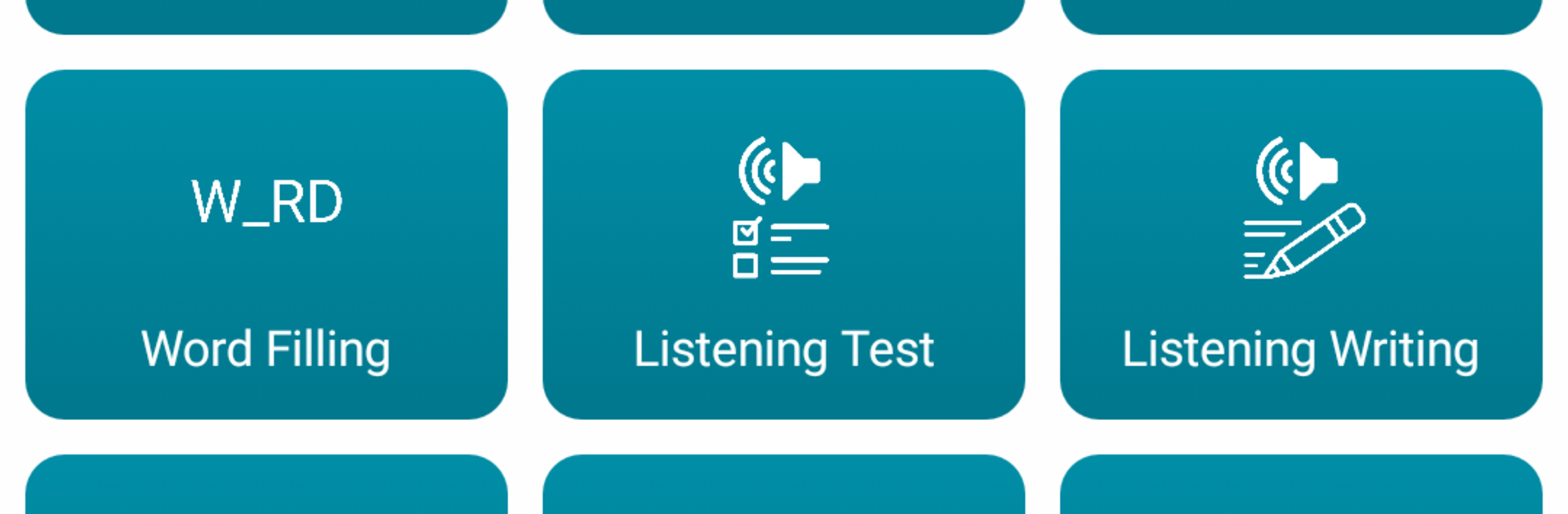
What stands out are the practice modes. There are quick tests for writing, listening, and speaking, plus a bunch of small games. Matching and dual game for speed, a falling words mode that pushes reaction time, gap filling for sentence sense, and True or False that keeps score against the clock. Flashcards are simple but work, and the speech test nudges better pronunciation. There are 1,100 daily phrases with audio, irregular verbs with conjugations, even phrasal verbs. An audio player can loop custom word lists, and someone can import or export favorites in csv, txt, xml, or html, which is handy for class or a personal tracker. The widget lets learning happen without opening the app, which is sneaky helpful.
On PC with BlueStacks, the typing-heavy parts feel easier, and the bigger screen makes the games and example sentences clearer. Design is plain, but quick. Translator needs internet. It leans vocab over grammer, so learners who want to build words and routine practice will probably like it.
Big screen. Bigger performance. Use BlueStacks on your PC or Mac to run your favorite apps.





