
SkoolBeep - School Parent App

SkoolBeep - School Parent App

Education

| Tangsys Technologies

Play on PC with BlueStacks or from our cloud

  • Overview
  • How to Download

Page Modified On: September 02, 2025

Run SkoolBeep - School Parent App on PC or Mac

Get freedom from your phone’s obvious limitations. Use SkoolBeep – School Parent App, made by Tangsys Technologies, a Education app on your PC or Mac with BlueStacks, and level up your experience.

SkoolBeep feels like a clean hub where all school stuff lands in one place instead of scattered across diaries, emails, and random chats. Messages, notes, and circulars show up as a simple feed, and schools can attach photos, videos, PDFs, and report cards without any fuss. On a PC with BlueStacks, the bigger screen helps a lot with long announcements and calendars. Scrolling is smoother, and it is easier to open documents or zoom into photos without juggling between apps.

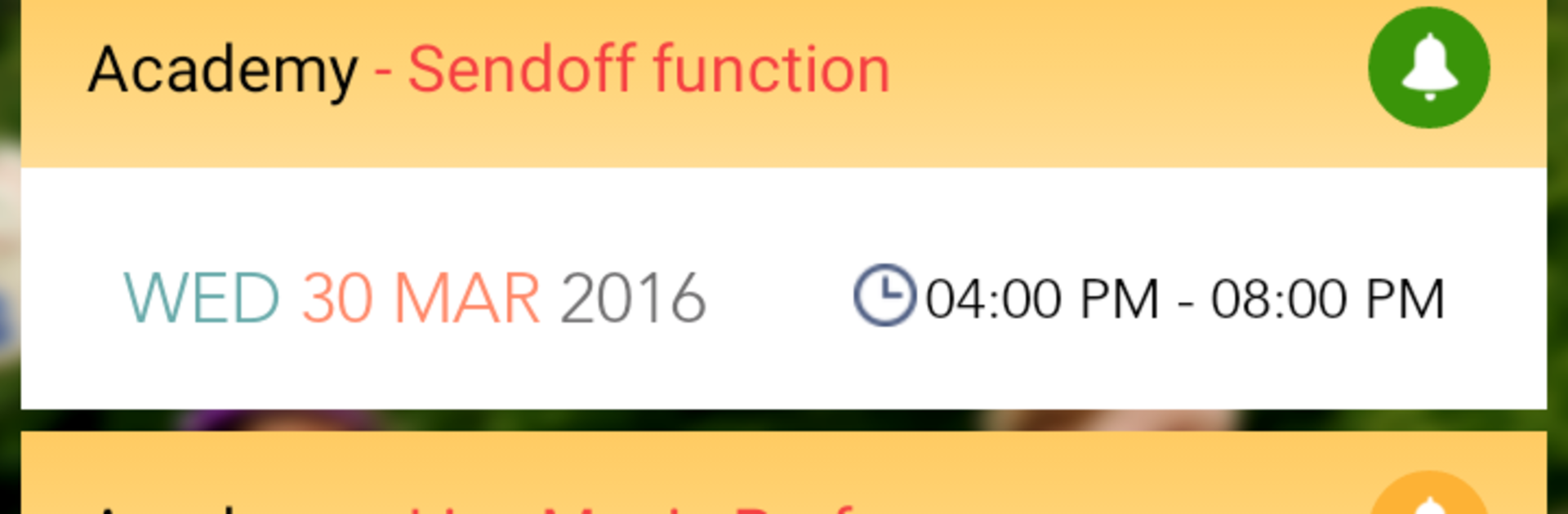
What stands out is how straightforward it is. Schools can set one way or two way chat, so sometimes it is just announcements, other times parents can reply directly. There is a read status on group messages, which saves the usual guesswork of who saw what. Calendar entries for events and holidays come with reminders, attendance updates ping parents right away, and there is even school bus tracking with live trip status for peace of mind. The app keeps paper use low by replacing printed notes and diaries, and it even bridges to SMS for those who are offline, so fewer parents miss updates. It is not flashy, but it is quick, reliable, and tidy. For anyone tired of hunting through multiple places for school info, this feels like a single inbox that actually stays organized.

Switch to BlueStacks and make the most of your apps on your PC or Mac.

How to Download and Run SkoolBeep - School Parent App on PC or Mac

  • Download and install BlueStacks on your PC or Mac

  • Complete Google sign-in to access the Play Store, or do it later

  • Look for SkoolBeep - School Parent App in the search bar at the top right corner

  • Click to install SkoolBeep - School Parent App from the search results

  • Complete Google sign-in (if you skipped step 2) to install SkoolBeep - School Parent App

  • Click the SkoolBeep - School Parent App icon on the home screen to start playing

video
Watch Video

Minimum System Requirements

With BlueStacks 5, you can get started on a PC that fulfills the following requirements.

  • Operating System

    Microsoft Windows 7 or above, macOS 11 (Big Sur) or above

  • Processor

    Intel, AMD or Apple Silicon Processor

  • RAM

    at least 4GB

  • HDD

    10GB Free Disk Space

Note:

* You must be an Administrator on your PC. Up to date graphics drivers from Microsoft or the chipset vendor.

SkoolBeep - School Parent App - FAQs

  • How to Run SkoolBeep - School Parent App on Windows PC & Mac?

    Run SkoolBeep - School Parent App on your PC or Mac by following these simple steps.

    • Click on ‘Download SkoolBeep - School Parent App on PC’ to download BlueStacks
    • Install it and log-in to Google Play Store
    • Launch and run the app.
  • Why is BlueStacks the fastest and safest platform to play games on PC?

    BlueStacks respects your privacy and is always safe and secure to use. It does not carry any malware, spyware, or any sort of additional software that could harm your PC.

    It is engineered to optimize speed and performance for a seamless gaming experience.

  • What are SkoolBeep - School Parent App PC requirements?

    Minimum requirement to run SkoolBeep - School Parent App on your PC

    • OS: Microsoft Windows 7 and above:
    • Processor: Intel or AMD Processor:
    • RAM: Your PC must have at least 2GB of RAM. (Note that having 2GB or more disk space is not a substitute for RAM):
    • HDD: 5GB Free Disk Space.
    • You must be an Administrator on your PC.




