
Seek by iNaturalist
Seek by iNaturalist

Seek by iNaturalist

Education

| iNaturalist

Play on PC with BlueStacks or from our cloud

  • Overview
  • How to Download

Page Modified On: October 03, 2025

Run Seek by iNaturalist on PC or Mac

What’s better than using Seek by iNaturalist by iNaturalist? Well, try it on a big screen, on your PC or Mac, with BlueStacks to see the difference.

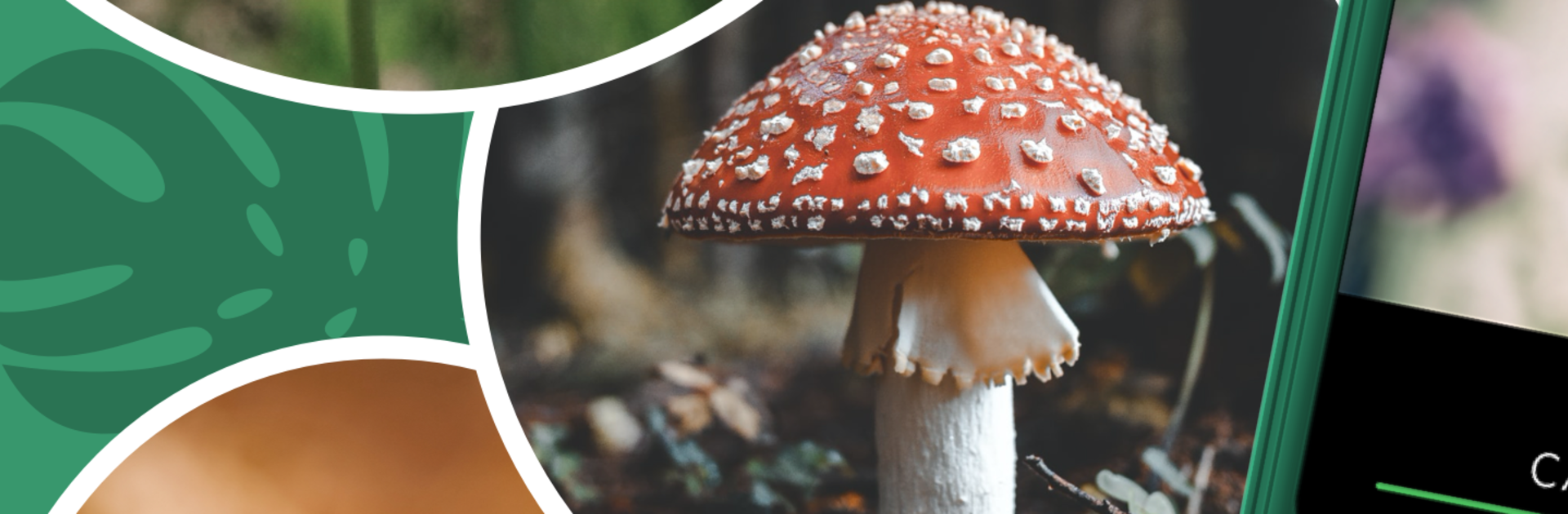
Seek feels like a nature helper that lives in the camera. Open it, point at a leaf, bird, bug, or mushroom, and it starts narrowing things down in real time. On PC with BlueStacks, the webcam works for live scanning, and dropping in photos from the computer is smooth, which makes close shots easier than juggling a phone. It pulls suggestions from a huge pile of real sightings in iNaturalist, so results tend to match what actually lives nearby. There is a simple guide to common species in the area, so someone can step outside and know what to look for before wandering around the yard or a trail. Each new find fills out a little collection, and the badges and occasional challenges add a gentle nudge to keep exploring without turning it into homework.

Privacy is handled in a no-drama way. No account is needed to identify things, and if location is allowed, the app hides the exact spot, just enough to give smart local suggestions. Signing in is optional and for over 13 or with a parent, and only then do observations get shared. The species pages are short and clear, with quick facts that go beyond a name so learning sticks. The app sorts identifications using the tree of life, which is a neat way to see how a plant or animal fits into the bigger picture. Families will like that it feels kid-safe and low fuss, and it comes from the iNaturalist team, a not-for-profit bunch focused on real-world nature, not flashy gimmicks.

BlueStacks brings your apps to life on a bigger screen—seamless and straightforward.

How to Download and Run Seek by iNaturalist on PC or Mac

  • Download and install BlueStacks on your PC or Mac

  • Complete Google sign-in to access the Play Store, or do it later

  • Look for Seek by iNaturalist in the search bar at the top right corner

  • Click to install Seek by iNaturalist from the search results

  • Complete Google sign-in (if you skipped step 2) to install Seek by iNaturalist

  • Click the Seek by iNaturalist icon on the home screen to start playing

video
Watch Video

Minimum System Requirements

With BlueStacks 5, you can get started on a PC that fulfills the following requirements.

  • Operating System

    Microsoft Windows 7 or above, macOS 11 (Big Sur) or above

  • Processor

    Intel, AMD or Apple Silicon Processor

  • RAM

    at least 4GB

  • HDD

    10GB Free Disk Space

Note:

* You must be an Administrator on your PC. Up to date graphics drivers from Microsoft or the chipset vendor.

Seek by iNaturalist - FAQs

  • How to Run Seek by iNaturalist on Windows PC & Mac?

    Run Seek by iNaturalist on your PC or Mac by following these simple steps.

    • Click on ‘Download Seek by iNaturalist on PC’ to download BlueStacks
    • Install it and log-in to Google Play Store
    • Launch and run the app.
  • Why is BlueStacks the fastest and safest platform to play games on PC?

    BlueStacks respects your privacy and is always safe and secure to use. It does not carry any malware, spyware, or any sort of additional software that could harm your PC.

    It is engineered to optimize speed and performance for a seamless gaming experience.

  • What are Seek by iNaturalist PC requirements?

    Minimum requirement to run Seek by iNaturalist on your PC

    • OS: Microsoft Windows 7 and above:
    • Processor: Intel or AMD Processor:
    • RAM: Your PC must have at least 2GB of RAM. (Note that having 2GB or more disk space is not a substitute for RAM):
    • HDD: 5GB Free Disk Space.
    • You must be an Administrator on your PC.




