
Simply Learn American English

Simply Learn American English

Education

| Ling Learn Languages

Play on PC with BlueStacks or from our cloud

  • Overview
  • How to Download

Page Modified On: January 09, 2026

Run Simply Learn American English on PC or Mac

What’s better than using Simply Learn American English by Ling Learn Languages? Well, try it on a big screen, on your PC or Mac, with BlueStacks to see the difference.

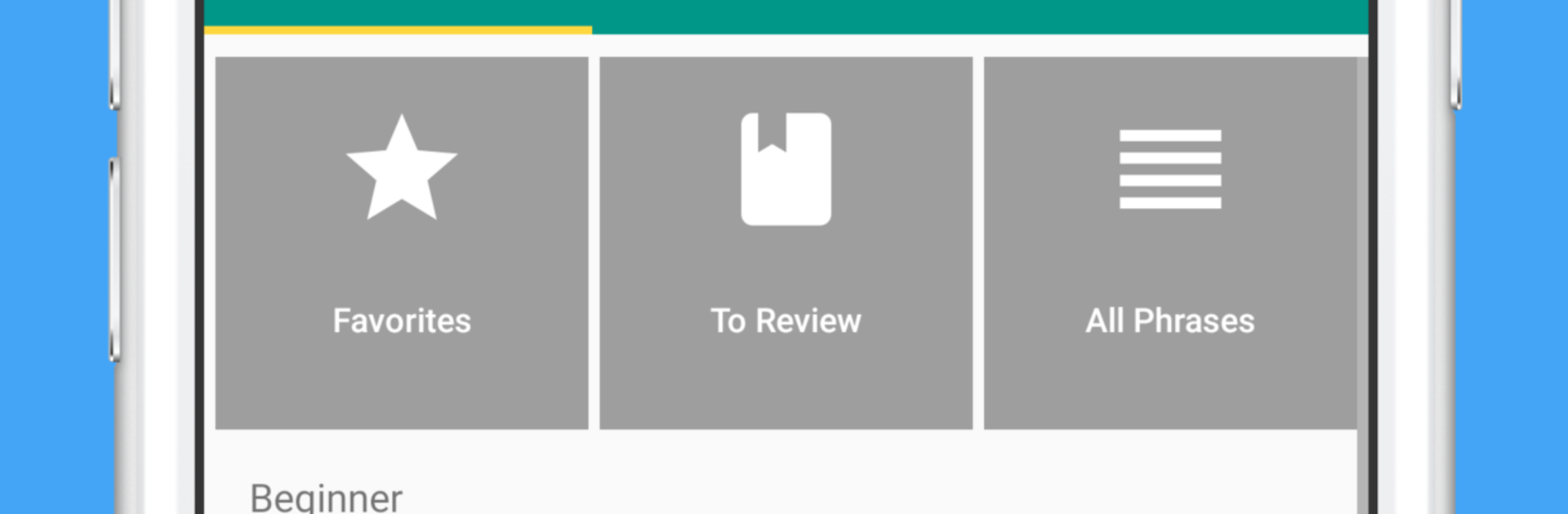
Simply Learn American English feels like a travel phrasebook mixed with quick study tools, the kind someone would actually use before a trip or when settling into daily life in the States. On PC with BlueStacks it is easy to browse and listen without juggling the phone, the bigger screen is nice for skimming categories and tapping through audio. It opens to tidy sections like numbers, time and date, greetings, directions, eating out, sightseeing, shopping, emergencies, and accommodation. Each phrase shows the text plus a simple pronunciation hint, and there is a clear US voice reading everything. The app can speak a line out loud for you, which is handy with a taxi driver or at a counter when words will not come out. Search is quick, so grabbing the right sentence takes a couple taps.

The learning bits are light but useful. Flashcards use spaced repetition so tougher words come back often until they stick. Quizzes are short, adjustable, and there is progress tracking so it is obvious what needs more practice. Playback can be slowed if the audio feels fast, and a long press copies a phrase to the clipboard, good for notes or sending to a friend. Favorites make a personal list of must-knows. The free set covers a few hundred essentials, and there is a paid upgrade with lots more topics like advanced conversation, health, border crossing stuff, banking, phone and internet, foods and colors, romance, jobs, hobbies, feelings, body, animals, family, countries. Nothing flashy, just a clean, practical way to hear real American English and keep the important phrases in one place.

Big screen. Bigger performance. Use BlueStacks on your PC or Mac to run your favorite apps.

How to Download and Run Simply Learn American English on PC or Mac

  • Download and install BlueStacks on your PC or Mac

  • Complete Google sign-in to access the Play Store, or do it later

  • Look for Simply Learn American English in the search bar at the top right corner

  • Click to install Simply Learn American English from the search results

  • Complete Google sign-in (if you skipped step 2) to install Simply Learn American English

  • Click the Simply Learn American English icon on the home screen to start playing

video
Watch Video

Minimum System Requirements

With BlueStacks 5, you can get started on a PC that fulfills the following requirements.

  • Operating System

    Microsoft Windows 7 or above, macOS 11 (Big Sur) or above

  • Processor

    Intel, AMD or Apple Silicon Processor

  • RAM

    at least 4GB

  • HDD

    10GB Free Disk Space

Note:

* You must be an Administrator on your PC. Up to date graphics drivers from Microsoft or the chipset vendor.

Simply Learn American English - FAQs

  • How to Run Simply Learn American English on Windows PC & Mac?

    Run Simply Learn American English on your PC or Mac by following these simple steps.

    • Click on ‘Download Simply Learn American English on PC’ to download BlueStacks
    • Install it and log-in to Google Play Store
    • Launch and run the app.
  • Why is BlueStacks the fastest and safest platform to play games on PC?

    BlueStacks respects your privacy and is always safe and secure to use. It does not carry any malware, spyware, or any sort of additional software that could harm your PC.

    It is engineered to optimize speed and performance for a seamless gaming experience.

  • What are Simply Learn American English PC requirements?

    Minimum requirement to run Simply Learn American English on your PC

    • OS: Microsoft Windows 7 and above:
    • Processor: Intel or AMD Processor:
    • RAM: Your PC must have at least 2GB of RAM. (Note that having 2GB or more disk space is not a substitute for RAM):
    • HDD: 5GB Free Disk Space.
    • You must be an Administrator on your PC.




