




Why limit yourself to your small screen on the phone? Run Snapplify, an app by Snapplify, best experienced on your PC or Mac with BlueStacks, the world’s #1 Android emulator.
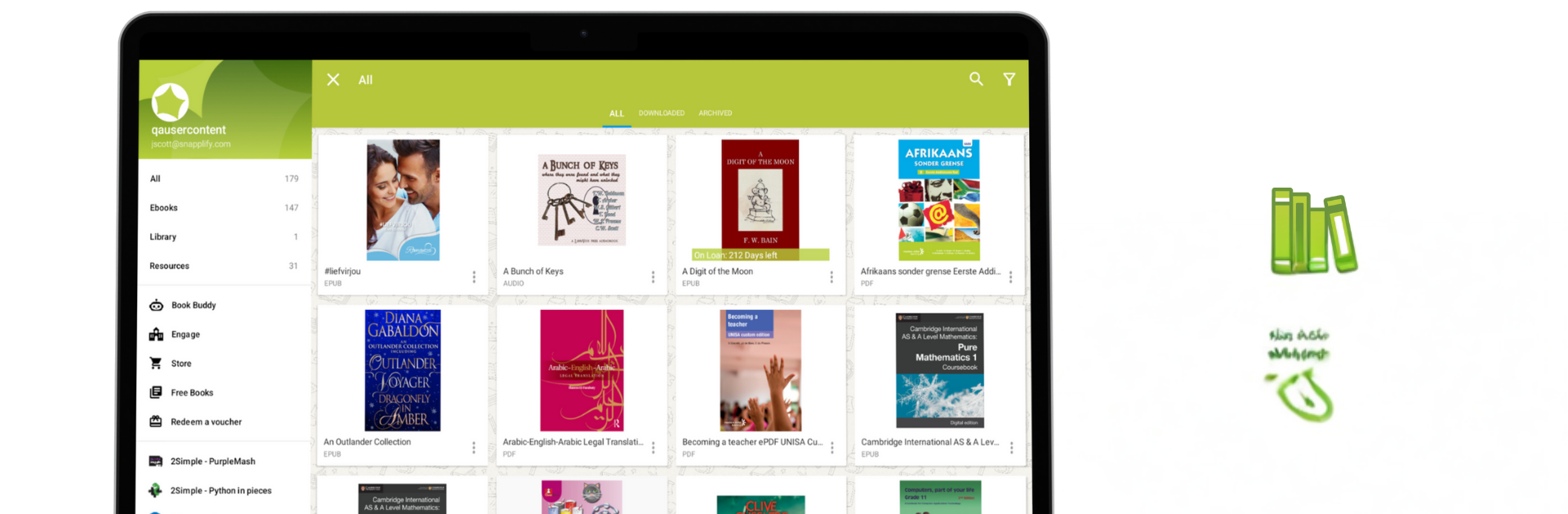
Snapplify feels like a real study hub, not just another reading app. It pulls in a huge mix of local and international e‑books, so a learner can grab school texts, extra readers, or whatever is needed for class and revision. The Book Buddy AI is the standout, since it lets someone ask questions about a chapter, get quick explanations, and even spin up flashcards or short quizzes for practice. Tools are friendly for different needs too, with a dyslexic font option, text to speech that reads out the page, and easy font resizing so eyes do not get tired. Highlights and notes stick to the page in a clean way, and everything is searchable, which matters when exams creep up.
For school setups, the single sign on makes sense, one account that unlocks the right books. Downloading once and reading offline saves data, handy when internet is shaky. It is used widely across Africa, and that UNESCO nod shows they care about accessibility and literacy, not just ticking a box. On PC with BlueStacks, the bigger screen helps with diagrams and dense chapters, the mouse makes highlighting precise, and typing notes on a keyboard is quicker than pecking at a phone. Text to speech through speakers is clear, and offline mode still works fine. The app layout is simple, no clutter, so someone can jump between books, notes, and that AI helper without getting lost.
BlueStacks brings your apps to life on a bigger screen—seamless and straightforward.





