
Speak Dutch - 5000 Phrases & Sentences

Speak Dutch - 5000 Phrases & Sentences

Education

| FunEasyLearn

Play on PC with BlueStacks or from our cloud

  • Overview
  • How to Download

Page Modified On: August 22, 2025

Run Speak Dutch - 5000 Phrases & Sentences on PC or Mac

Why limit yourself to your small screen on the phone? Run Speak Dutch – 5000 Phrases & Sentences, an app by FunEasyLearn, best experienced on your PC or Mac with BlueStacks, the world’s #1 Android emulator.

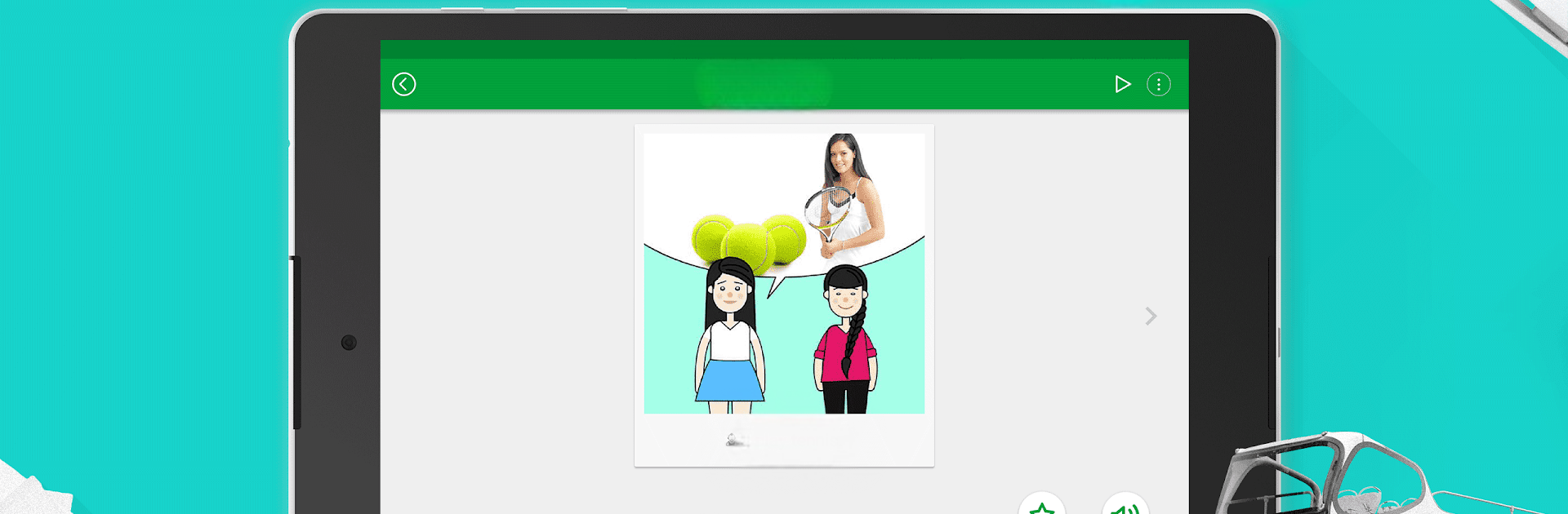
So, Speak Dutch – 5000 Phrases & Sentences is basically this language app that helps people learn Dutch, but it’s way more focused on phrases than just memorizing vocab lists. The idea is, you get 5,000 different sentences that cover a bunch of real-life situations—stuff like ordering food, hotel check-ins, chatting with friends, travel, business, all that. There are audio pronunciations, so it’s not just reading—there’s a voice saying it the way someone from the Netherlands actually would. Plus, they break up the learning with little games that help with listening, writing, and speaking. That keeps it from feeling dry.

One thing that stands out is you don’t need to stay online to play with it, which is nice for travel or if WiFi isn’t always reliable. Four different levels means it doesn’t matter if someone’s just starting or they already know the basics and want to get into more advanced stuff. Topics are divided up clearly, so it’s actually easy to find phrases you might need in a given situation. There’s a way to bookmark or search favorite expressions and unlock new sections as you go, which gives a kind of low-key sense of progress. It even supports tons of interface languages, so people whose first language isn’t English aren’t stuck. Playing on BlueStacks actually makes it feel less cramped, like more room to see everything. Definitely made for bite-sized practice, but there’s a lot inside, and the little speaking games mix things up.

Switch to BlueStacks and make the most of your apps on your PC or Mac.

How to Download and Run Speak Dutch - 5000 Phrases & Sentences on PC or Mac

  • Download and install BlueStacks on your PC or Mac

  • Complete Google sign-in to access the Play Store, or do it later

  • Look for Speak Dutch - 5000 Phrases & Sentences in the search bar at the top right corner

  • Click to install Speak Dutch - 5000 Phrases & Sentences from the search results

  • Complete Google sign-in (if you skipped step 2) to install Speak Dutch - 5000 Phrases & Sentences

  • Click the Speak Dutch - 5000 Phrases & Sentences icon on the home screen to start playing

video
Watch Video

Minimum System Requirements

With BlueStacks 5, you can get started on a PC that fulfills the following requirements.

  • Operating System

    Microsoft Windows 7 or above, macOS 11 (Big Sur) or above

  • Processor

    Intel, AMD or Apple Silicon Processor

  • RAM

    at least 4GB

  • HDD

    10GB Free Disk Space

Note:

* You must be an Administrator on your PC. Up to date graphics drivers from Microsoft or the chipset vendor.

Speak Dutch - 5000 Phrases & Sentences - FAQs

  • How to Run Speak Dutch - 5000 Phrases & Sentences on Windows PC & Mac?

    Run Speak Dutch - 5000 Phrases & Sentences on your PC or Mac by following these simple steps.

    • Click on ‘Download Speak Dutch - 5000 Phrases & Sentences on PC’ to download BlueStacks
    • Install it and log-in to Google Play Store
    • Launch and run the app.
  • Why is BlueStacks the fastest and safest platform to play games on PC?

    BlueStacks respects your privacy and is always safe and secure to use. It does not carry any malware, spyware, or any sort of additional software that could harm your PC.

    It is engineered to optimize speed and performance for a seamless gaming experience.

  • What are Speak Dutch - 5000 Phrases & Sentences PC requirements?

    Minimum requirement to run Speak Dutch - 5000 Phrases & Sentences on your PC

    • OS: Microsoft Windows 7 and above:
    • Processor: Intel or AMD Processor:
    • RAM: Your PC must have at least 2GB of RAM. (Note that having 2GB or more disk space is not a substitute for RAM):
    • HDD: 5GB Free Disk Space.
    • You must be an Administrator on your PC.




