
Tafseer Fi Zilal al-Quran

Tafseer Fi Zilal al-Quran

Education

| UsmanPervez

Play on PC with BlueStacks or from our cloud

  • Overview
  • How to Download

Page Modified On: September 19, 2025

Run Tafseer Fi Zilal al-Quran on PC or Mac

Upgrade your experience. Try Tafseer Fi Zilal al-Quran, the fantastic Education app from UsmanPervez, from the comfort of your laptop, PC, or Mac, only on BlueStacks.

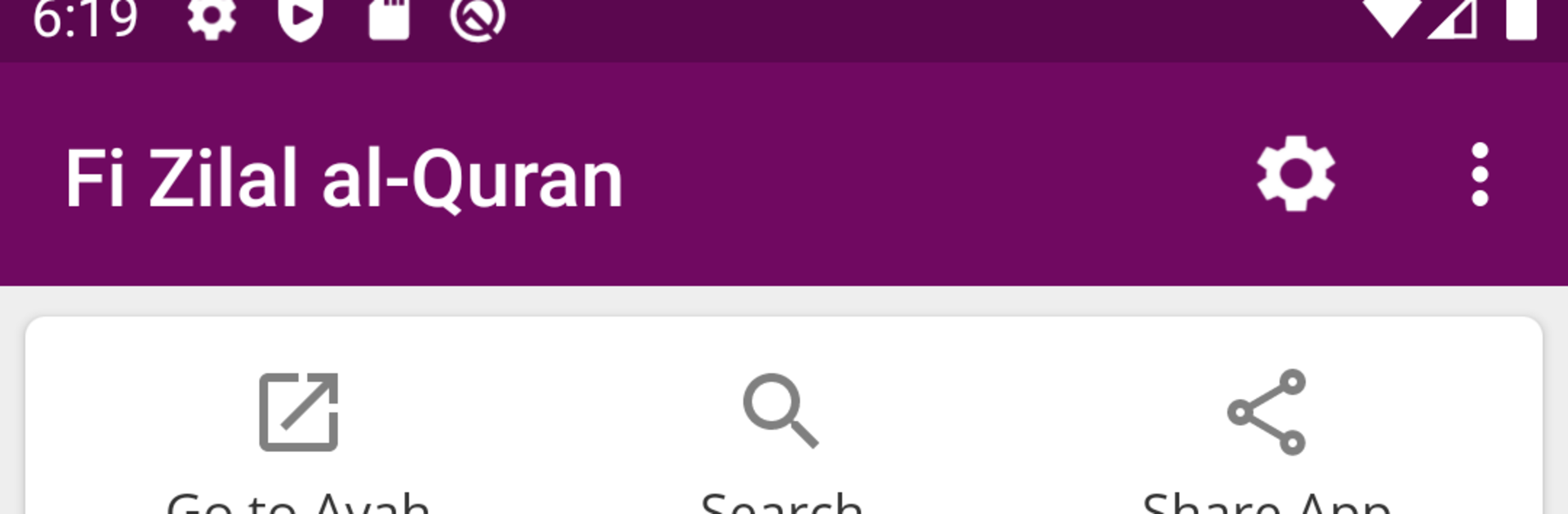
Tafseer Fi Zilal al-Quran feels like a clean, focused way to read Sayyid Qutb’s tafseer in Urdu without fuss. It keeps the full tafseer and pairs it with the Quran text, plus a colored word by word translation that makes following along a lot easier for learners. The interface is simple and modern, nothing flashy, and it lets a reader switch between Mushaf Mode with translation or tafseer, or just a straight Translation Mode if that is all that is needed that day. What stands out is how much control it gives over the reading view. Arabic and Urdu fonts can be changed, sizes and colors can be tweaked, and there are multiple themes, including dark and night options that are genuinely easy on the eyes.

Navigation is quick. There is a jump to any Ayah or Ruku, resume from the last read spot, and a solid search that works across Quran text, translation, and tafseer. Sharing is practical too, since one Ayah or several can be sent with or without translation and tafseer. Ruku and Para info is always visible so a reader knows where they are. Bookmarks are unlimited, layouts can be switched between list or slider, and the extra layers like word by word, translation, and tafseer can be shown or hidden as needed. On a PC through BlueStacks, the bigger screen and keyboard make reading and searching more relaxed, especially with the font options. It feels like a proper study companion, not just a reader, and it does not get in the way.

Big screen. Bigger performance. Use BlueStacks on your PC or Mac to run your favorite apps.

How to Download and Run Tafseer Fi Zilal al-Quran on PC or Mac

  • Download and install BlueStacks on your PC or Mac

  • Complete Google sign-in to access the Play Store, or do it later

  • Look for Tafseer Fi Zilal al-Quran in the search bar at the top right corner

  • Click to install Tafseer Fi Zilal al-Quran from the search results

  • Complete Google sign-in (if you skipped step 2) to install Tafseer Fi Zilal al-Quran

  • Click the Tafseer Fi Zilal al-Quran icon on the home screen to start playing

video
Watch Video

Minimum System Requirements

With BlueStacks 5, you can get started on a PC that fulfills the following requirements.

  • Operating System

    Microsoft Windows 7 or above, macOS 11 (Big Sur) or above

  • Processor

    Intel, AMD or Apple Silicon Processor

  • RAM

    at least 4GB

  • HDD

    10GB Free Disk Space

Note:

* You must be an Administrator on your PC. Up to date graphics drivers from Microsoft or the chipset vendor.

Tafseer Fi Zilal al-Quran - FAQs

  • How to Run Tafseer Fi Zilal al-Quran on Windows PC & Mac?

    Run Tafseer Fi Zilal al-Quran on your PC or Mac by following these simple steps.

    • Click on ‘Download Tafseer Fi Zilal al-Quran on PC’ to download BlueStacks
    • Install it and log-in to Google Play Store
    • Launch and run the app.
  • Why is BlueStacks the fastest and safest platform to play games on PC?

    BlueStacks respects your privacy and is always safe and secure to use. It does not carry any malware, spyware, or any sort of additional software that could harm your PC.

    It is engineered to optimize speed and performance for a seamless gaming experience.

  • What are Tafseer Fi Zilal al-Quran PC requirements?

    Minimum requirement to run Tafseer Fi Zilal al-Quran on your PC

    • OS: Microsoft Windows 7 and above:
    • Processor: Intel or AMD Processor:
    • RAM: Your PC must have at least 2GB of RAM. (Note that having 2GB or more disk space is not a substitute for RAM):
    • HDD: 5GB Free Disk Space.
    • You must be an Administrator on your PC.




