




Multitask effortlessly on your PC or Mac as you try out TalkTablet PRO Autism & Stroke, a Education app by Gus Communication Devices Inc on BlueStacks.
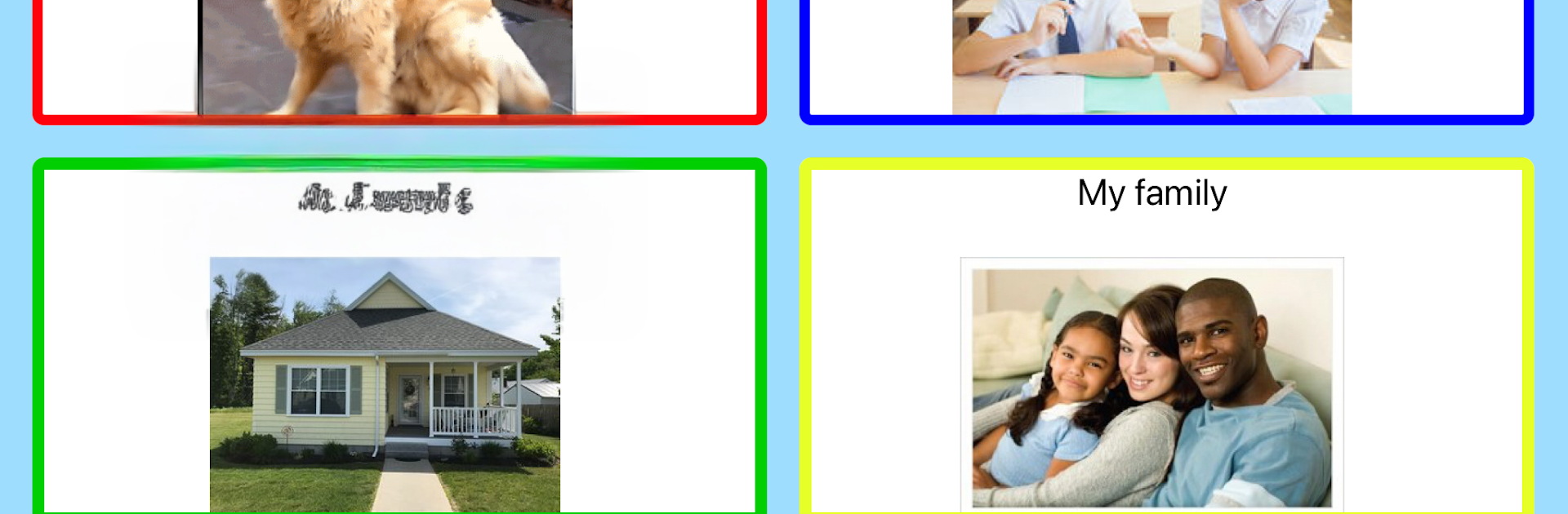
TalkTablet PRO is a symbols-based communication app that feels more like building a personal board of buttons than learning a new program. It is made for people who need help speaking because of autism, aphasia, Down syndrome, stroke, brain injury, or a laryngectomy. Tap a button and it speaks out loud in natural voices, or type extra words with the onscreen keyboard when the phrase needs a tweak. There are 12 starter setups, from super simple 4-button pages to dense 48-button grids, so someone can start small and grow at their own pace. The SymbolStix art is everywhere, thousands of icons, which makes it easier to understand at a glance.
What stands out is how fast it is to shape things. Add a button, drag it around, change colors and borders, swap the picture, even make buttons dim or hidden until they are needed. Photos from the camera or image searches drop right in. Pop-up pages are handy, like a quick drawer for related words that appears only when needed. Word prediction helps with moving toward typing, and there is a record-your-own-voice option if that fits better. Tap delay keeps accidental repeats under control, and a password can lock editing so nothing gets moved by mistake. Sharing is simple too, since pages or full vocab sets can be sent to other users, and there is backup and restore so the work does not vanish. It runs offline once set up, and it is not meant for watches. On a PC with BlueStacks, the bigger screen and a mouse make arranging grids and organizing pages way easier, and a real keyboard makes custom labels and phrases faster to enter. The whole thing feels practical and steady, made for real daily use rather than showy features, which is exactly what most people want from an AAC app.
Big screen. Bigger performance. Use BlueStacks on your PC or Mac to run your favorite apps.





