
The Sky by Redshift
The Sky by Redshift

The Sky by Redshift

Education

| USM

Play on PC with BlueStacks or from our cloud

  • Overview
  • How to Download

Page Modified On: November 03, 2025

Run The Sky by Redshift on PC or Mac

Multitask effortlessly on your PC or Mac as you try out The Sky by Redshift, a Education app by USM on BlueStacks.

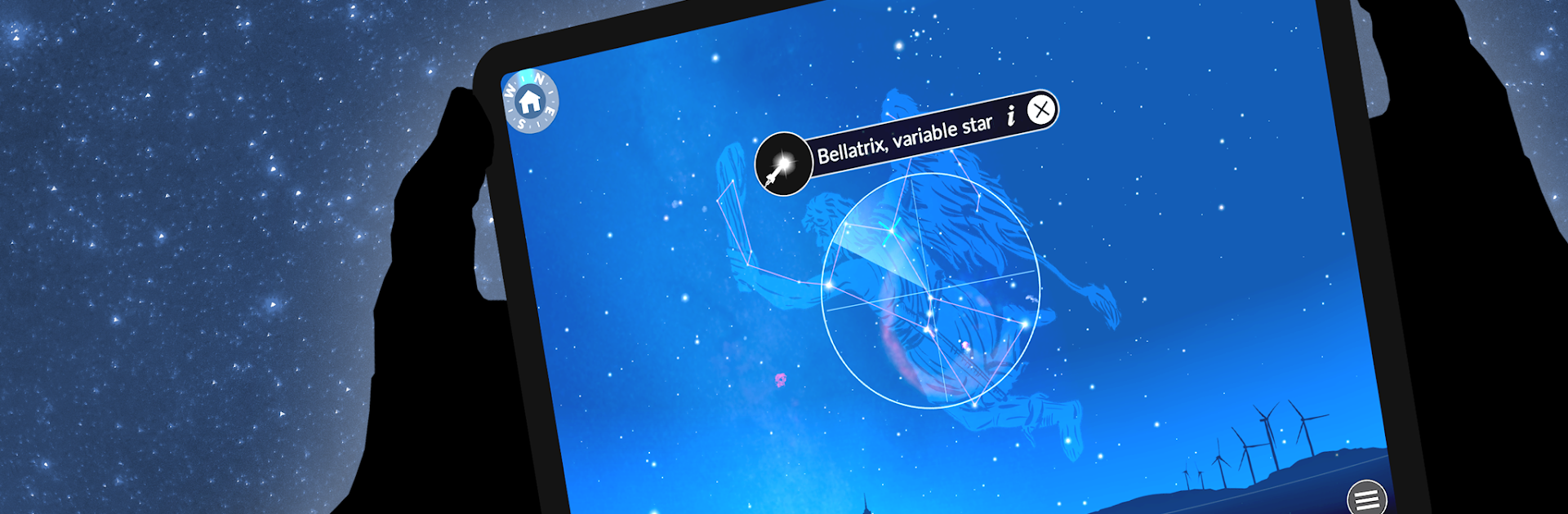
The Sky by Redshift feels like a friendly planetarium that actually makes sense. On a phone, a person can point the device at the night sky and the app names what is up there, stars, planets, even the ISS. On a PC with BlueStacks, it is more of a click and drag deal, and the bigger screen makes the constellations and labels easier to read without squinting. The real-time positions update as things move, and turning on orbits helps explain why those dots are where they are, not just what they are.

What stands out is how it mixes exploration with clear explanations. Tap Jupiter, zoom in, and it shows the moons. Curious about a solar eclipse or what opposition means for Mars, it has short animations that get to the point without turning into a lecture. There is a lot here, thousands of stars, all the constellations, deep sky objects that actually look nice when zoomed, and a handy timeline to see what will be visible tonight. The eclipse section is surprisingly robust too, with path info, a timetable that uses the chosen location, and a safe viewing primer that is not scary or preachy.

Beginners can wander without feeling lost, while hobby stargazers still get useful tools like satellites, comets, and accurate tracking. Location can be set by map, search, or GPS, and there is a big city list, so getting aligned is simple. The optional subscription adds more spaceflights, extra knowledge bits, an eclipse calendar back to 1900 and forward to 2100, plus a guided tour of the Mars 2020 mission with visuals from Perseverance. It is educational, but in a calm way that invites poking around for a few minutes that somehow becomes an hour.

BlueStacks brings your apps to life on a bigger screen—seamless and straightforward.

How to Download and Run The Sky by Redshift on PC or Mac

  • Download and install BlueStacks on your PC or Mac

  • Complete Google sign-in to access the Play Store, or do it later

  • Look for The Sky by Redshift in the search bar at the top right corner

  • Click to install The Sky by Redshift from the search results

  • Complete Google sign-in (if you skipped step 2) to install The Sky by Redshift

  • Click the The Sky by Redshift icon on the home screen to start playing

video
Watch Video

Minimum System Requirements

With BlueStacks 5, you can get started on a PC that fulfills the following requirements.

  • Operating System

    Microsoft Windows 7 or above, macOS 11 (Big Sur) or above

  • Processor

    Intel, AMD or Apple Silicon Processor

  • RAM

    at least 4GB

  • HDD

    10GB Free Disk Space

Note:

* You must be an Administrator on your PC. Up to date graphics drivers from Microsoft or the chipset vendor.

The Sky by Redshift - FAQs

  • How to Run The Sky by Redshift on Windows PC & Mac?

    Run The Sky by Redshift on your PC or Mac by following these simple steps.

    • Click on ‘Download The Sky by Redshift on PC’ to download BlueStacks
    • Install it and log-in to Google Play Store
    • Launch and run the app.
  • Why is BlueStacks the fastest and safest platform to play games on PC?

    BlueStacks respects your privacy and is always safe and secure to use. It does not carry any malware, spyware, or any sort of additional software that could harm your PC.

    It is engineered to optimize speed and performance for a seamless gaming experience.

  • What are The Sky by Redshift PC requirements?

    Minimum requirement to run The Sky by Redshift on your PC

    • OS: Microsoft Windows 7 and above:
    • Processor: Intel or AMD Processor:
    • RAM: Your PC must have at least 2GB of RAM. (Note that having 2GB or more disk space is not a substitute for RAM):
    • HDD: 5GB Free Disk Space.
    • You must be an Administrator on your PC.




