
TNMix - Mix Questions

TNMix - Mix Questions

Education

| TN Team

Play on PC with BlueStacks or from our cloud

  • Overview
  • How to Download

Page Modified On: January 09, 2026

Run TNMix - Mix Questions on PC or Mac

Let BlueStacks turn your PC, Mac, or laptop into the perfect home for TNMix – Mix Questions, a fun Education app from TN Team.

About the App

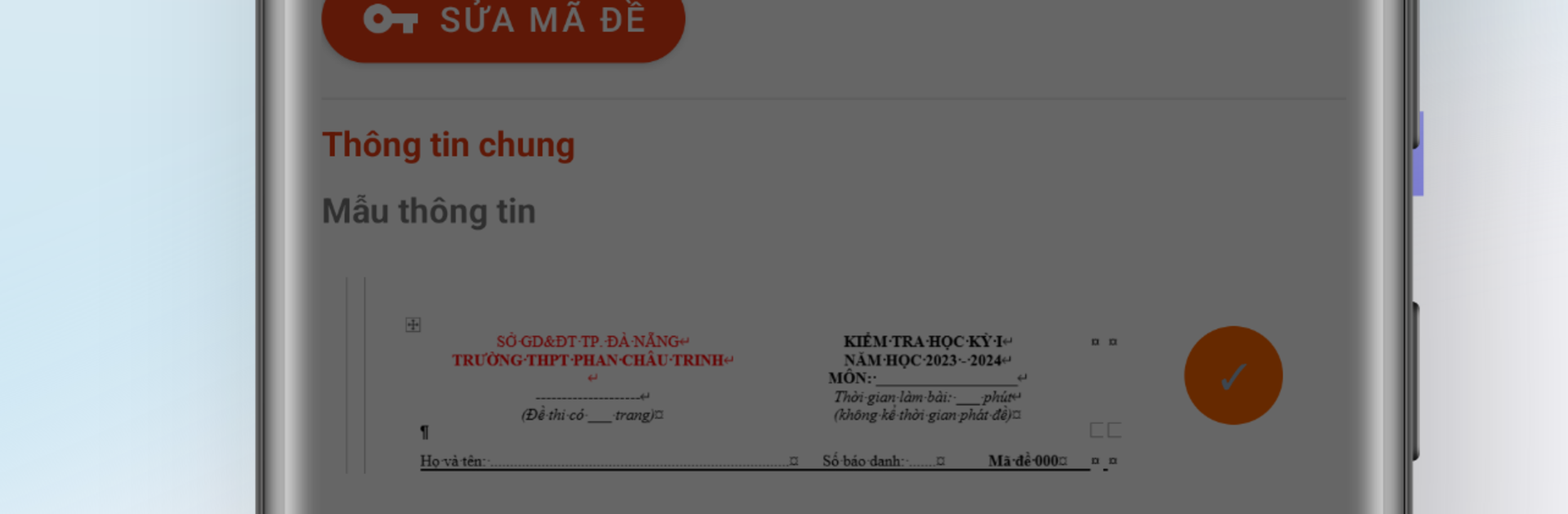
TNMix – Mix Questions from TN Team makes test prep feel simpler, not heavier. This Education app lets teachers build, shuffle, and manage multiple-choice tests right on a phone—no juggling between devices. Create versions, save keys, and get ready to grade in a few taps.

App Features

  • Auto versions in seconds: Generate several shuffled test forms fast, keeping things fair and cutting down on copying.
  • Flexible shuffling controls: Shuffle everything, only the question order, or just the answer choices. You’re in charge.
  • All-in-one on your phone: Draft the test, export the key, and move straight to grading without booting up a computer.
  • Seamless with TNMaker: Already using TNMaker? TNMix connects smoothly so tests and answer keys transfer without extra steps.
  • Quick answer-key sharing: Store keys neatly and share them where you need—handy for grading workflows that accept imports.
  • Clean, teacher-friendly design: A clear, focused interface made for busy schedules. No tech deep dives required.
  • Organized test library: Keep versions, histories, and edits in one place so you can reuse or tweak anytime.
  • Better assessments: Build varied and balanced forms that reflect your teaching and help you evaluate more accurately.
  • Optional big-screen use: Prefer working at a desk? Run the app on your computer with BlueStacks and keep the same simple flow.

Big screen. Bigger performance. Use BlueStacks on your PC or Mac to run your favorite apps.

How to Download and Run TNMix - Mix Questions on PC or Mac

  • Download and install BlueStacks on your PC or Mac

  • Complete Google sign-in to access the Play Store, or do it later

  • Look for TNMix - Mix Questions in the search bar at the top right corner

  • Click to install TNMix - Mix Questions from the search results

  • Complete Google sign-in (if you skipped step 2) to install TNMix - Mix Questions

  • Click the TNMix - Mix Questions icon on the home screen to start playing

video
Watch Video

Minimum System Requirements

With BlueStacks 5, you can get started on a PC that fulfills the following requirements.

  • Operating System

    Microsoft Windows 7 or above, macOS 11 (Big Sur) or above

  • Processor

    Intel, AMD or Apple Silicon Processor

  • RAM

    at least 4GB

  • HDD

    10GB Free Disk Space

Note:

* You must be an Administrator on your PC. Up to date graphics drivers from Microsoft or the chipset vendor.

TNMix - Mix Questions - FAQs

  • How to Run TNMix - Mix Questions on Windows PC & Mac?

    Run TNMix - Mix Questions on your PC or Mac by following these simple steps.

    • Click on ‘Download TNMix - Mix Questions on PC’ to download BlueStacks
    • Install it and log-in to Google Play Store
    • Launch and run the app.
  • Why is BlueStacks the fastest and safest platform to play games on PC?

    BlueStacks respects your privacy and is always safe and secure to use. It does not carry any malware, spyware, or any sort of additional software that could harm your PC.

    It is engineered to optimize speed and performance for a seamless gaming experience.

  • What are TNMix - Mix Questions PC requirements?

    Minimum requirement to run TNMix - Mix Questions on your PC

    • OS: Microsoft Windows 7 and above:
    • Processor: Intel or AMD Processor:
    • RAM: Your PC must have at least 2GB of RAM. (Note that having 2GB or more disk space is not a substitute for RAM):
    • HDD: 5GB Free Disk Space.
    • You must be an Administrator on your PC.




