
USMLE Internal Medicine Q&A

USMLE Internal Medicine Q&A

Education

| Higher Learning Technologies Inc

Play on PC with BlueStacks or from our cloud

  • Overview
  • How to Download

Page Modified On: January 02, 2026

Run USMLE Internal Medicine Q&A on PC or Mac

What’s better than using USMLE Internal Medicine Q&A by Higher Learning Technologies Inc? Well, try it on a big screen, on your PC or Mac, with BlueStacks to see the difference.

USMLE Internal Medicine Q&A feels like a straight to the point question bank built for med folks who want practice without fluff. On PC with BlueStacks, the bigger screen helps a lot, especially for reading the longer explanations and flipping through flagged questions without squinting. The layout is simple and clean. Pick a category, answer, check the why behind it, then move on. It does not try to be cute or gamified. It is just solid practice.

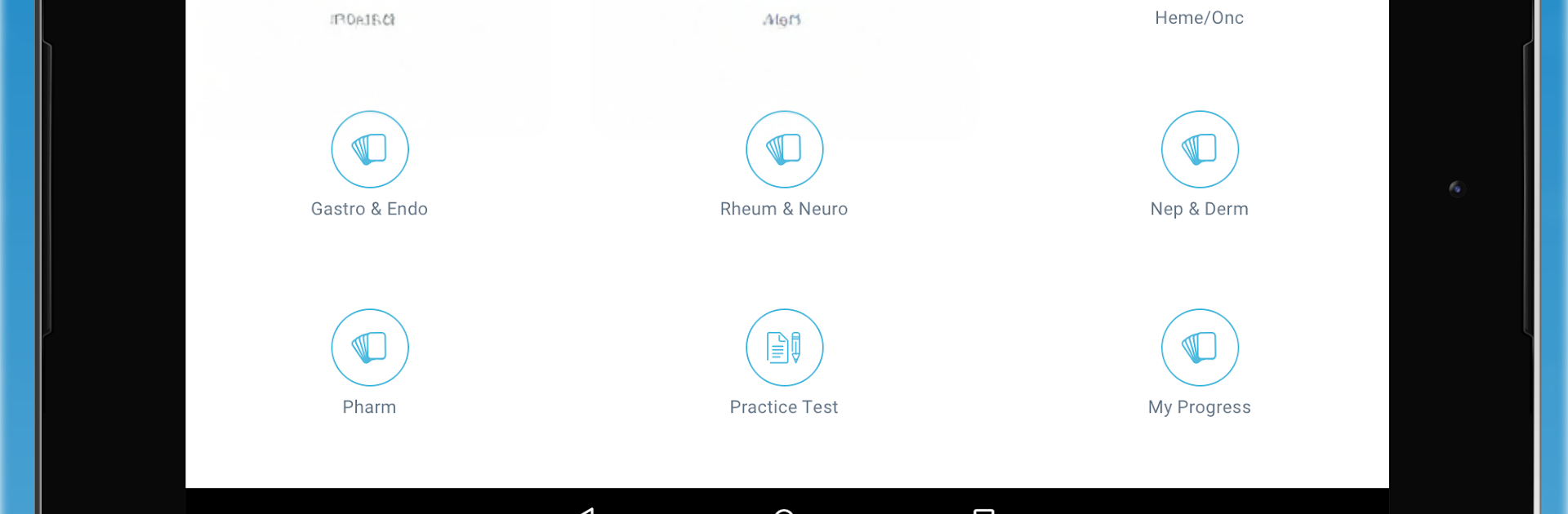
There is a small free sample so someone can see how the questions and metrics work, then the full thing opens up with a subscription. The paid side packs 960 plus questions across seven buckets that actually match how people study: Immunology and Microbiology, Cardiopulmonary, Heme and Onc, Gastro and Endo, Rheum and Neuro, Nephro and Derm, and Pharmacology. There is also a full-length practice test with 100 plus tougher items when a reality check is needed. Explanations have enough detail to teach, not just tell the right answer. The stats page breaks down strengths and weak spots by category, and the flagging tool makes it easy to build a quick review list for later. Pricing is monthly or yearly, and it suits someone prepping for the USMLE internal medicine parts or the IM clerkship who wants focused reps and clear feedback more than flashy features.

Ready to experience USMLE Internal Medicine Q&A on a bigger screen, in all its glory? Download BlueStacks now.


How to Download and Run USMLE Internal Medicine Q&A on PC or Mac

  • Download and install BlueStacks on your PC or Mac

  • Complete Google sign-in to access the Play Store, or do it later

  • Look for USMLE Internal Medicine Q&A in the search bar at the top right corner

  • Click to install USMLE Internal Medicine Q&A from the search results

  • Complete Google sign-in (if you skipped step 2) to install USMLE Internal Medicine Q&A

  • Click the USMLE Internal Medicine Q&A icon on the home screen to start playing

video
Watch Video

Minimum System Requirements

With BlueStacks 5, you can get started on a PC that fulfills the following requirements.

  • Operating System

    Microsoft Windows 7 or above, macOS 11 (Big Sur) or above

  • Processor

    Intel, AMD or Apple Silicon Processor

  • RAM

    at least 4GB

  • HDD

    10GB Free Disk Space

Note:

* You must be an Administrator on your PC. Up to date graphics drivers from Microsoft or the chipset vendor.

USMLE Internal Medicine Q&A - FAQs

  • How to Run USMLE Internal Medicine Q&A on Windows PC & Mac?

    Run USMLE Internal Medicine Q&A on your PC or Mac by following these simple steps.

    • Click on ‘Download USMLE Internal Medicine Q&A on PC’ to download BlueStacks
    • Install it and log-in to Google Play Store
    • Launch and run the app.
  • Why is BlueStacks the fastest and safest platform to play games on PC?

    BlueStacks respects your privacy and is always safe and secure to use. It does not carry any malware, spyware, or any sort of additional software that could harm your PC.

    It is engineered to optimize speed and performance for a seamless gaming experience.

  • What are USMLE Internal Medicine Q&A PC requirements?

    Minimum requirement to run USMLE Internal Medicine Q&A on your PC

    • OS: Microsoft Windows 7 and above:
    • Processor: Intel or AMD Processor:
    • RAM: Your PC must have at least 2GB of RAM. (Note that having 2GB or more disk space is not a substitute for RAM):
    • HDD: 5GB Free Disk Space.
    • You must be an Administrator on your PC.



