
World of Alphabets
World of Alphabets

World of Alphabets

Education

| Khonsu Development

Play on PC with BlueStacks or from our cloud

  • Overview
  • How to Download

Page Modified On: January 02, 2026

Run World of Alphabets on PC or Mac

Why limit yourself to your small screen on the phone? Run World of Alphabets, an app by Khonsu Development, best experienced on your PC or Mac with BlueStacks, the world’s #1 Android emulator.

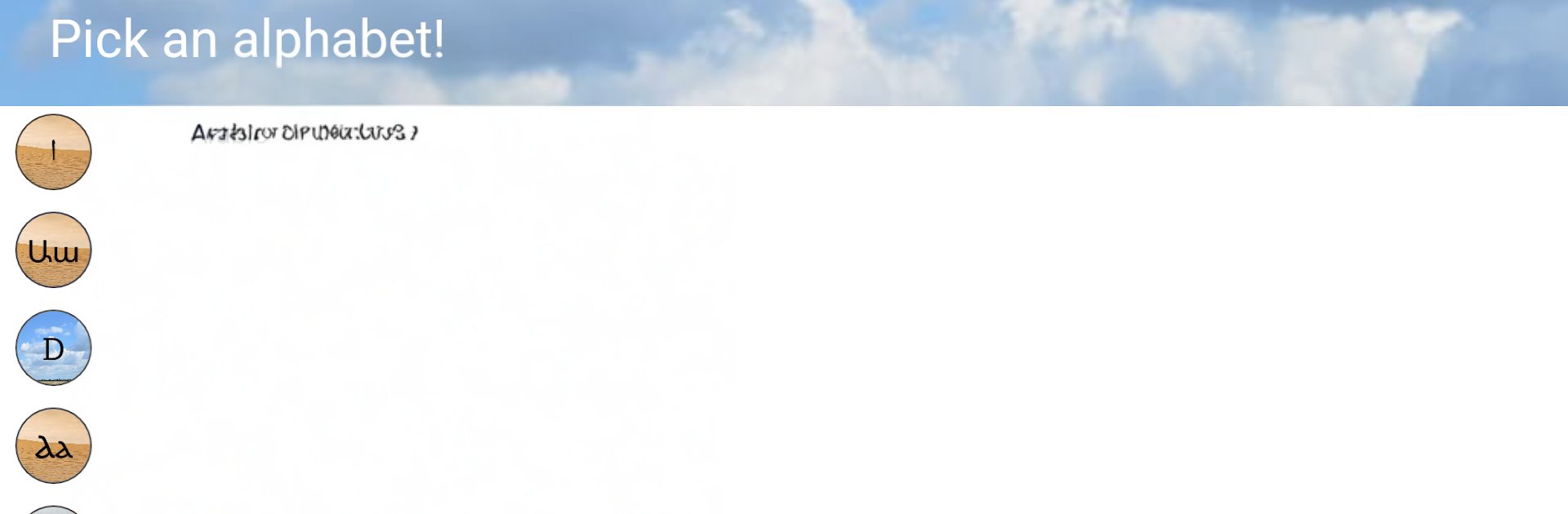
World of Alphabets feels like a big tour of writing systems, the kind someone who loves letters could spend an evening with without noticing the time. It covers a surprising spread, from the usual Latin, Greek, Cyrillic and Arabic to scripts most people only hear about in trivia, like Ge ez, Ogham, Old Turkic, Cuneiform, Egyptian hieroglyphs, and Linear B. There is modern stuff too, like Hangul, Devanagari, Hebrew, Thai, Tibetan, and Khmer, plus fun extras like Aurebesh, Klingon, and Tengwar. On a PC with BlueStacks it is very comfortable to use, since the cards are larger and the tiny details in handwritten forms are easier to see.

The whole thing runs on simple flashcards and quick quizzes. Each card shows the symbol printed and handwritten, the name in English, its original name, and a clear note on how that letter is pronounced. After a set, the quiz checks recognition and sound, and it tends to hit the ones that were shaky more often, so it does not feel like wasted review. The pace is gentle and the sessions are bite sized, so it works well for short breaks. It is not a language course, and it does not teach grammar or words, just the alphabets and how to read their letters. That focus actually helps. Someone who wants to learn to decode signs, understand credits in a sci fi movie, or prep for a new language will probably enjoy the neat, no fuss approach here.

BlueStacks brings your apps to life on a bigger screen—seamless and straightforward.

How to Download and Run World of Alphabets on PC or Mac

  • Download and install BlueStacks on your PC or Mac

  • Complete Google sign-in to access the Play Store, or do it later

  • Look for World of Alphabets in the search bar at the top right corner

  • Click to install World of Alphabets from the search results

  • Complete Google sign-in (if you skipped step 2) to install World of Alphabets

  • Click the World of Alphabets icon on the home screen to start playing

video
Watch Video

Minimum System Requirements

With BlueStacks 5, you can get started on a PC that fulfills the following requirements.

  • Operating System

    Microsoft Windows 7 or above, macOS 11 (Big Sur) or above

  • Processor

    Intel, AMD or Apple Silicon Processor

  • RAM

    at least 4GB

  • HDD

    10GB Free Disk Space

Note:

* You must be an Administrator on your PC. Up to date graphics drivers from Microsoft or the chipset vendor.

World of Alphabets - FAQs

  • How to Run World of Alphabets on Windows PC & Mac?

    Run World of Alphabets on your PC or Mac by following these simple steps.

    • Click on ‘Download World of Alphabets on PC’ to download BlueStacks
    • Install it and log-in to Google Play Store
    • Launch and run the app.
  • Why is BlueStacks the fastest and safest platform to play games on PC?

    BlueStacks respects your privacy and is always safe and secure to use. It does not carry any malware, spyware, or any sort of additional software that could harm your PC.

    It is engineered to optimize speed and performance for a seamless gaming experience.

  • What are World of Alphabets PC requirements?

    Minimum requirement to run World of Alphabets on your PC

    • OS: Microsoft Windows 7 and above:
    • Processor: Intel or AMD Processor:
    • RAM: Your PC must have at least 2GB of RAM. (Note that having 2GB or more disk space is not a substitute for RAM):
    • HDD: 5GB Free Disk Space.
    • You must be an Administrator on your PC.




