
WS Master
WS Master

WS Master

Education

| BE EMPOWER

Play on PC with BlueStacks or from our cloud

  • Overview
  • How to Download

Page Modified On: January 06, 2026

Run WS Master on PC or Mac

Upgrade your experience. Try WS Master, the fantastic Education app from BE EMPOWER, from the comfort of your laptop, PC, or Mac, only on BlueStacks.

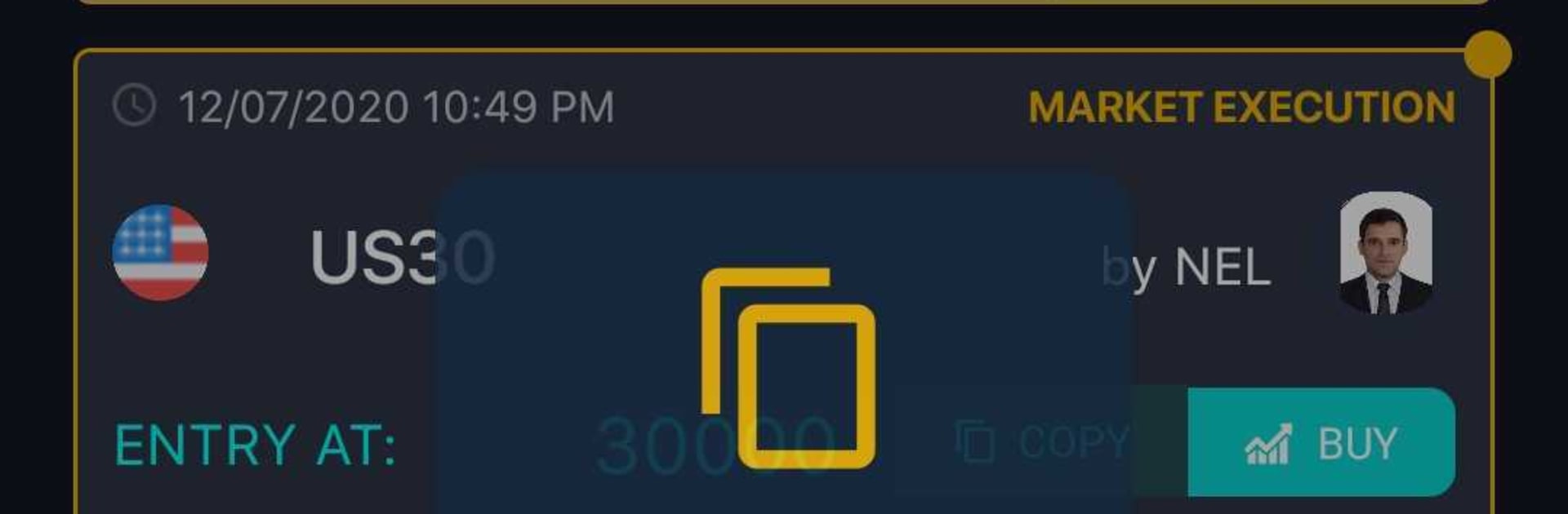
WS Master comes off like a hands-on workshop for stocks and indices, not a dry lecture. It guides the user through short, interactive bits that explain what is going on in the market and then nudges them to try it themselves, so things stick faster. There is a basic forex track for learning the terms and flow, and a separate set of lessons that focus on US30 with strategies broken down step by step. Nothing super flashy, just clear pieces that build on each other. The app also pushes market forecasts and ping-style alerts when educators go live, so a person can hop into a session without hunting through menus. A leaderboard shows which educators are performing well, which oddly helps decide whose tips to follow on a busy day. Content gets updated often, so it does not feel stale a week later.

On a PC with BlueStacks, it feels cleaner to use. Charts have room, the live alerts are easier to spot, and switching between lessons and streams is less fiddly with a mouse. The layout is simple enough that beginners can find their way around, but there is enough strategy talk to keep someone more serious engaged. It is not a trading platform, it is a learning and guidance tool, with a classroom vibe that actually moves at a decent pace. A couple labels could be clearer here and there, but the core idea lands well.

BlueStacks brings your apps to life on a bigger screen—seamless and straightforward.

How to Download and Run WS Master on PC or Mac

  • Download and install BlueStacks on your PC or Mac

  • Complete Google sign-in to access the Play Store, or do it later

  • Look for WS Master in the search bar at the top right corner

  • Click to install WS Master from the search results

  • Complete Google sign-in (if you skipped step 2) to install WS Master

  • Click the WS Master icon on the home screen to start playing

video
Watch Video

Minimum System Requirements

With BlueStacks 5, you can get started on a PC that fulfills the following requirements.

  • Operating System

    Microsoft Windows 7 or above, macOS 11 (Big Sur) or above

  • Processor

    Intel, AMD or Apple Silicon Processor

  • RAM

    at least 4GB

  • HDD

    10GB Free Disk Space

Note:

* You must be an Administrator on your PC. Up to date graphics drivers from Microsoft or the chipset vendor.

WS Master - FAQs

  • How to Run WS Master on Windows PC & Mac?

    Run WS Master on your PC or Mac by following these simple steps.

    • Click on ‘Download WS Master on PC’ to download BlueStacks
    • Install it and log-in to Google Play Store
    • Launch and run the app.
  • Why is BlueStacks the fastest and safest platform to play games on PC?

    BlueStacks respects your privacy and is always safe and secure to use. It does not carry any malware, spyware, or any sort of additional software that could harm your PC.

    It is engineered to optimize speed and performance for a seamless gaming experience.

  • What are WS Master PC requirements?

    Minimum requirement to run WS Master on your PC

    • OS: Microsoft Windows 7 and above:
    • Processor: Intel or AMD Processor:
    • RAM: Your PC must have at least 2GB of RAM. (Note that having 2GB or more disk space is not a substitute for RAM):
    • HDD: 5GB Free Disk Space.
    • You must be an Administrator on your PC.




