Not Like the Others Kids Game

Not Like the Others Kids Game

Educational

| LMJ Games

Play on PC with BlueStacks or from our cloud

  • Overview
  • Game Features
  • How to Play

Page Modified On: August 21, 2025

Play Not Like the Others Kids Game on PC or Mac

Not Like the Others Kids Game brings the Educational genre to life, and throws up exciting challenges for gamers. Developed by SANVADA LLC, this Android game is best experienced on BlueStacks, the World’s #1 app player for PC and Mac users.

About the Game

Not Like the Others Kids Game takes everyday objects and turns them into a fun challenge for curious little minds. Aiming at ages 3 to 5, this educational game from SANVADA LLC gets children thinking about similarities and differences, all in a colorful and kid-friendly package. It’s easy to pick up, and you’ll quickly see how it helps kids sharpen their logic and observational skills as they play.

Game Features

  • Spot the Odd One Out
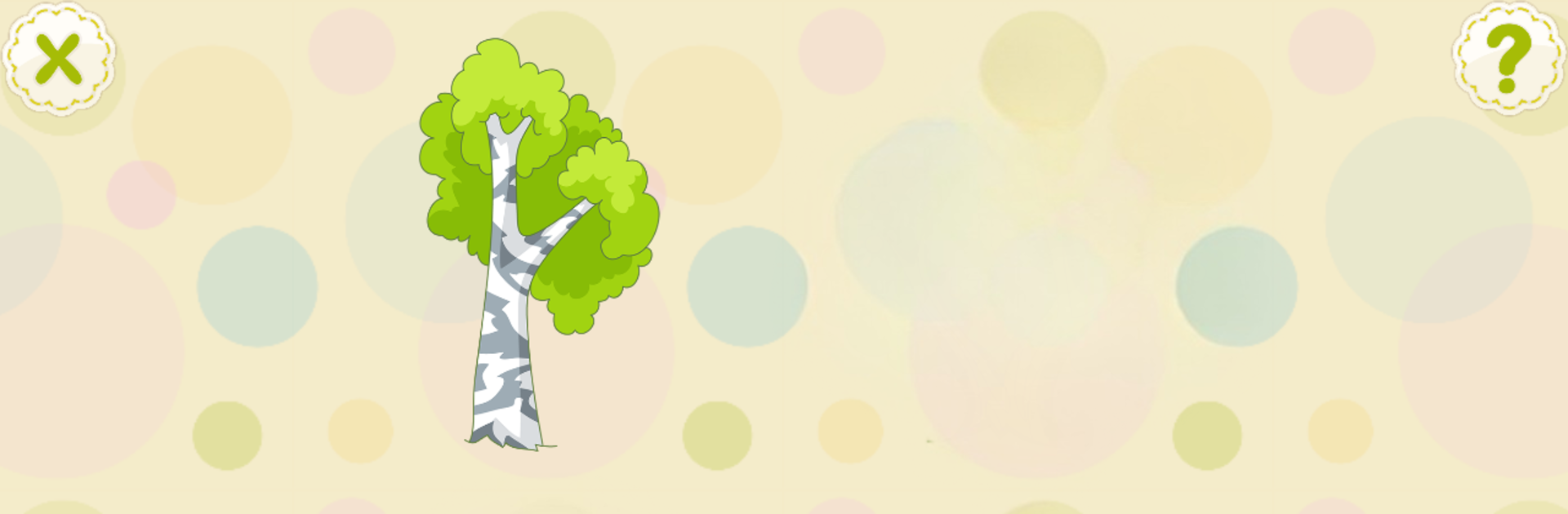
    Each round, your child is shown four different objects. Three fit together in a group—maybe they’re all fruits, or perhaps they’re toys. The fourth? That’s the oddball! Kids get to figure out which thing just doesn’t belong.

  • Wide Variety of Categories
    There’s a real range of topics here, from fruits and animals to tools and school supplies. You might even see mushrooms, marine creatures, or sweets. This mix keeps things fresh, so kids won’t get bored quickly.

  • Boosts Everyday Reasoning
    The puzzles are more than just fun—they help little ones learn how to group things, recognize patterns, and clearly understand why things go together (and why sometimes, they don’t).

  • Simple, Kid-Friendly Design
    Bright pictures, gentle sounds, and easy tap controls make it approachable for preschoolers—no reading required. It’s something they can navigate on their own, but it’s also great for a little shared screen time if you want to join in.

  • Perfect for Parents and Teachers
    Whether you’re looking for an activity for home or the classroom, Not Like the Others Kids Game fits right in. It works great on a phone or tablet, or if you want a bigger view, it runs smoothly through BlueStacks on your computer.

  • Free to Start
    No complicated sign-ups or barriers—just download and get going, with plenty of content right from the beginning.

Slay your opponents with your epic moves. Play it your way on BlueStacks and dominate the battlefield.


Game Features

Enhancements

  • Macros
  • Multi Instance
  • Multi Instance Sync
  • Script
  • Enhancements
Macros

Macros

Automate the predictable in Not Like the Others Kids Game and transform your gameplay with Macros. Get access to inventive Macros in the BlueStacks Macro Community
Multi Instance

Multi Instance

Play Not Like the Others Kids Game on one window. And chat with your friend on the other. Press CTRL + Shift + 8 to open the Multi-Instance Manager. And start creating fresh instances or clone an existing one.
Multi Instance Sync

Multi Instance Sync

Play Not Like the Others Kids Game with the power of Multi-Instance Sync. Replicate what you are doing on the main instance on all other instances. Level up faster, play more.
Script

Script

Script your way to gaming glory in Not Like the Others Kids Game with BlueStacks Script. Write and run a set of commands to automate repeated tasks. Trigger the command by assigning it to any key.
Read More

How to Download and Play Not Like the Others Kids Game on PC or Mac

  • Download and install BlueStacks on your PC or Mac

  • Complete Google sign-in to access the Play Store, or do it later

  • Look for Not Like the Others Kids Game in the search bar at the top right corner

  • Click to install Not Like the Others Kids Game from the search results

  • Complete Google sign-in (if you skipped step 2) to install Not Like the Others Kids Game

  • Click the Not Like the Others Kids Game icon on the home screen to start playing

video
Watch Video

Minimum System Requirements

With BlueStacks 5, you can get started on a PC that fulfills the following requirements.

  • Operating System

    Microsoft Windows 7 or above, macOS 11 (Big Sur) or above

  • Processor

    Intel, AMD or Apple Silicon Processor

  • RAM

    at least 4GB

  • HDD

    10GB Free Disk Space

Note:

* You must be an Administrator on your PC. Up to date graphics drivers from Microsoft or the chipset vendor.

Not Like the Others Kids Game - FAQs

  • How to play Not Like the Others Kids Game on Windows PC & Mac?

    Play Not Like the Others Kids Game on your PC or Mac by following these simple steps.

    • Click on 'Play Not Like the Others Kids Game on PC’ to download BlueStacks
    • Install it and log-in to Google Play Store
    • Launch and play the game.
  • Why is BlueStacks the fastest and safest platform to play games on PC?

    BlueStacks respects your privacy and is always safe and secure to use. It does not carry any malware, spyware, or any sort of additional software that could harm your PC.

    It is engineered to optimize speed and performance for a seamless gaming experience.

  • What are Not Like the Others Kids Game PC requirements?

    Minimum requirement to run Not Like the Others Kids Game on your PC

    • OS: Microsoft Windows 7 or above MacOS 11 (Big Sur) or above
    • Processor: Intel, AMD or Apple Silicon Processor
    • RAM: Your PC must have at least 4GB of RAM. (Note that having 4GB or more disk space is not a substitute for RAM)
    • HDD: 10GB Free Disk Space.
    • You must be an Administrator on your PC.