
Alem FM
Alem FM

Alem FM

Entertainment

| TürkMedya Digital

Play on PC with BlueStacks or from our cloud

  • Overview
  • How to Download

Page Modified On: January 09, 2026

Run Alem FM on PC or Mac

Multitask effortlessly on your PC or Mac as you try out Alem FM, a Entertainment app by TürkMedya Digital on BlueStacks.

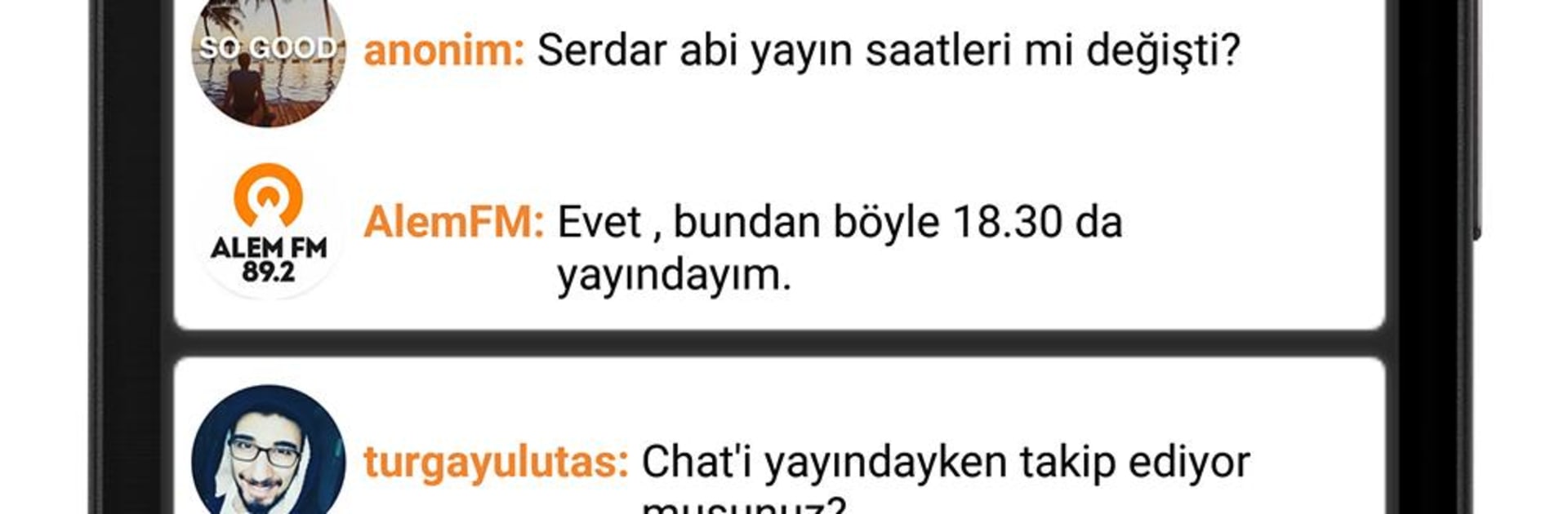
Alem FM is the classic Turkish pop radio station that has been around since the mid 90s, so it already knows what works. The app keeps things simple. Open it, the live stream starts fast, and the hosts jump between upbeat Turkish pop and talky show segments without wasting time. It has that big-network feel, since they broadcast from a ton of places around the country, and the playlists swing from new hits to songs everyone knows. The shows are lively, a bit cheeky, and there is a steady rhythm of music, chatter, then back to music. They lean on the whole “everyone is here” idea, and it really does sound like a busy, popular station rather than a tiny web stream.

On PC with BlueStacks, it is easy to keep it tucked in a corner while working or browsing. Click to play or pause, leave it going in the background, and the stream stays stable for long stretches. No complicated menus, no weird setup. Just that familiar radio flow, the occasional joke, quick segments, then another pop track. Listeners who like Turkish pop mixed with personality will feel at home, and the long history shows in how smooth the shows move along. It feels like a real radio dial, only it lives in a small window on the desktop and keeps the room busy.

Ready to experience Alem FM on a bigger screen, in all its glory? Download BlueStacks now.

How to Download and Run Alem FM on PC or Mac

  • Download and install BlueStacks on your PC or Mac

  • Complete Google sign-in to access the Play Store, or do it later

  • Look for Alem FM in the search bar at the top right corner

  • Click to install Alem FM from the search results

  • Complete Google sign-in (if you skipped step 2) to install Alem FM

  • Click the Alem FM icon on the home screen to start playing

video
Watch Video

Minimum System Requirements

With BlueStacks 5, you can get started on a PC that fulfills the following requirements.

  • Operating System

    Microsoft Windows 7 or above, macOS 11 (Big Sur) or above

  • Processor

    Intel, AMD or Apple Silicon Processor

  • RAM

    at least 4GB

  • HDD

    10GB Free Disk Space

Note:

* You must be an Administrator on your PC. Up to date graphics drivers from Microsoft or the chipset vendor.

Alem FM - FAQs

  • How to Run Alem FM on Windows PC & Mac?

    Run Alem FM on your PC or Mac by following these simple steps.

    • Click on ‘Download Alem FM on PC’ to download BlueStacks
    • Install it and log-in to Google Play Store
    • Launch and run the app.
  • Why is BlueStacks the fastest and safest platform to play games on PC?

    BlueStacks respects your privacy and is always safe and secure to use. It does not carry any malware, spyware, or any sort of additional software that could harm your PC.

    It is engineered to optimize speed and performance for a seamless gaming experience.

  • What are Alem FM PC requirements?

    Minimum requirement to run Alem FM on your PC

    • OS: Microsoft Windows 7 and above:
    • Processor: Intel or AMD Processor:
    • RAM: Your PC must have at least 2GB of RAM. (Note that having 2GB or more disk space is not a substitute for RAM):
    • HDD: 5GB Free Disk Space.
    • You must be an Administrator on your PC.




