Animal Color by Number Book

Animal Color by Number Book

Entertainment

| Firehawk

Play on PC with BlueStacks or from our cloud

  • Overview
  • How to Download

Page Modified On: November 10, 2025

Run Animal Color by Number Book on PC or Mac

Why limit yourself to your small screen on the phone? Run Animal Color by Number Book, an app by Firehawk, best experienced on your PC or Mac with BlueStacks, the world’s #1 Android emulator.

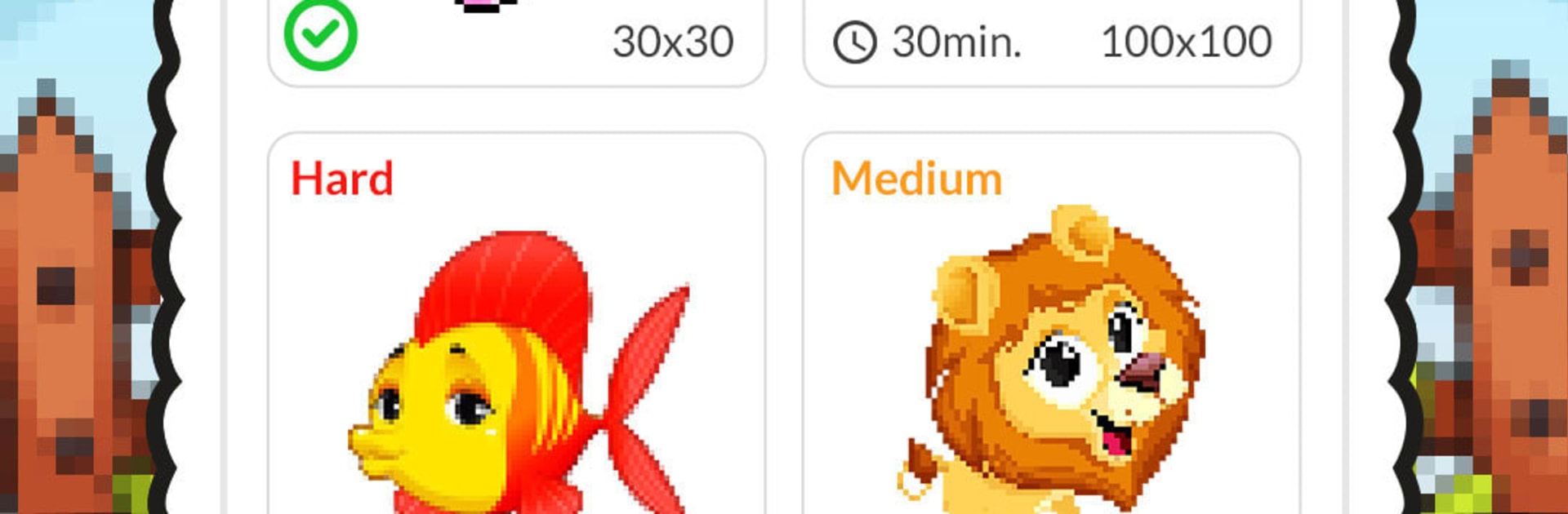
Animal Color by Number Book feels like a calm little break that actually looks nice when it is done. It is all pixel animals, so think farm stuff, jungle creatures, and sea life, each broken into tiny numbered squares. No choosing palettes or stressing about shades, the colors are picked for you. The rhythm is simple, just pick a number and fill the matching cells until the picture starts to pop. On PC with BlueStacks, the mouse makes the tapping faster, zooming with the wheel is smooth, and the bigger screen helps a ton on those tiny details that are hard on a phone.

There are loads of pictures, from super quick ones to bigger scenes that take a bit. Tools make it less fiddly too. A magic wand paints connected cells of the same color, there is a larger fill for big patches, long press colors continuously, and there is an optional buzz on mistakes if someone likes that feedback. There are backgrounds and little filter effects to change the look, and a Color Splash style option that fills all pixels of a chosen number across the whole picture. The camera feature that turns a photo into pixel art is surprisingly fun, even if the result looks blocky in a charming way. It all runs offline, so it works on a laptop during a commute or when wi fi is spotty. The tone stays relaxed and a bit playful, even throwing in a small animation when a picture hits certain progress. If someone enjoys the quiet satisfaction of watching an image build piece by piece, this scratches that itch without feeling fussy.

Eager to take your app experience to the next level? Start right away by downloading BlueStacks on your PC or Mac.


How to Download and Run Animal Color by Number Book on PC or Mac

  • Download and install BlueStacks on your PC or Mac

  • Complete Google sign-in to access the Play Store, or do it later

  • Look for Animal Color by Number Book in the search bar at the top right corner

  • Click to install Animal Color by Number Book from the search results

  • Complete Google sign-in (if you skipped step 2) to install Animal Color by Number Book

  • Click the Animal Color by Number Book icon on the home screen to start playing

video
Watch Video

Minimum System Requirements

With BlueStacks 5, you can get started on a PC that fulfills the following requirements.

  • Operating System

    Microsoft Windows 7 or above, macOS 11 (Big Sur) or above

  • Processor

    Intel, AMD or Apple Silicon Processor

  • RAM

    at least 4GB

  • HDD

    10GB Free Disk Space

Note:

* You must be an Administrator on your PC. Up to date graphics drivers from Microsoft or the chipset vendor.

Animal Color by Number Book - FAQs

  • How to Run Animal Color by Number Book on Windows PC & Mac?

    Run Animal Color by Number Book on your PC or Mac by following these simple steps.

    • Click on ‘Download Animal Color by Number Book on PC’ to download BlueStacks
    • Install it and log-in to Google Play Store
    • Launch and run the app.
  • Why is BlueStacks the fastest and safest platform to play games on PC?

    BlueStacks respects your privacy and is always safe and secure to use. It does not carry any malware, spyware, or any sort of additional software that could harm your PC.

    It is engineered to optimize speed and performance for a seamless gaming experience.

  • What are Animal Color by Number Book PC requirements?

    Minimum requirement to run Animal Color by Number Book on your PC

    • OS: Microsoft Windows 7 and above:
    • Processor: Intel or AMD Processor:
    • RAM: Your PC must have at least 2GB of RAM. (Note that having 2GB or more disk space is not a substitute for RAM):
    • HDD: 5GB Free Disk Space.
    • You must be an Administrator on your PC.