
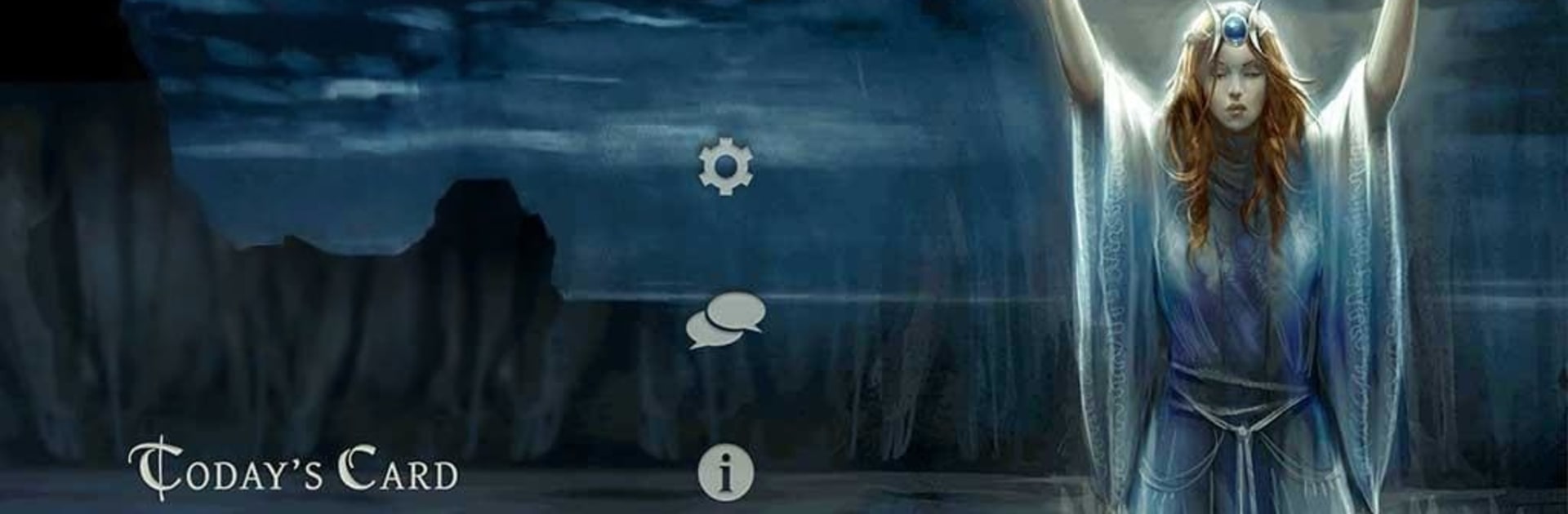
Book of Shadows Tarot As Above

Book of Shadows Tarot As Above

Entertainment

| The Fool's Dog

Play on PC with BlueStacks or from our cloud

  • Overview
  • How to Download

Page Modified On: January 02, 2026

Run Book of Shadows Tarot As Above on PC or Mac

What’s better than using Book of Shadows Tarot As Above by The Fool’s Dog? Well, try it on a big screen, on your PC or Mac, with BlueStacks to see the difference.

Book of Shadows Tarot As Above feels like a digital grimoire dressed up as a Tarot app. It leans hard into modern Wicca, so the art shows deities, Sabbats, and everyday Pagan scenes rather than castle-and-king imagery. On PC with BlueStacks, the cards fill the screen cleanly and the little details pop, which suits a deck that cares about symbols. The Majors keep the classic archetypes, just seen through a Wiccan lens, and the Minors are split by element, Air, Water, Earth, and Fire, so it reads like a map of a living cosmos rather than just suits. Even the court cards shift to Elemental, Maiden, Mother, and Crone, which changes the mood of a spread in a nice way.

The app side is calm and practical. There are 14 spreads built in, plus a Free Form mode to place cards anywhere. Reversals can be toggled, Major Arcana only is an option, and pinch to zoom lets someone check tiny symbols without squinting. There is a journal that saves readings, animated shuffle and cut, optional voice prompts, and a quick way to share readings by email. Meanings are thorough, with a full book included, and sections point to further reading for anyone who wants to study more. Custom reading cloths and personal card notes help it feel tailored. Everything is in English only, so that is worth knowing. For Pagans it is familiar and welcoming, for the curious it is a thoughtful intro to that symbolic world.

BlueStacks gives you the much-needed freedom to experience your favorite apps on a bigger screen. Get it now.


How to Download and Run Book of Shadows Tarot As Above on PC or Mac

  • Download and install BlueStacks on your PC or Mac

  • Complete Google sign-in to access the Play Store, or do it later

  • Look for Book of Shadows Tarot As Above in the search bar at the top right corner

  • Click to install Book of Shadows Tarot As Above from the search results

  • Complete Google sign-in (if you skipped step 2) to install Book of Shadows Tarot As Above

  • Click the Book of Shadows Tarot As Above icon on the home screen to start playing

video
Watch Video

Minimum System Requirements

With BlueStacks 5, you can get started on a PC that fulfills the following requirements.

  • Operating System

    Microsoft Windows 7 or above, macOS 11 (Big Sur) or above

  • Processor

    Intel, AMD or Apple Silicon Processor

  • RAM

    at least 4GB

  • HDD

    10GB Free Disk Space

Note:

* You must be an Administrator on your PC. Up to date graphics drivers from Microsoft or the chipset vendor.

Book of Shadows Tarot As Above - FAQs

  • How to Run Book of Shadows Tarot As Above on Windows PC & Mac?

    Run Book of Shadows Tarot As Above on your PC or Mac by following these simple steps.

    • Click on ‘Download Book of Shadows Tarot As Above on PC’ to download BlueStacks
    • Install it and log-in to Google Play Store
    • Launch and run the app.
  • Why is BlueStacks the fastest and safest platform to play games on PC?

    BlueStacks respects your privacy and is always safe and secure to use. It does not carry any malware, spyware, or any sort of additional software that could harm your PC.

    It is engineered to optimize speed and performance for a seamless gaming experience.

  • What are Book of Shadows Tarot As Above PC requirements?

    Minimum requirement to run Book of Shadows Tarot As Above on your PC

    • OS: Microsoft Windows 7 and above:
    • Processor: Intel or AMD Processor:
    • RAM: Your PC must have at least 2GB of RAM. (Note that having 2GB or more disk space is not a substitute for RAM):
    • HDD: 5GB Free Disk Space.
    • You must be an Administrator on your PC.



