
BulsatcomTV
BulsatcomTV

BulsatcomTV

Entertainment

| Bulsatcom EOOD

Play on PC with BlueStacks or from our cloud

  • Overview
  • How to Download

Page Modified On: August 26, 2025

Run BulsatcomTV on PC or Mac

Get freedom from your phone’s obvious limitations. Use BulsatcomTV, made by Bulsatcom EOOD, a Entertainment app on your PC or Mac with BlueStacks, and level up your experience.

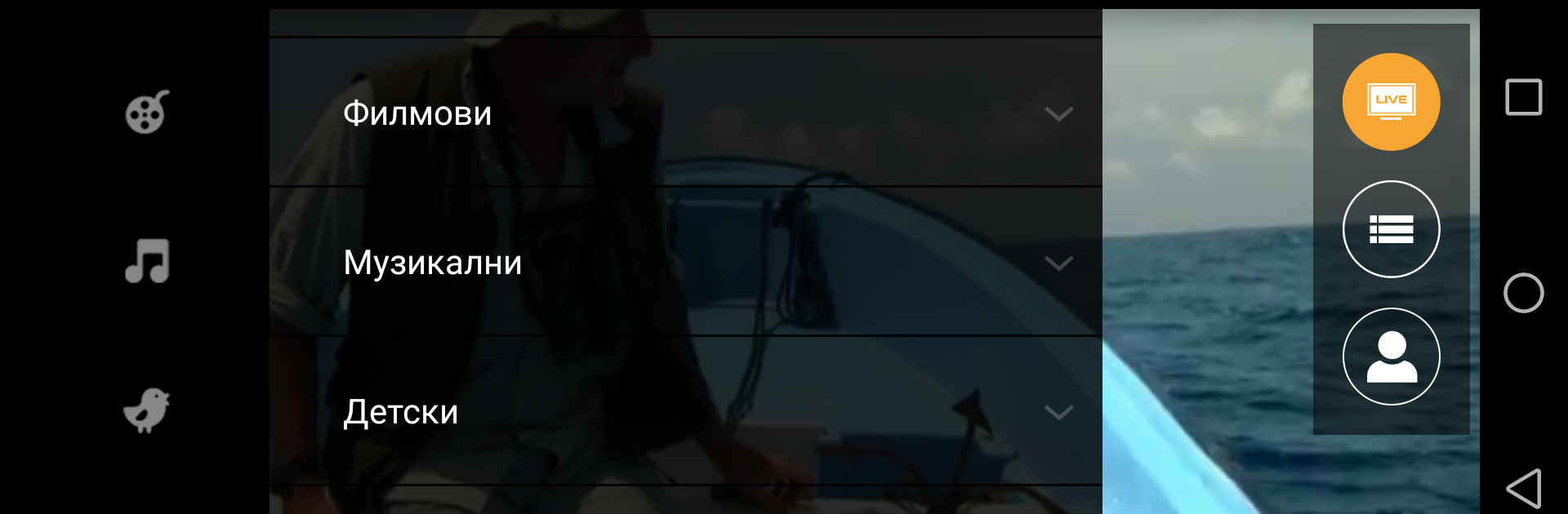
BulsatcomTV on PC feels like carrying a compact TV lineup into a desktop window. It is basically a live TV player that streams Bulgarian and foreign channels, movies, sports and music, and it looks more like a simple tuner than some flashy streaming service. Navigation is straightforward, with an electronic program guide that helps pick shows without guessing, though the guide can be a bit slow at times. The app requires an active Bulsatcom TV subscription and a site account to sign in, so it is not a free app for casual browsing. It does let as many devices stream at once as the main TV plan allows, which is handy for a household with tablets, phones and a PC.

On PC using BlueStacks the interface stretches nicely to the screen and channel changes feel quick, provided the internet connection is stable. Video quality depends on the connection, so some channels look great on fiber or good Wifi and may be grainy on slower mobile networks. There are regional limits on certain channels so some might not show up everywhere. Overall it is practical and no-nonsense: useful for someone who already pays for Bulsatcom and wants to watch live TV on a bigger screen without extra fuss.

Switch to BlueStacks and make the most of your apps on your PC or Mac.

How to Download and Run BulsatcomTV on PC or Mac

  • Download and install BlueStacks on your PC or Mac

  • Complete Google sign-in to access the Play Store, or do it later

  • Look for BulsatcomTV in the search bar at the top right corner

  • Click to install BulsatcomTV from the search results

  • Complete Google sign-in (if you skipped step 2) to install BulsatcomTV

  • Click the BulsatcomTV icon on the home screen to start playing

video
Watch Video

Minimum System Requirements

With BlueStacks 5, you can get started on a PC that fulfills the following requirements.

  • Operating System

    Microsoft Windows 7 or above, macOS 11 (Big Sur) or above

  • Processor

    Intel, AMD or Apple Silicon Processor

  • RAM

    at least 4GB

  • HDD

    10GB Free Disk Space

Note:

* You must be an Administrator on your PC. Up to date graphics drivers from Microsoft or the chipset vendor.

BulsatcomTV - FAQs

  • How to Run BulsatcomTV on Windows PC & Mac?

    Run BulsatcomTV on your PC or Mac by following these simple steps.

    • Click on ‘Download BulsatcomTV on PC’ to download BlueStacks
    • Install it and log-in to Google Play Store
    • Launch and run the app.
  • Why is BlueStacks the fastest and safest platform to play games on PC?

    BlueStacks respects your privacy and is always safe and secure to use. It does not carry any malware, spyware, or any sort of additional software that could harm your PC.

    It is engineered to optimize speed and performance for a seamless gaming experience.

  • What are BulsatcomTV PC requirements?

    Minimum requirement to run BulsatcomTV on your PC

    • OS: Microsoft Windows 7 and above:
    • Processor: Intel or AMD Processor:
    • RAM: Your PC must have at least 2GB of RAM. (Note that having 2GB or more disk space is not a substitute for RAM):
    • HDD: 5GB Free Disk Space.
    • You must be an Administrator on your PC.




