
Celebrity Twin: AI Face Photo

Celebrity Twin: AI Face Photo

Entertainment

| Wowoo AI

Play on PC with BlueStacks or from our cloud

  • Overview
  • How to Download

Page Modified On: December 05, 2025

Run Celebrity Twin: AI Face Photo on PC or Mac

Why limit yourself to your small screen on the phone? Run Celebrity Twin: AI Face Photo, an app by Wowoo AI, best experienced on your PC or Mac with BlueStacks, the world’s #1 Android emulator.

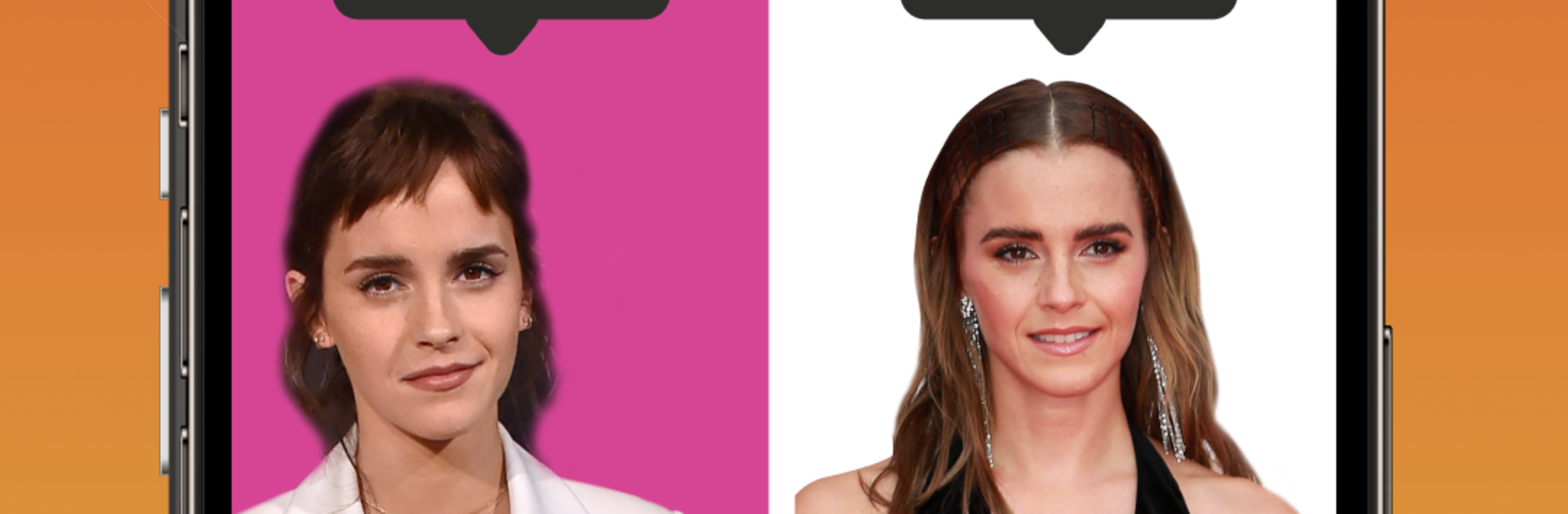
Celebrity Twin: AI Face Photo feels like a quick party trick that actually works more often than expected. Someone snaps a selfie, the app analyzes the face, and a few seconds later there is a lineup of celebrity matches with percentages. It is fun to see which names pop up, and half the joy is in the surprise. Results range from spot on to hilariously off, which kind of makes it better for passing a phone around or a quick screen share. The app pulls from a big mix of people, not just pop stars. There are categories for athletes, NBA players, film characters like Lord of the Rings, and even historical leaders, so there is always another angle to try.

The flow is simple. Use a vertical photo, tap the calculate button, then scroll through the matches and save or share the favorite one. People can run photos of friends or family too and compare who everyone gets. On PC with BlueStacks, it is easy to drag in photos from a folder and view the results on a bigger screen, and the webcam works fine if a fresh selfie is needed. The database feels active, so new faces show up often, and that keeps it from going stale. It is not trying to be deep or serious, just a light face matcher that is quick, sharable, and a good excuse to laugh at the one time someone gets matched with a superstar goalie or an elf from LOTR.

Switch to BlueStacks and make the most of your apps on your PC or Mac.

How to Download and Run Celebrity Twin: AI Face Photo on PC or Mac

  • Download and install BlueStacks on your PC or Mac

  • Complete Google sign-in to access the Play Store, or do it later

  • Look for Celebrity Twin: AI Face Photo in the search bar at the top right corner

  • Click to install Celebrity Twin: AI Face Photo from the search results

  • Complete Google sign-in (if you skipped step 2) to install Celebrity Twin: AI Face Photo

  • Click the Celebrity Twin: AI Face Photo icon on the home screen to start playing

video
Watch Video

Minimum System Requirements

With BlueStacks 5, you can get started on a PC that fulfills the following requirements.

  • Operating System

    Microsoft Windows 7 or above, macOS 11 (Big Sur) or above

  • Processor

    Intel, AMD or Apple Silicon Processor

  • RAM

    at least 4GB

  • HDD

    10GB Free Disk Space

Note:

* You must be an Administrator on your PC. Up to date graphics drivers from Microsoft or the chipset vendor.

Celebrity Twin: AI Face Photo - FAQs

  • How to Run Celebrity Twin: AI Face Photo on Windows PC & Mac?

    Run Celebrity Twin: AI Face Photo on your PC or Mac by following these simple steps.

    • Click on ‘Download Celebrity Twin: AI Face Photo on PC’ to download BlueStacks
    • Install it and log-in to Google Play Store
    • Launch and run the app.
  • Why is BlueStacks the fastest and safest platform to play games on PC?

    BlueStacks respects your privacy and is always safe and secure to use. It does not carry any malware, spyware, or any sort of additional software that could harm your PC.

    It is engineered to optimize speed and performance for a seamless gaming experience.

  • What are Celebrity Twin: AI Face Photo PC requirements?

    Minimum requirement to run Celebrity Twin: AI Face Photo on your PC

    • OS: Microsoft Windows 7 and above:
    • Processor: Intel or AMD Processor:
    • RAM: Your PC must have at least 2GB of RAM. (Note that having 2GB or more disk space is not a substitute for RAM):
    • HDD: 5GB Free Disk Space.
    • You must be an Administrator on your PC.




