
Киномакс
Киномакс

Киномакс

Entertainment

| Kinomax AO

Play on PC with BlueStacks or from our cloud

  • Overview
  • How to Download

Page Modified On: December 15, 2025

Run Киномакс on PC or Mac

Multitask effortlessly on your PC or Mac as you try out Киномакс, a Entertainment app by Kinomax AO on BlueStacks.

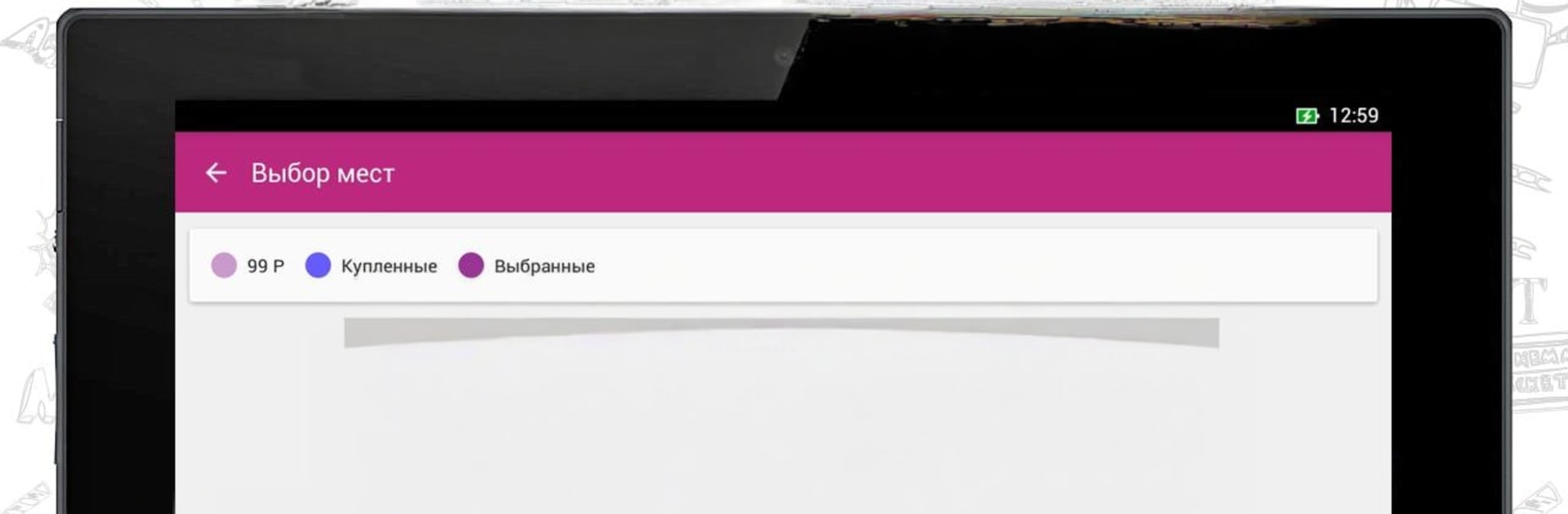
Киномакс feels like a straightforward hub for going to the movies, without extra fluff. It pulls in showtimes for all Kinomax cinemas, then quietly puts the nearest one at the top so there is less tapping around. Movie pages are detailed in a useful way, with trailers, a short description, ratings from Kinomax, and real audience reviews. Buying tickets is simple: choose seats, see any promo prices that are live, use Thank You from Sberbank bonuses if there are some, and pay. Tickets show up in email and in the My Tickets section, and that list stays the same across devices. On PC with BlueStacks, it is easy to scroll showtimes and pick seats with a mouse, and the bigger screen makes the seat map clearer.

The design is clean and scales nicely, so tablets and a BlueStacks window both look fine. There is quick navigation to the nearest cinema if someone needs directions, and entry at the door uses a QR code, which is faster than pulling a paper ticket. Refunds are not a pain, which is a relief if plans change last minute. The Personal Account shows Multicard bonuses and all previous orders, so it is simple to track points and spending. Content sorting by location happens automatically, but it can be changed when traveling. It stays focused on the basics: find a showtime, check a trailer, grab seats, and keep everything in one place.

Ready to experience Киномакс on a bigger screen, in all its glory? Download BlueStacks now.

How to Download and Run Киномакс on PC or Mac

  • Download and install BlueStacks on your PC or Mac

  • Complete Google sign-in to access the Play Store, or do it later

  • Look for Киномакс in the search bar at the top right corner

  • Click to install Киномакс from the search results

  • Complete Google sign-in (if you skipped step 2) to install Киномакс

  • Click the Киномакс icon on the home screen to start playing

video
Watch Video

Minimum System Requirements

With BlueStacks 5, you can get started on a PC that fulfills the following requirements.

  • Operating System

    Microsoft Windows 7 or above, macOS 11 (Big Sur) or above

  • Processor

    Intel, AMD or Apple Silicon Processor

  • RAM

    at least 4GB

  • HDD

    10GB Free Disk Space

Note:

* You must be an Administrator on your PC. Up to date graphics drivers from Microsoft or the chipset vendor.

Киномакс - FAQs

  • How to Run Киномакс on Windows PC & Mac?

    Run Киномакс on your PC or Mac by following these simple steps.

    • Click on ‘Download Киномакс on PC’ to download BlueStacks
    • Install it and log-in to Google Play Store
    • Launch and run the app.
  • Why is BlueStacks the fastest and safest platform to play games on PC?

    BlueStacks respects your privacy and is always safe and secure to use. It does not carry any malware, spyware, or any sort of additional software that could harm your PC.

    It is engineered to optimize speed and performance for a seamless gaming experience.

  • What are Киномакс PC requirements?

    Minimum requirement to run Киномакс on your PC

    • OS: Microsoft Windows 7 and above:
    • Processor: Intel or AMD Processor:
    • RAM: Your PC must have at least 2GB of RAM. (Note that having 2GB or more disk space is not a substitute for RAM):
    • HDD: 5GB Free Disk Space.
    • You must be an Administrator on your PC.




