
Dice Roller
Dice Roller

Dice Roller

Entertainment

| visttux

Play on PC with BlueStacks or from our cloud

  • Overview
  • How to Download

Page Modified On: March 06, 2026

Run Dice Roller on PC or Mac

Get freedom from your phone’s obvious limitations. Use Dice Roller, made by visttux, a Entertainment app on your PC or Mac with BlueStacks, and level up your experience.

About the App

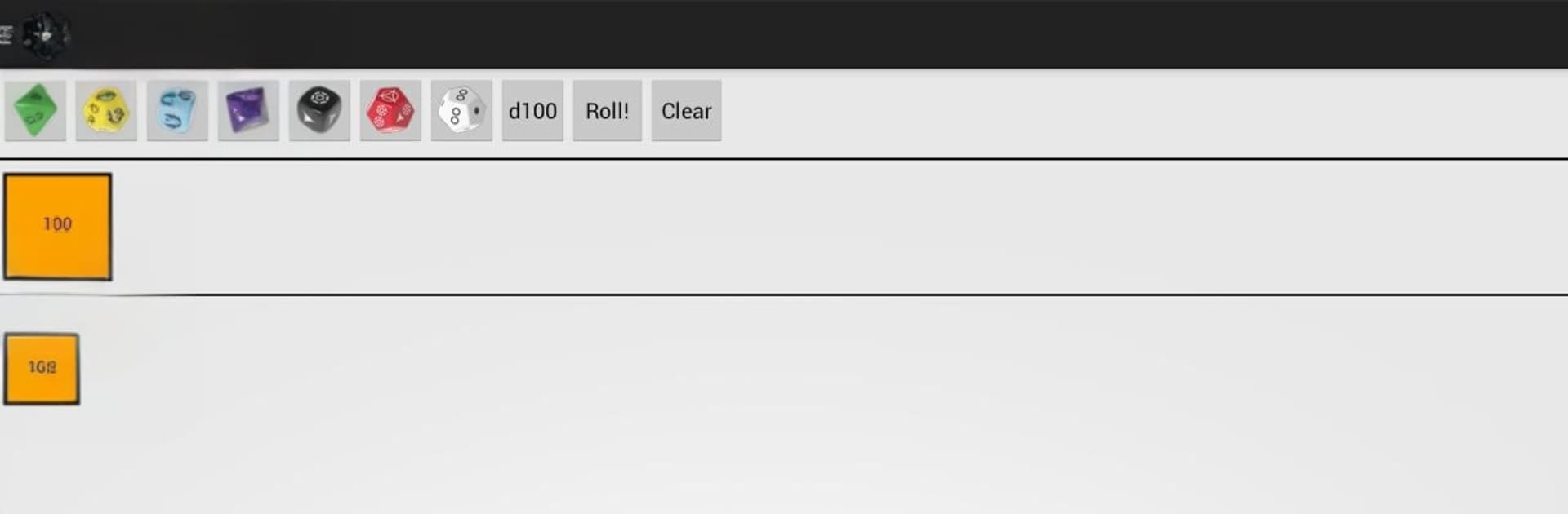
Dice Roller by visttux is your no-fuss companion for tabletop nights. It handles the quirky dice used by popular roleplaying systems and the classics you reach for in board games, so you can keep the story moving instead of digging through a bag of dice. It’s a simple, handy Entertainment app that lets you roll what you need and get right back to the action.

App Features

  • Multiple RPG systems: Roll the specific dice used in Edge of the Empire, Age of Rebellion, Force and Destiny, and Legend of the Five Rings (L5R), plus the D20 system for games like D&D and Pathfinder, and Fate & Fudge.
  • Classic dice covered: Need standard dice? Grab d4, d6, d8, d10, d12, d20, and percentile rolls for a wide range of games, including Call of Cthulhu, WoD, GURPS, MERP, and more.
  • Mix and match easily: Add as many dice as your pool calls for—combine different types and systems when your house rules get creative.
  • Fast, readable results: Tap to roll and see outcomes at a glance, so you can keep the session flowing without breaking immersion.
  • Quick system switching: Jump between supported systems without reconfiguring everything each time you change games.
  • Great for the table: Lightweight design that’s easy to use mid-session—no clutter, just the rolls you need.
  • Big-screen friendly: Prefer rolling on your computer during online sessions? It runs smoothly with BlueStacks when you want more space to work.

BlueStacks brings your apps to life on a bigger screen—seamless and straightforward.

How to Download and Run Dice Roller on PC or Mac

  • Download and install BlueStacks on your PC or Mac

  • Complete Google sign-in to access the Play Store, or do it later

  • Look for Dice Roller in the search bar at the top right corner

  • Click to install Dice Roller from the search results

  • Complete Google sign-in (if you skipped step 2) to install Dice Roller

  • Click the Dice Roller icon on the home screen to start playing

video
Watch Video

Minimum System Requirements

With BlueStacks 5, you can get started on a PC that fulfills the following requirements.

  • Operating System

    Microsoft Windows 7 or above, macOS 11 (Big Sur) or above

  • Processor

    Intel, AMD or Apple Silicon Processor

  • RAM

    at least 4GB

  • HDD

    10GB Free Disk Space

Note:

* You must be an Administrator on your PC. Up to date graphics drivers from Microsoft or the chipset vendor.

Dice Roller - FAQs

  • How to Run Dice Roller on Windows PC & Mac?

    Run Dice Roller on your PC or Mac by following these simple steps.

    • Click on ‘Download Dice Roller on PC’ to download BlueStacks
    • Install it and log-in to Google Play Store
    • Launch and run the app.
  • Why is BlueStacks the fastest and safest platform to play games on PC?

    BlueStacks respects your privacy and is always safe and secure to use. It does not carry any malware, spyware, or any sort of additional software that could harm your PC.

    It is engineered to optimize speed and performance for a seamless gaming experience.

  • What are Dice Roller PC requirements?

    Minimum requirement to run Dice Roller on your PC

    • OS: Microsoft Windows 7 and above:
    • Processor: Intel or AMD Processor:
    • RAM: Your PC must have at least 2GB of RAM. (Note that having 2GB or more disk space is not a substitute for RAM):
    • HDD: 5GB Free Disk Space.
    • You must be an Administrator on your PC.




