


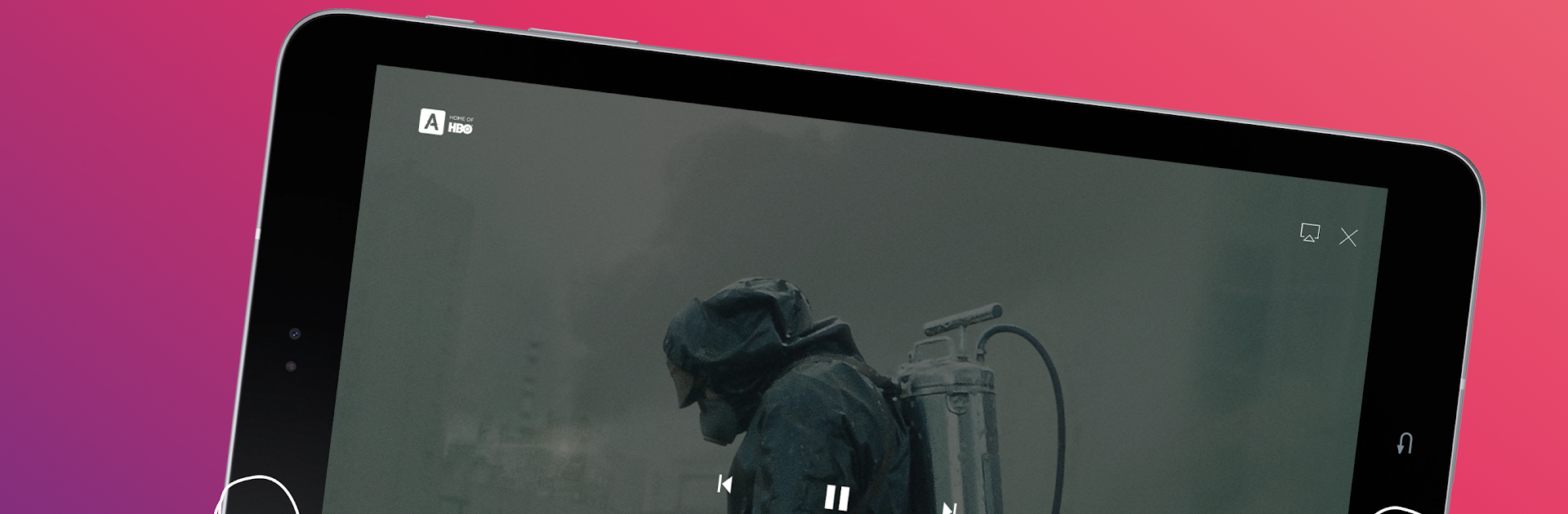


Let BlueStacks turn your PC, Mac, or laptop into the perfect home for Дом.ru Movix, a fun Entertainment app from ЭР-Телеком Холдинг.
About the App
Дом.ru Movix packs a whole bunch of movies and TV shows right at your fingertips—seriously, it feels like the entertainment just keeps coming. Brought to you by ЭР-Телеком Холдинг, this Entertainment app lets you catch your favorite channels, browse on-demand titles, and even keep up with what you missed on TV, all from your phone or tablet. If you’re the type who likes to watch on the go or chill at home with a big library of stuff to pick from, this app’s built for that.
App Features
-
Massive Selection
Don’t want to juggle a dozen passwords or hop between apps? With Дом.ru Movix, most movies and series available in Russia are all right here. You can find something for every mood or moment. -
Watch Anywhere, Anytime
Whether you’re stuck in line or lounging on the couch, just open the app on your phone, tablet, or even your computer (yep, BlueStacks comes in handy!), as long as you’re online. You only need a stable internet connection—nothing fancy. -
Never Miss a Show
The built-in archive lets you watch anything that aired on TV over the past week. If you’re too busy to catch something live, it’ll be waiting for you. Handy for those unpredictable days. -
Flexible Viewing on Multiple Devices
Up to five devices can be hooked up to one Дом.ru account. Watching in the living room while your friend streams in the kitchen? No problem. Plus, you can pause on one device and pick up right where you left off on another. -
Easy TV Guide and Reminders
Not sure what’s on? Check out the TV guide for the whole week and set handy reminders so you don’t forget what you actually want to see. -
Tailored Access for Дом.ru Clients
Just a heads-up: you’ll need to be a Дом.ru client and log in with your contract info. All features work only in Russia, and a stable internet connection (at least 700 kbps) keeps everything running smooth. -
Purchase and Watch Instantly
Buy the movies or series you’re interested in right through the app, then start watching immediately—no extra steps, just quick access to what you want.
Switch to BlueStacks and make the most of your apps on your PC or Mac.





